
Free Calendar Template
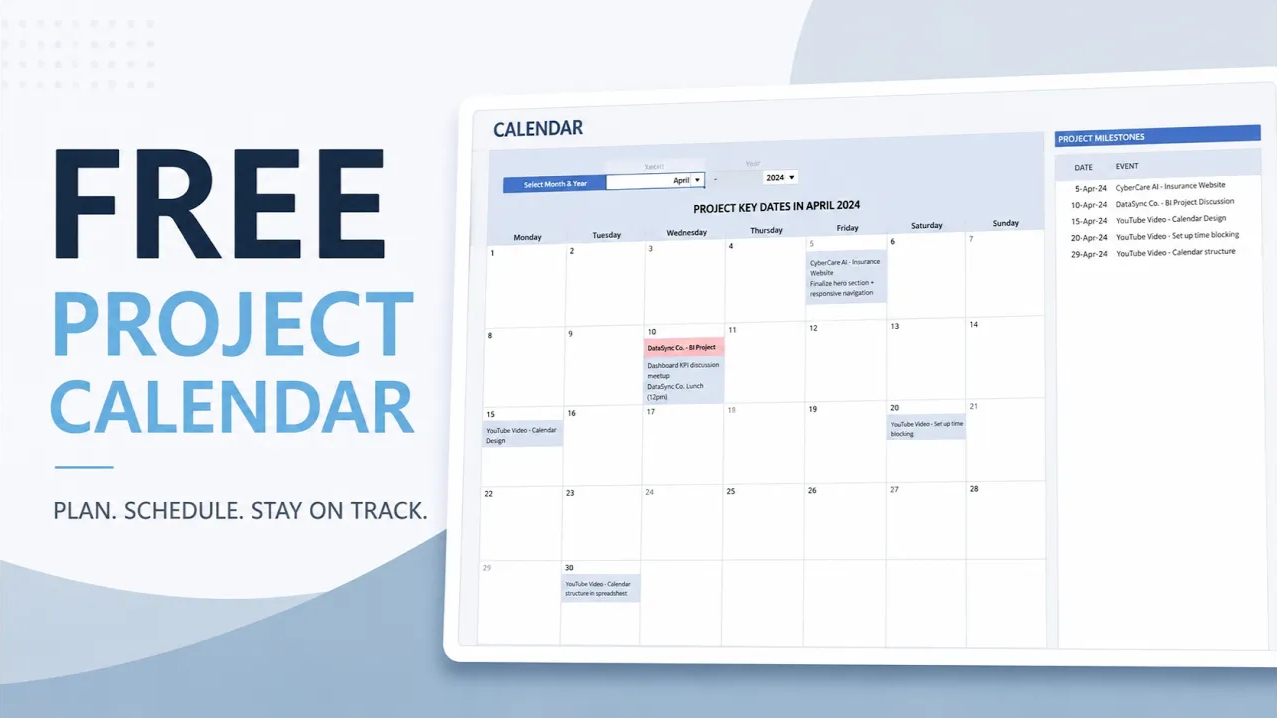
Eliminate the manual effort of schedule tracking. Convert your project tasks into an automated, visual calendar for immediate clarity on deadlines and team deliverables.
Complete Your Project Toolkit
Most users who download the Gantt chart also find these frameworks essential for daily operations.
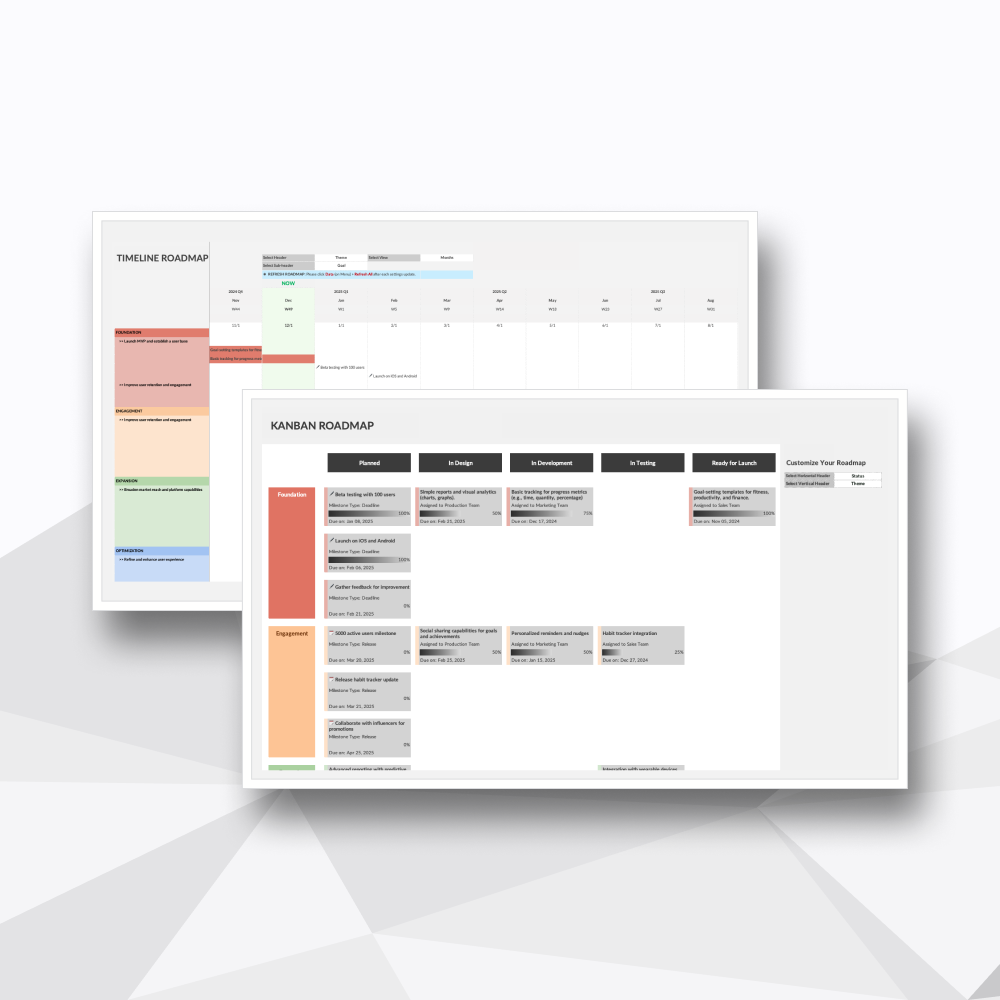
Bridge the gap between strategy and execution. Visualize your sprint cycles and product evolution with a clean, stakeholder-ready interface.
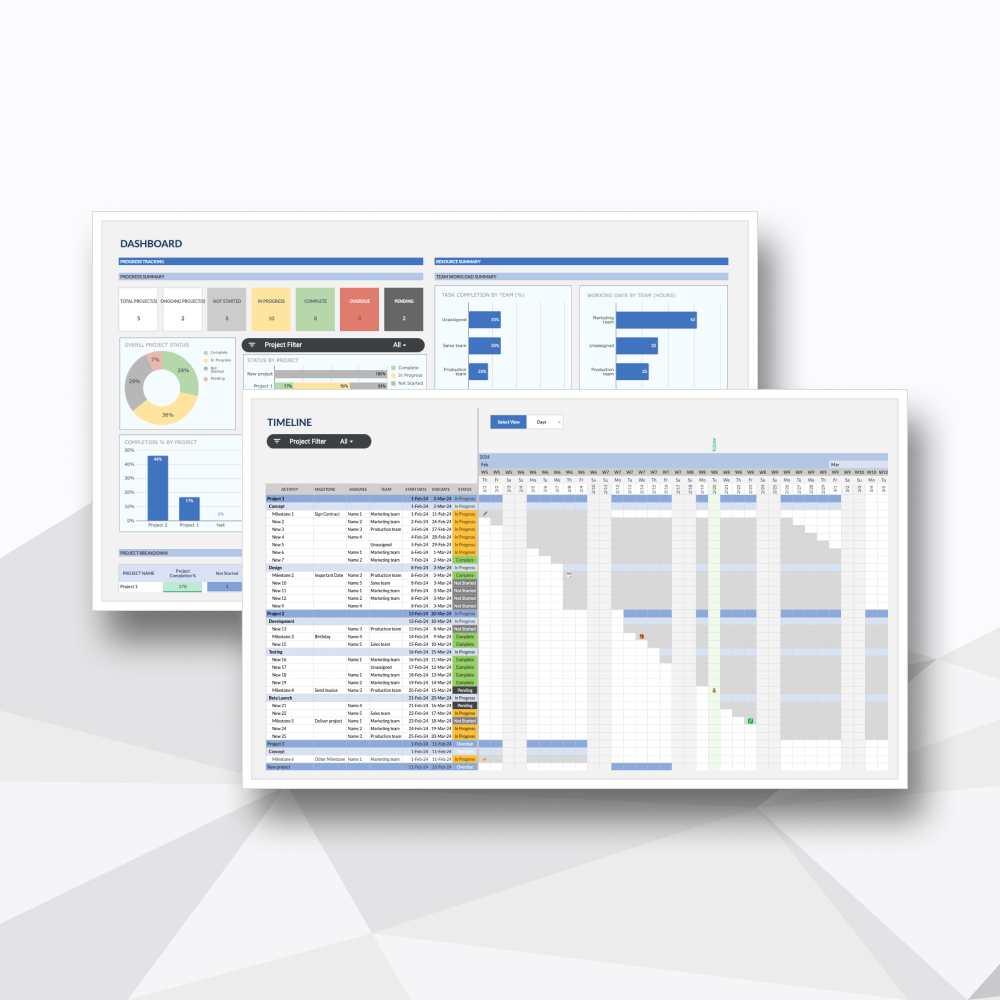
A high-performance management system that consolidates up to 1,000 projects into one visual command center. Turn complex progress updates, task lists, and personnel hours into a streamlined, interactive roadmap for success.
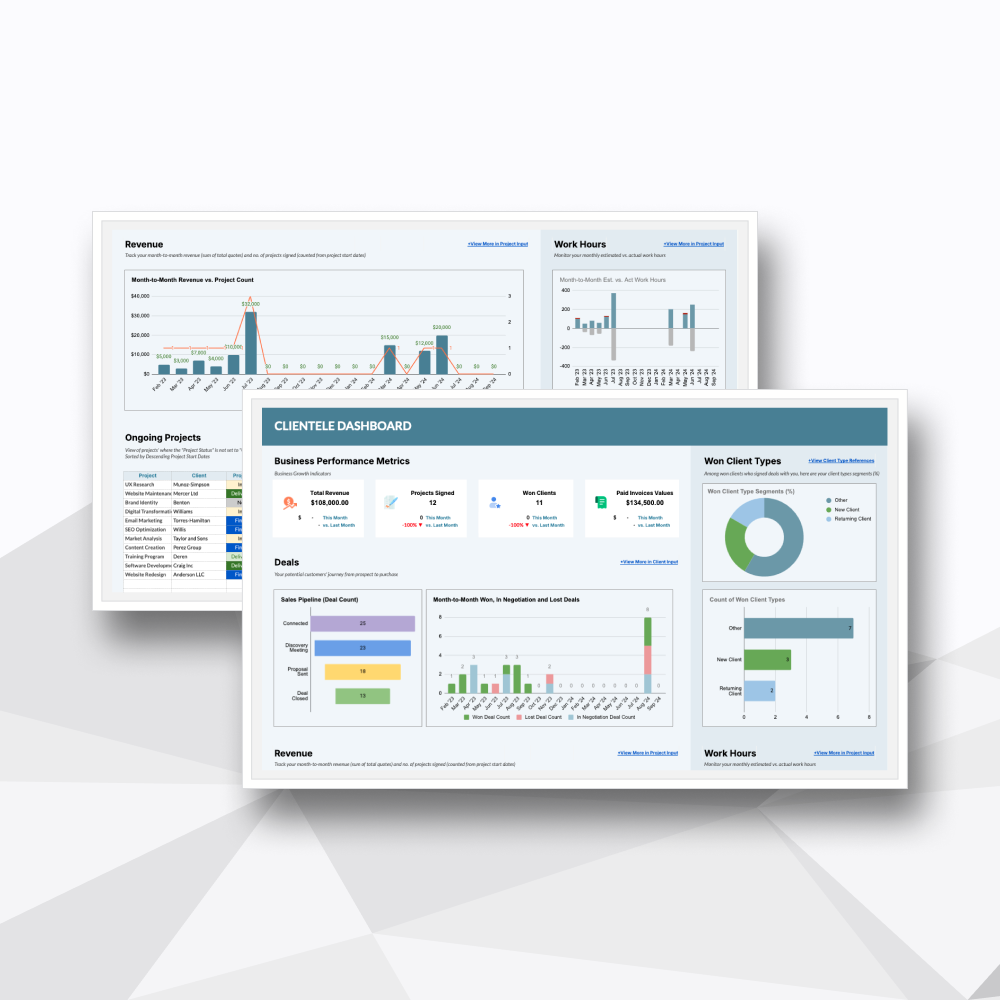
A powerful lead-tracking system that turns client notes, updates, invoices, and sales follow-ups into one clear client command center.
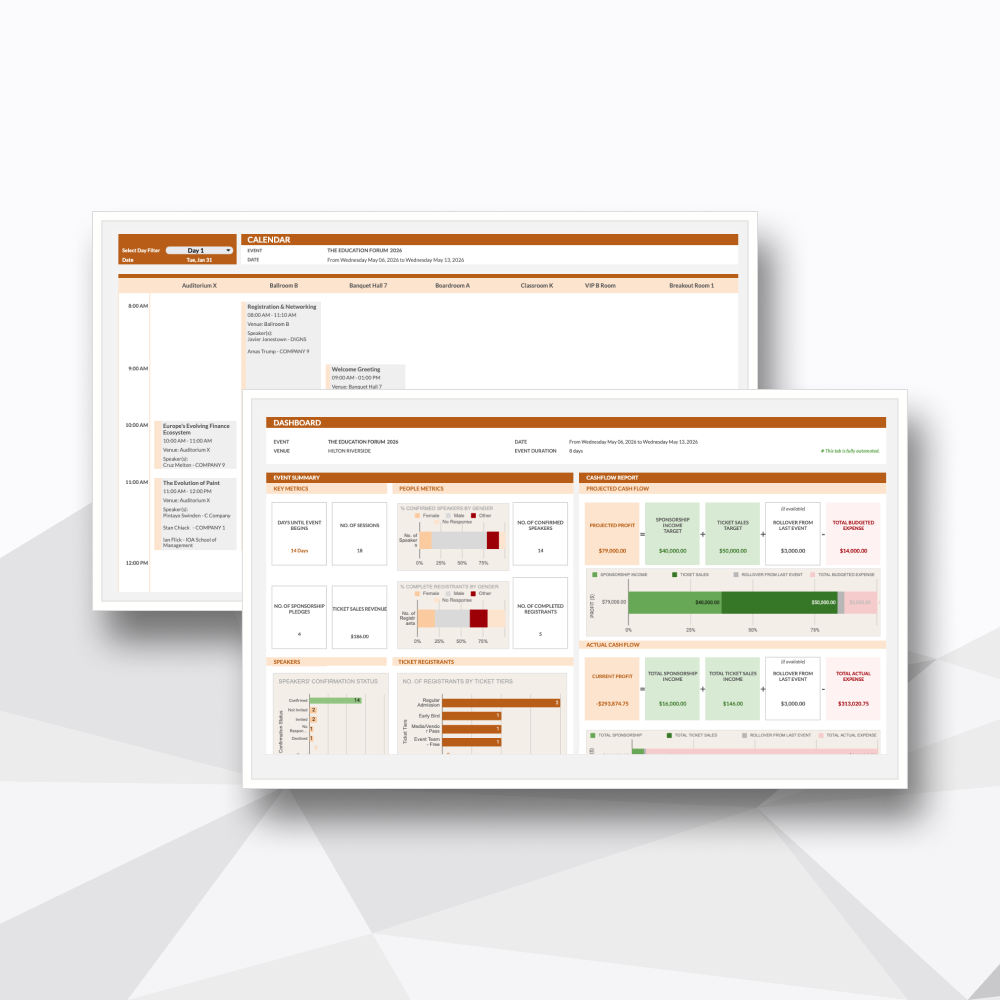
Manage logistics, vendor tiers, and real-time budgets. Built to handle the high-pressure environment of live event coordination.
Template Description
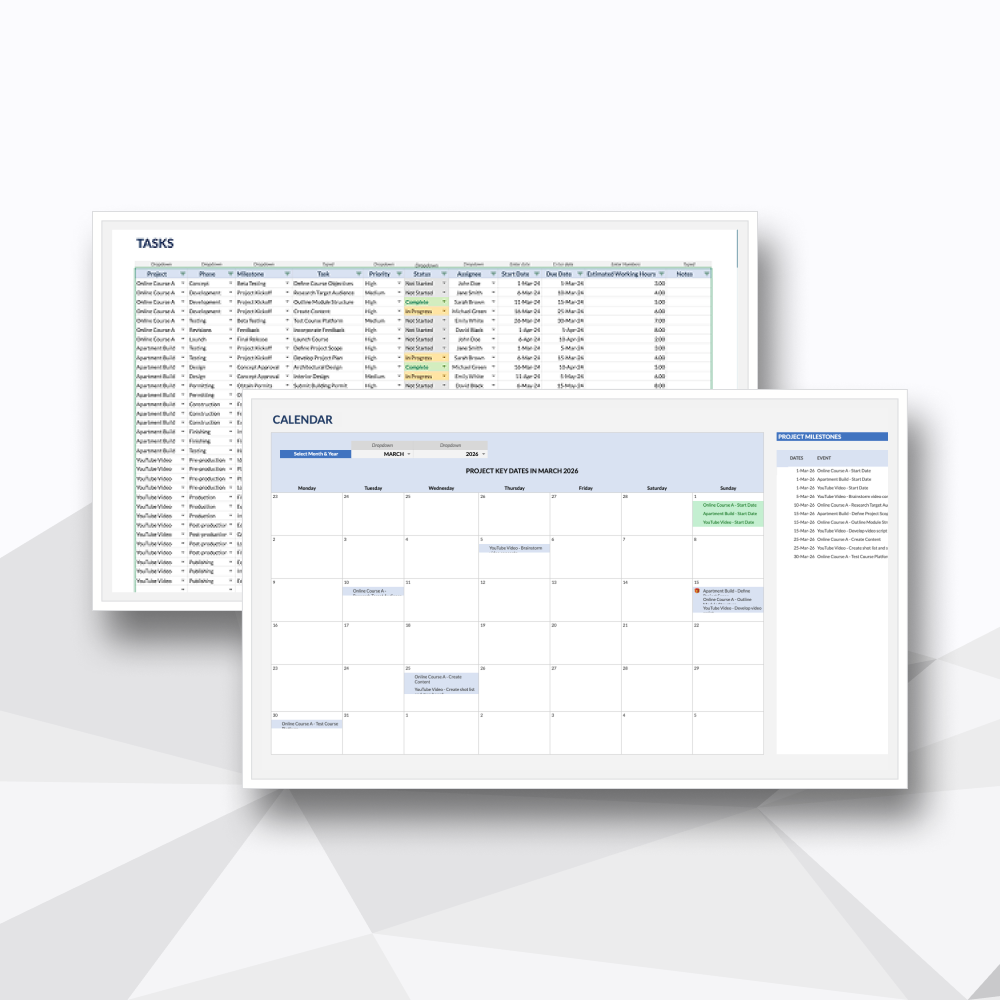
Convert your project tasks into an automated, visual calendar for immediate clarity on deadlines and team deliverables.
-
Designed for Google Sheets and Microsoft Excel, this template transforms your task lists into a high-visibility monthly schedule without any manual copying and pasting.
-
Upon purchase, you will receive a digital ZIP folder containing:
The Excel File: A .xlsx file to be used in Excel (designed for Microsoft 365 and Excel 2021).
The Google Sheets Access PDF: A setup guide containing a secure link to generate your own private, editable copy in Google Sheets.
-
Portfolio Managers: Oversighting multiple departments and high-volume project streams.
Project Leaders: Tracking up to 50 personnel across 20 distinct project phases.
Agency Owners: Managing client deliverables and resource work hours in one hub.
Small Business Owners: Seeking professional-grade project tracking without a SaaS subscription.
-
Automated Calendar Population: Simply enter your project names, specific tasks, start dates, and due dates into the dedicated Task Tab. The custom calendar automatically pulls and displays what is due on each specific day based on your inputs.
Dynamic Month & Year Filtering: Switch between months or years with a single click. The calendar view dynamically recalculates and updates instantly to display only the relevant deadlines and project durations for the selected period.
Clear Visual Tracking: Easily distinguish between ongoing project timelines (start and end dates) and distinct task due dates, giving you an instant snapshot of workload distribution and critical milestones.
-
This spreadsheet features 3 high-performance tabs:
Settings: The setup control center where you can customize global parameters, project names, project start and end dates, and task statuses to tailor the template to your workflow.
Tasks: The primary hub for entering detailed project information, managing task descriptions, setting start and end dates, and logging specific deadlines.
Calendar (Fully Automated): An automated monthly view that dynamically pulls data directly from your task entries, instantly displaying project start/end dates and day-to-day deliverables based on your selected month and year filters.
-
Microsoft Excel: Fully compatible with Microsoft 365 or Excel 2021 (Desktop version recommended).
Google Sheets: You will need a Google Account (Personal or Workspace) to access and save your private copy.
-
Protected Logic: We’ve secured the complex formulas and background calculations so you can manage your portfolio with confidence, without the risk of breaking the system.
No Recurring Overhead: A one-time investment for professional-grade project management. No per-user fees or monthly subscriptions.
Privacy & Ownership: Your data is yours. Since the file lives on your machine or private Google Drive, your project details and personnel data remain 100% private.
-
Instant Delivery: Access your files immediately after checkout via your account and email.
Customization Support: Need a specific tweak? Our team at Hello Templately is available for bespoke customization to ensure the tool fits your business perfectly.