 Image 1 of 6
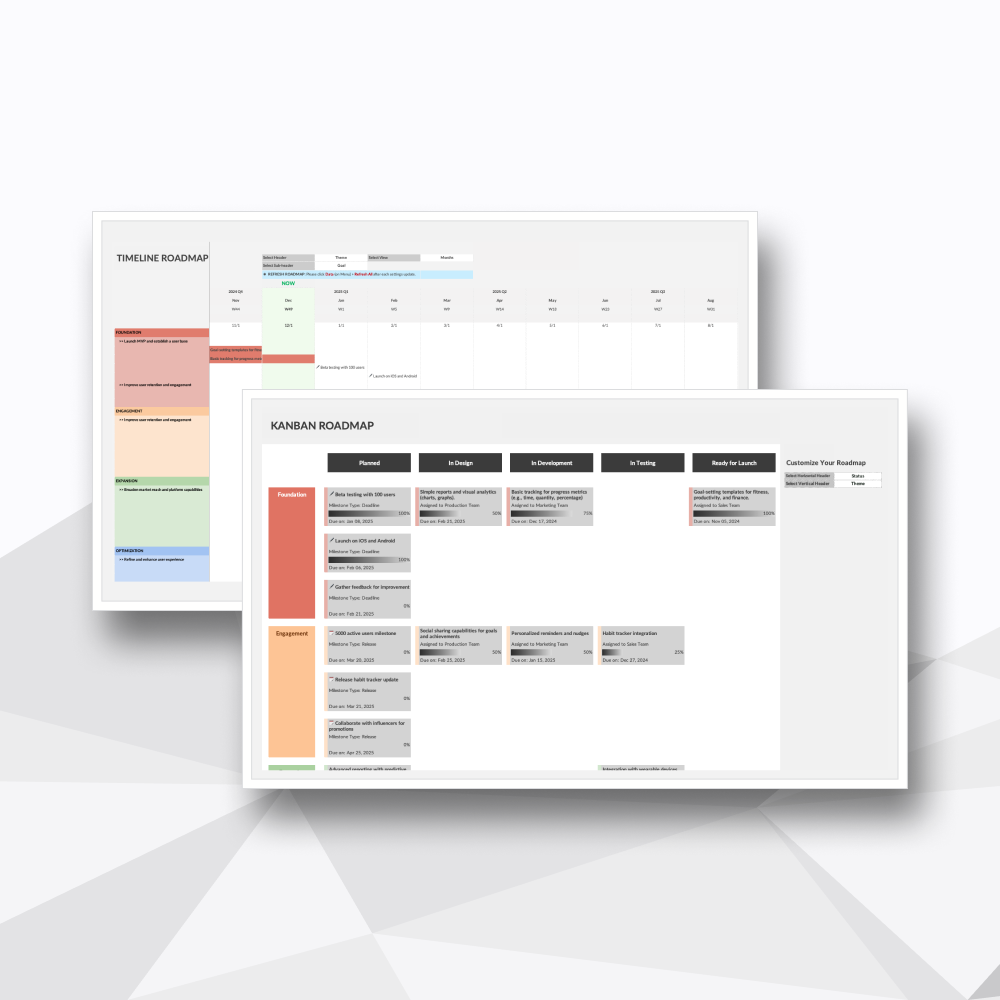 Image 2 of 6
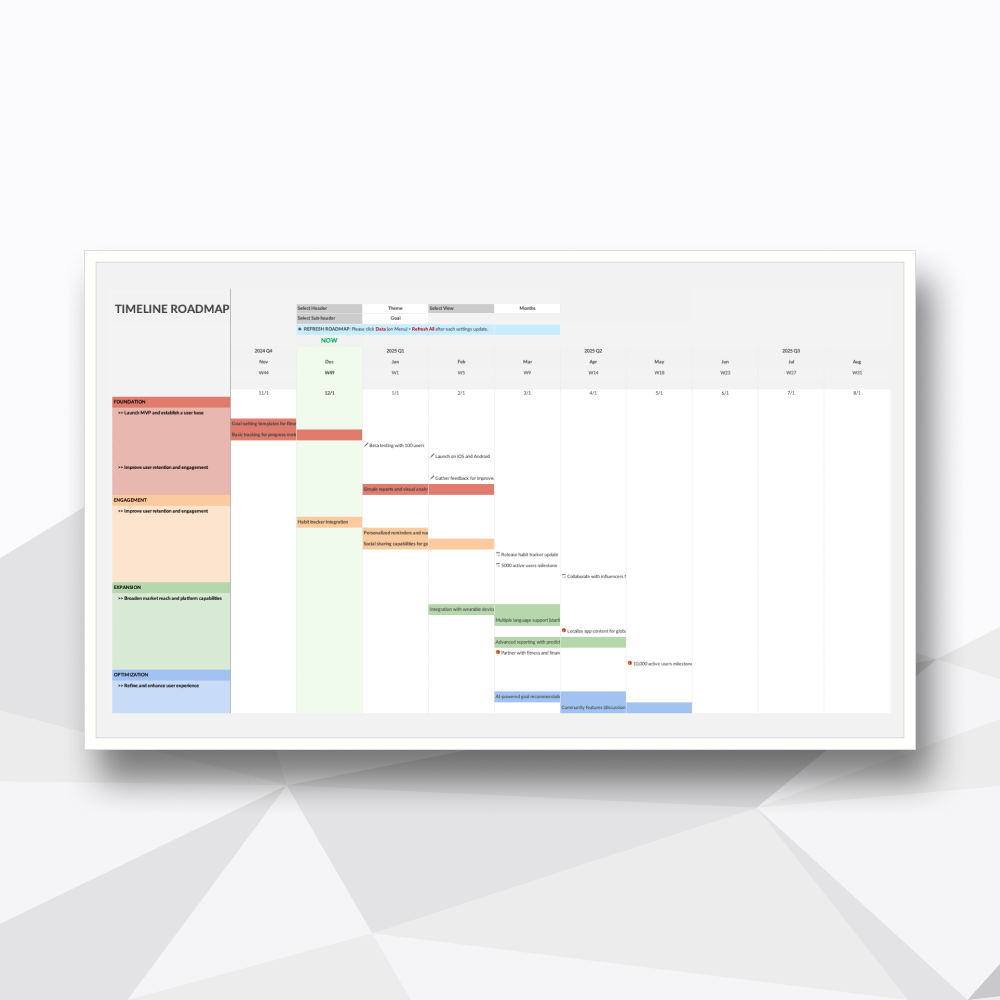 Image 3 of 6
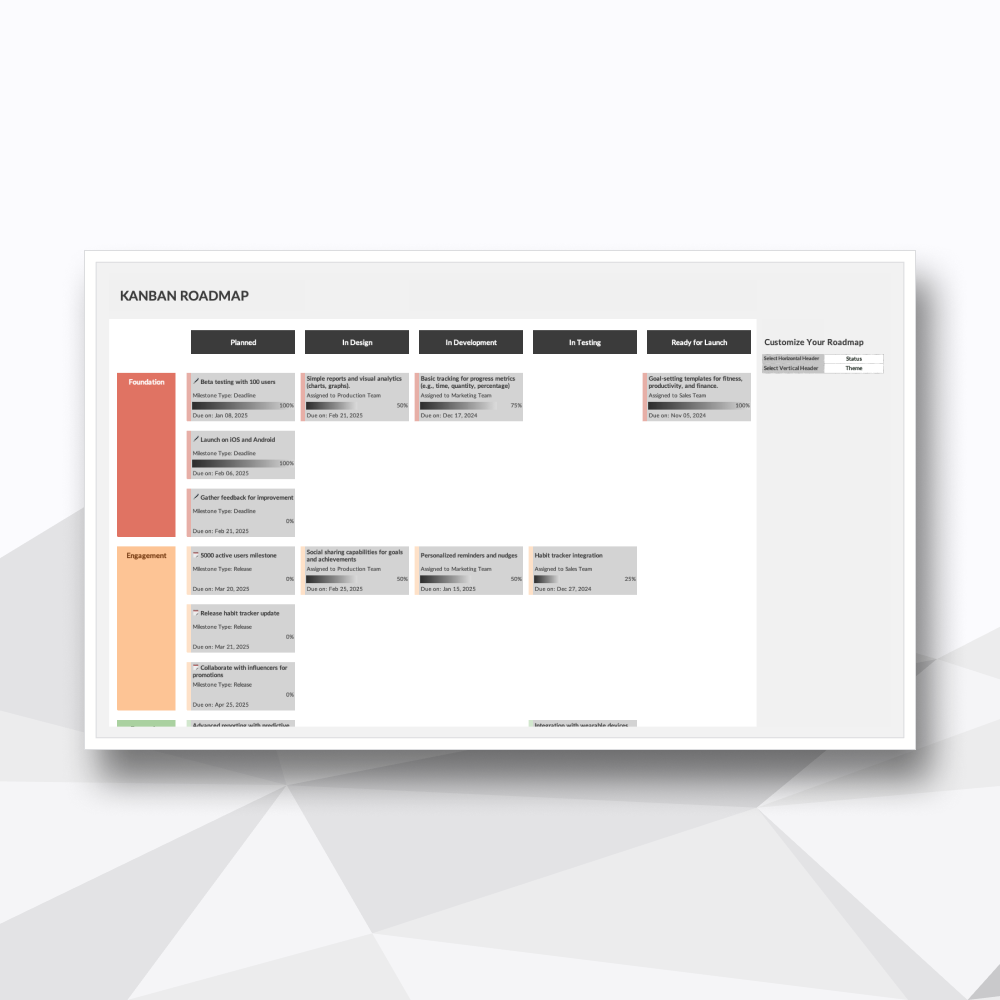 Image 4 of 6
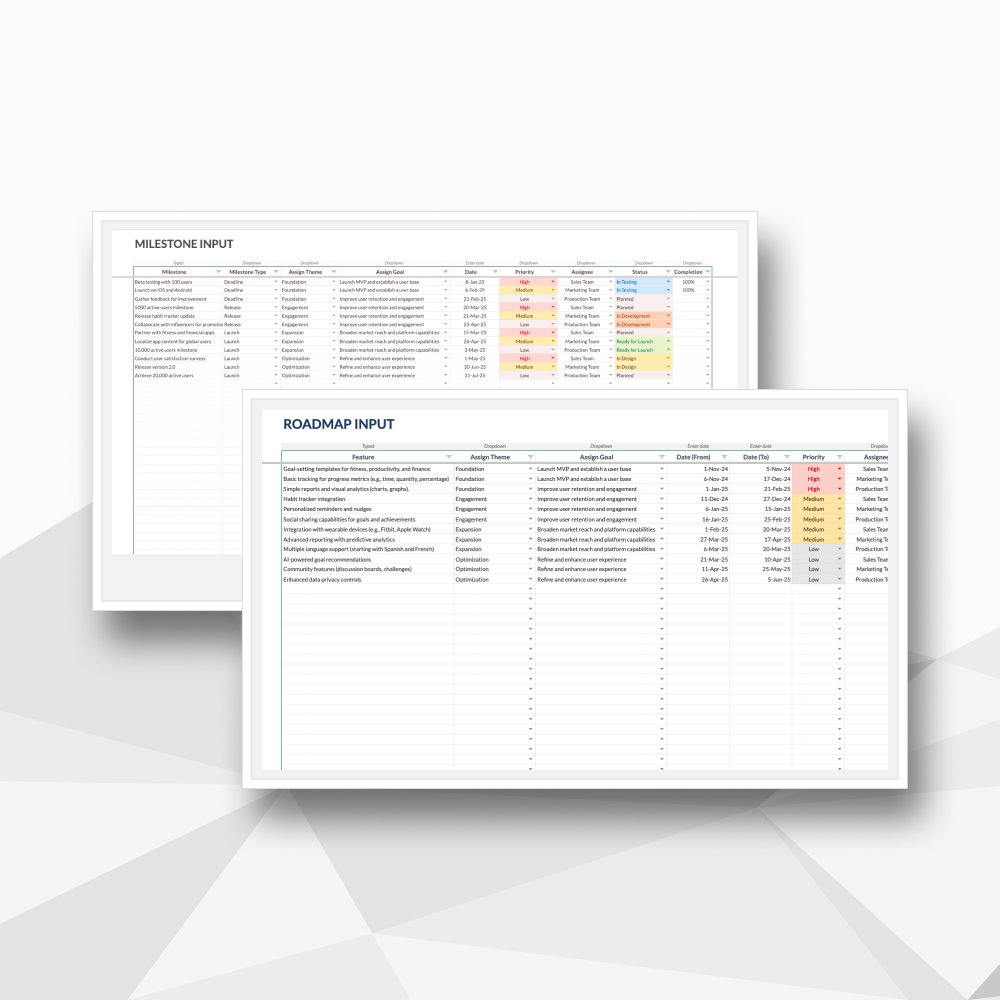 Image 5 of 6
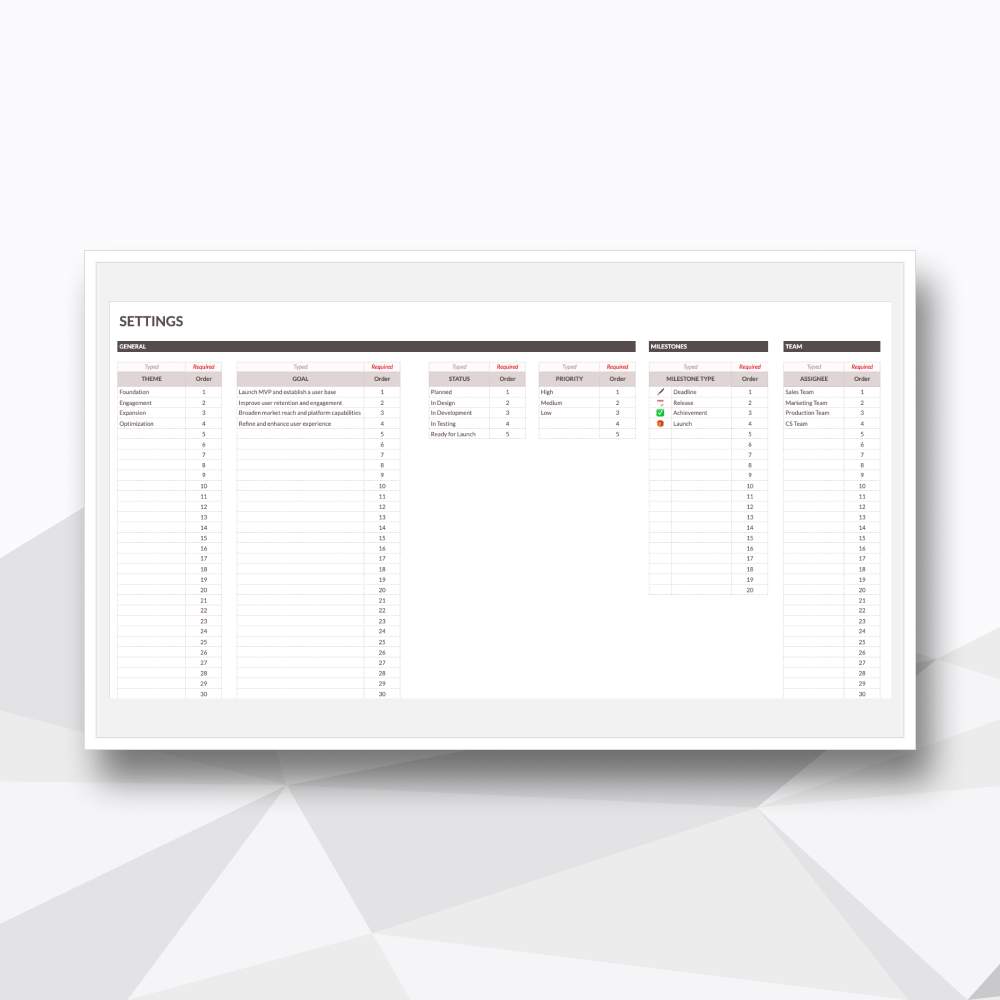 Image 6 of 6
Take a Tour of the Workflow
-
![]()
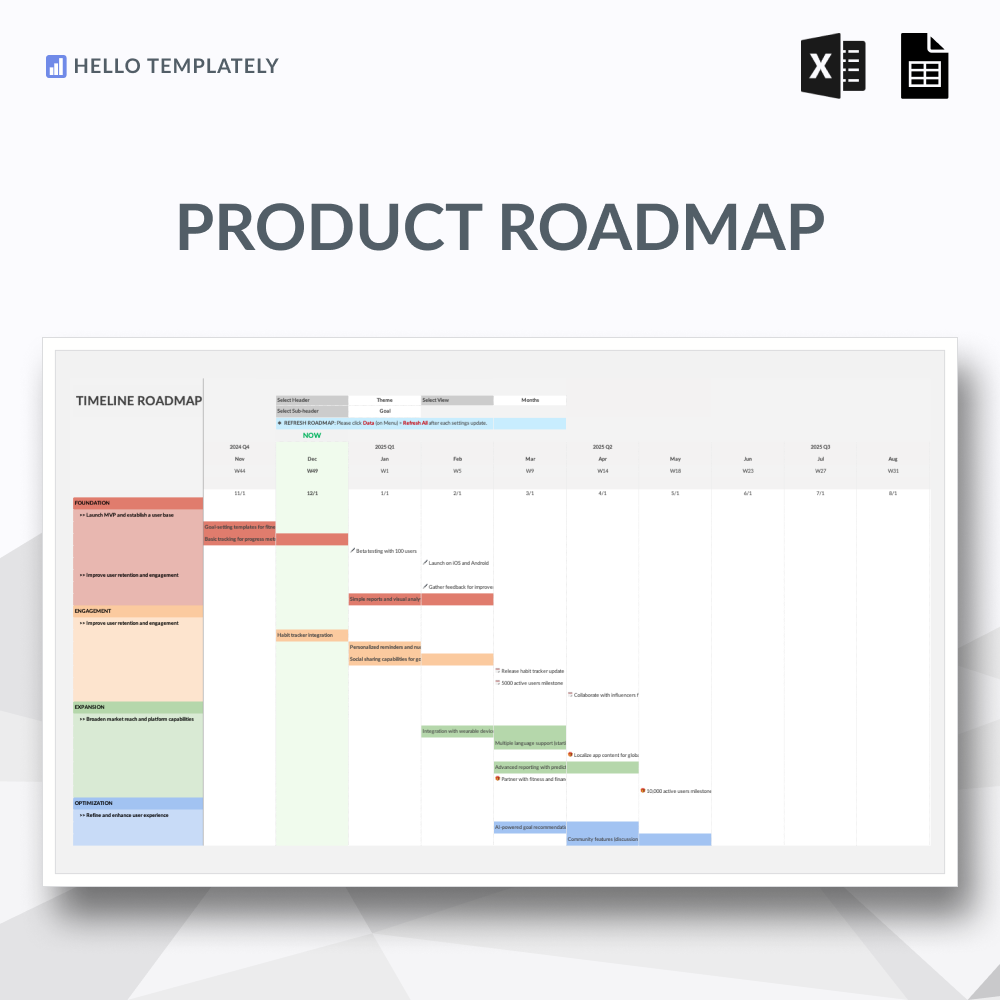
01. Timeline Roadmap
Fully automated Gantt-style visualizations for charting long-term product evolution.
-
![]()
02. Kanban Roadmap
Dynamic boards to manage feature priorities and go-to-market execution phases.
-
![]()
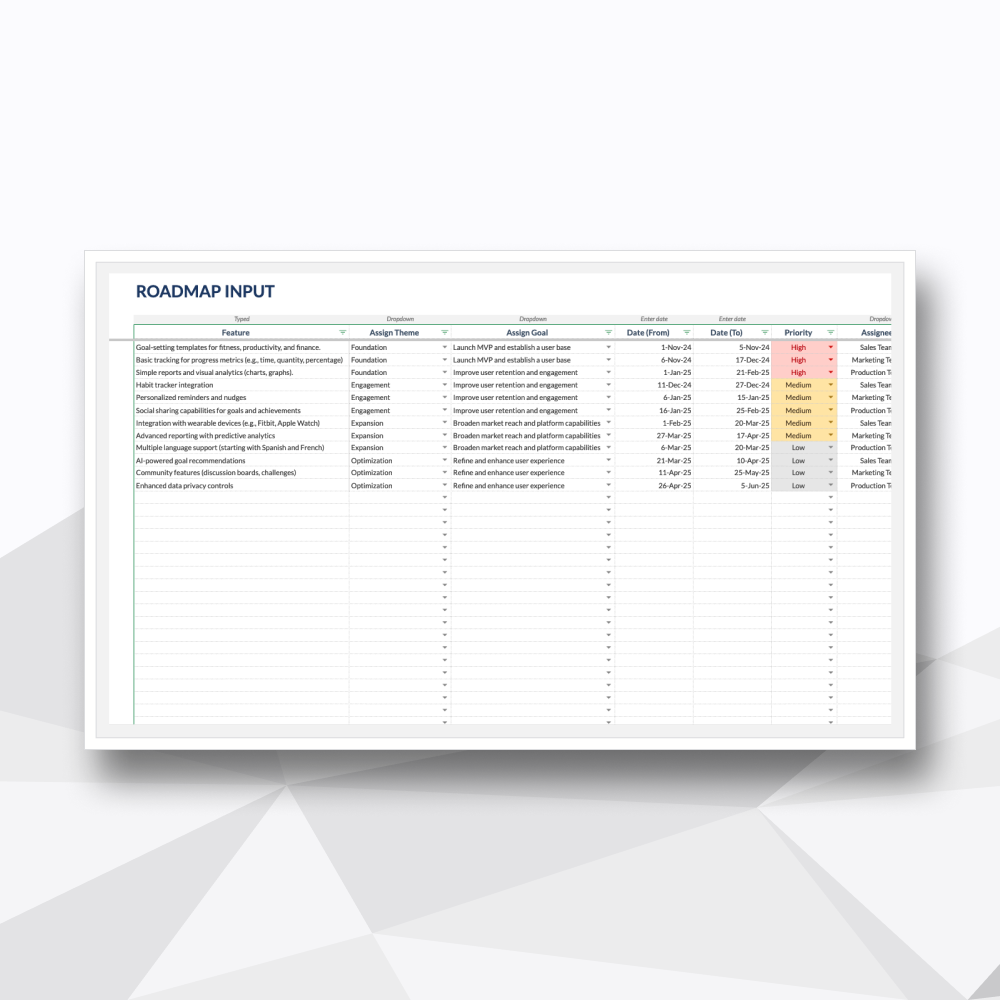
03. Roadmap Input
Centralized hub for detailing product requirements, ownership, and strategic value.
-
![]()
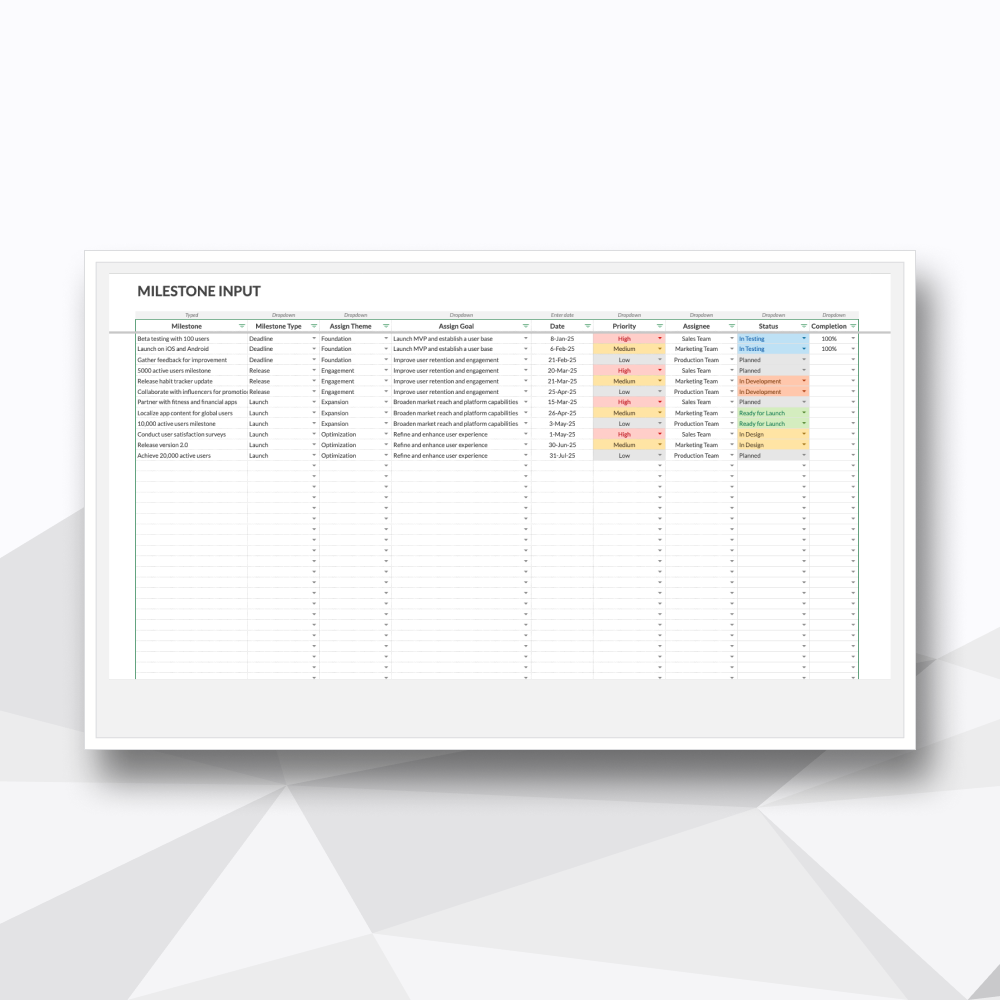
04. Milestone Input
Dedicated log for tracking critical launch dates and high-level objectives.
-
![]()
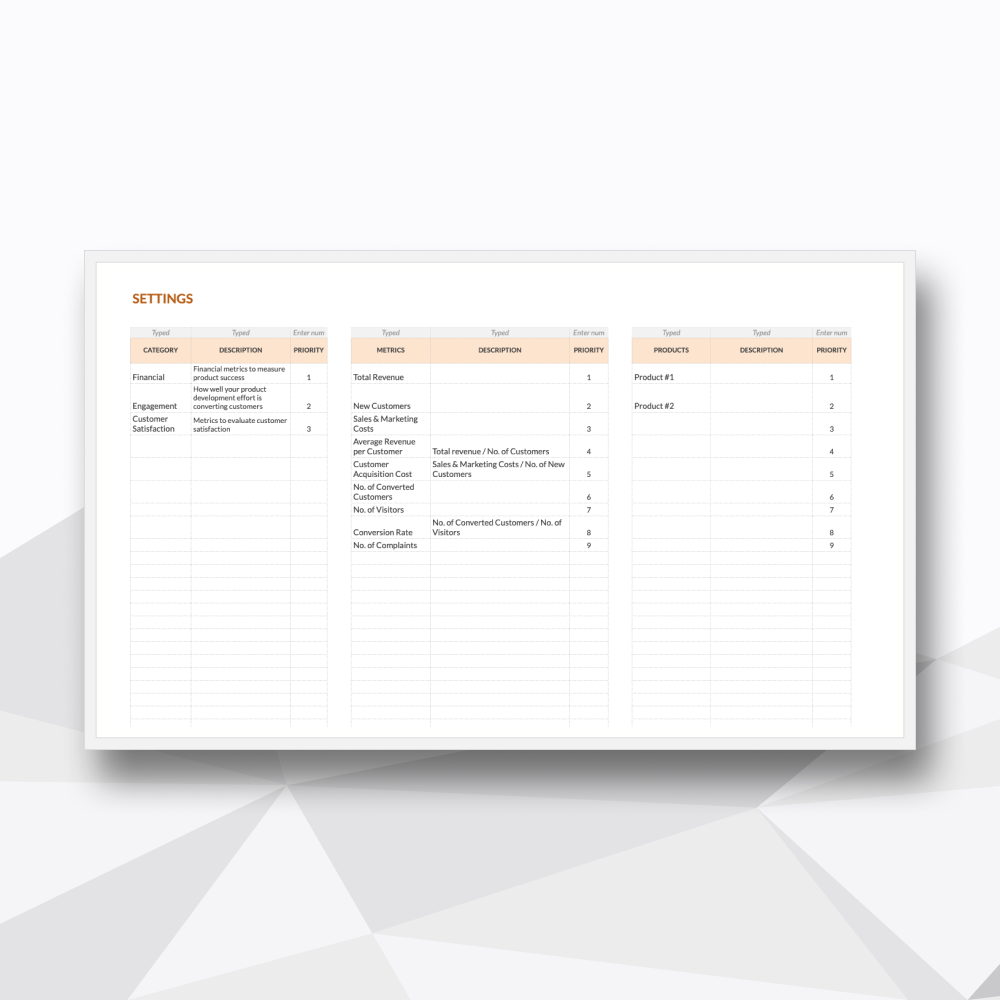
05. Settings
Customizable configurations to adapt the roadmap to your specific development lifecycle
Template Description
Define your trajectory. Align your team around a unified strategy.
-
Combining detail-rich timelines with dynamic Kanban boards, this system transforms fragmented ideas into a professional framework. It is architected for precision planning, allowing you to prioritize features, manage releases, and visualize go-to-launch timelines in one multifaceted tool.
-
Upon purchase, you will receive a digital ZIP folder containing:
The Excel File: A .xlsx file to be used in Excel (designed for Microsoft 365 and Excel 2021).
The Google Sheets Access PDF: A setup guide containing a secure link to generate your own private, editable copy in Google Sheets.
-
Product Managers & Entrepreneurs: Aligning development cycles with business objectives.
Marketers & Content Strategists: Mapping out campaign launches and cross-departmental dependencies.
Developers & Technical Leads: Tracking feature evolution and technical milestones.
Founders: Pitching product trajectory to investors with professional, up-to-date visualizations.
-
Precision Strategy Planning: Utilize a structured framework to prioritize features and releases. Your visualizations update automatically to reflect actionable goals for every phase of development.
Total Team Alignment: Maintain a shared source of truth across development, marketing, and support. Facilitate transparent communication to ensure all departments achieve the same objectives.
Stakeholder-Ready Visuals: Communicate your vision at a glance. Use built-in filters and zoom views to report to leadership or rally teams with clear, high-level charts.
Adaptive Trajectory: Craft long-term goals that remain flexible. Easily update milestones and timelines as customer needs and market conditions evolve.
-
This spreadsheet features 5 high-performance tabs:
Timeline Roadmap (Fully Automated): Your visual Gantt command center for tracking the long-term product trajectory.
Kanban Roadmap (Fully Automated): A dynamic board for managing the flow of features through development and launch.
Feature Inputs: The primary engine for entering detailed feature data, priority levels, and status updates.
Milestone Inputs: A dedicated space for pinpointing critical dates and high-level product goals.
Settings: The control center where you can customize categories, status labels, and team names.
-
Microsoft Excel: Fully compatible with Microsoft 365 or Excel 2021 (Desktop version recommended).
Google Sheets: You will need a Google Account (Personal or Workspace) to access and save your private copy.
-
Protected Logic: We’ve secured the background calculations so you can focus on strategy without the risk of breaking the automated visualizations.
No Recurring Overhead: A professional-grade roadmap tool without the high cost and complexity of a monthly SaaS subscription.
Privacy & Ownership: Your intellectual property stays private. Your roadmap lives on your machine or your secure Google Drive.
-
Instant Delivery: Access your files immediately after checkout via your account and email.
Customization Support: Need to integrate specific KPIs or custom views? Our team at Hello Templately is available for bespoke customization to ensure the tool fits your product lifecycle perfectly.