 Image 1 of 9
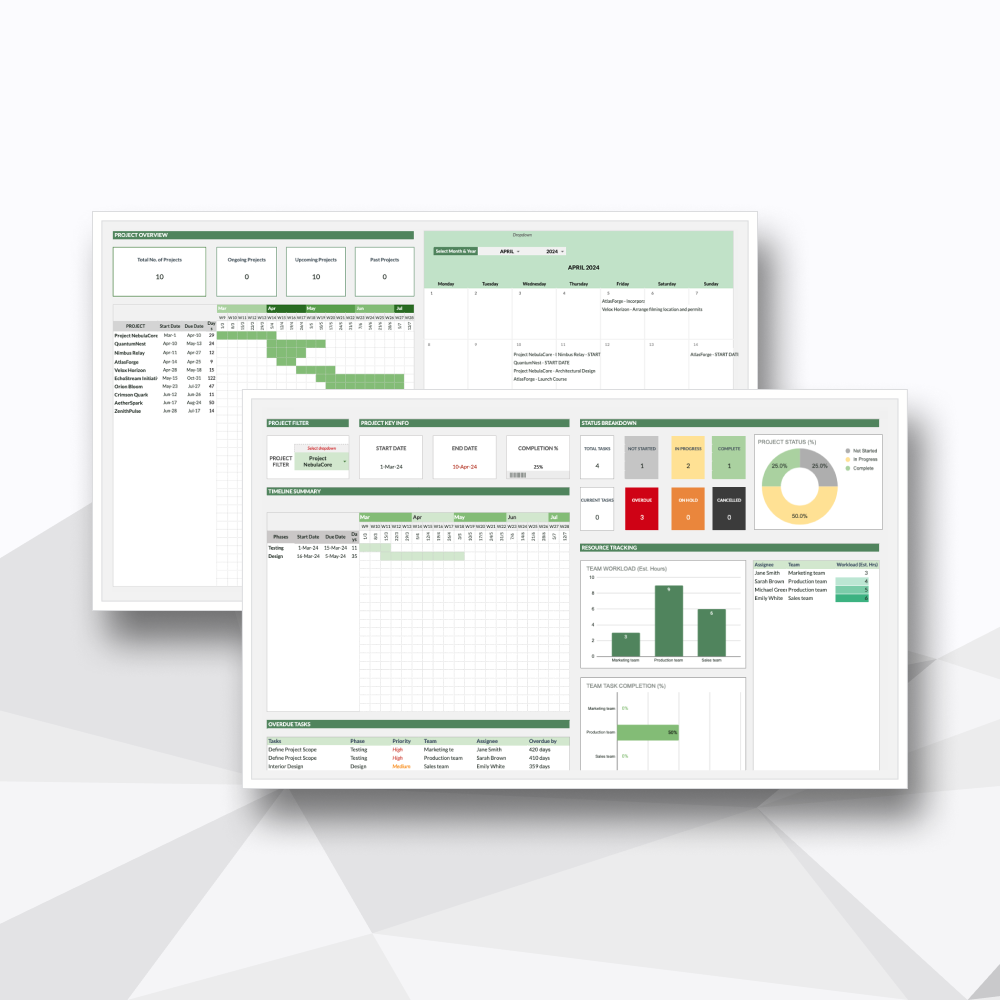 Image 2 of 9
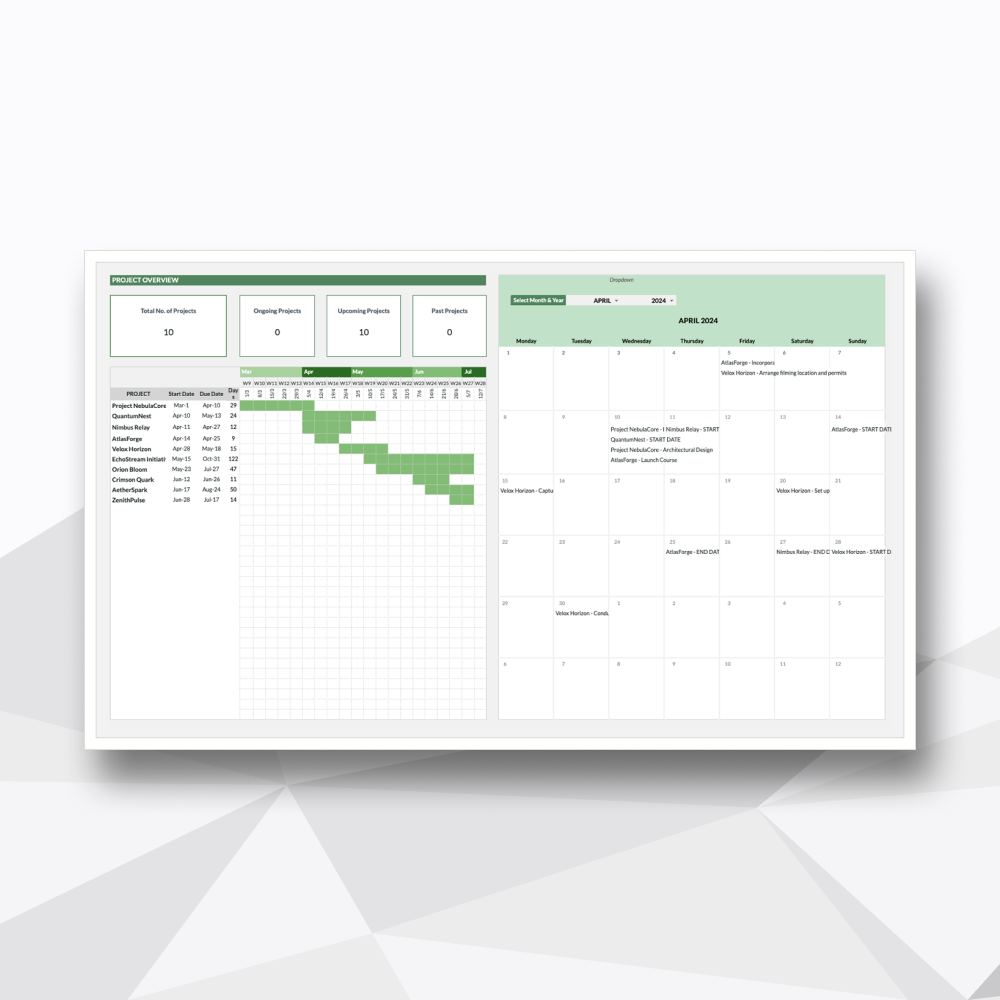 Image 3 of 9
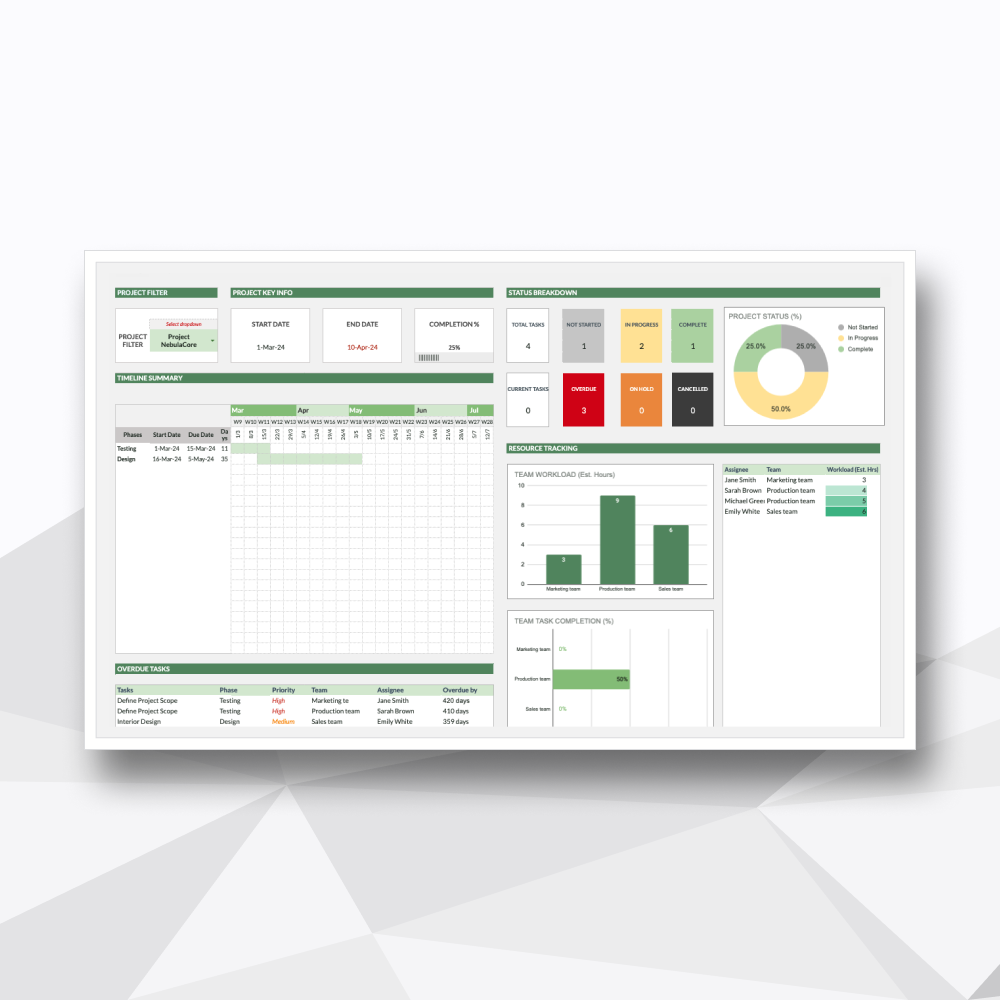 Image 4 of 9
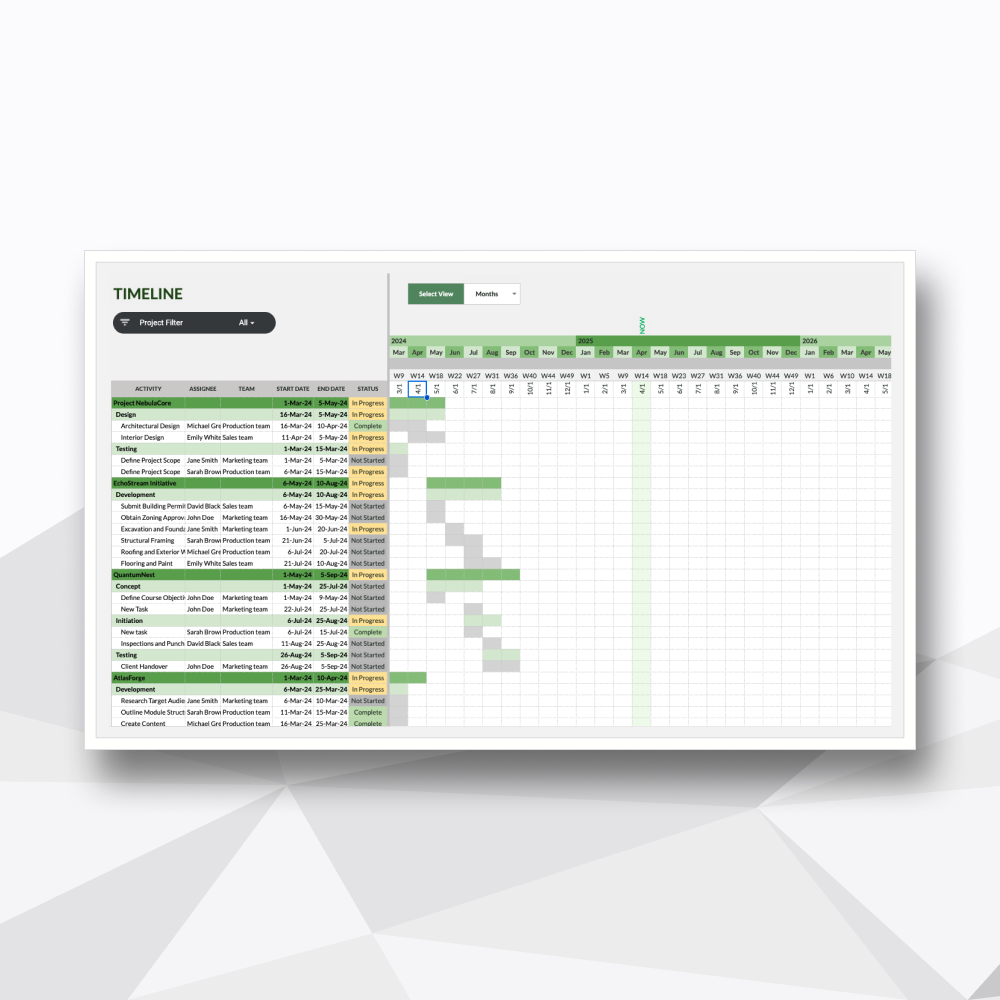 Image 5 of 9
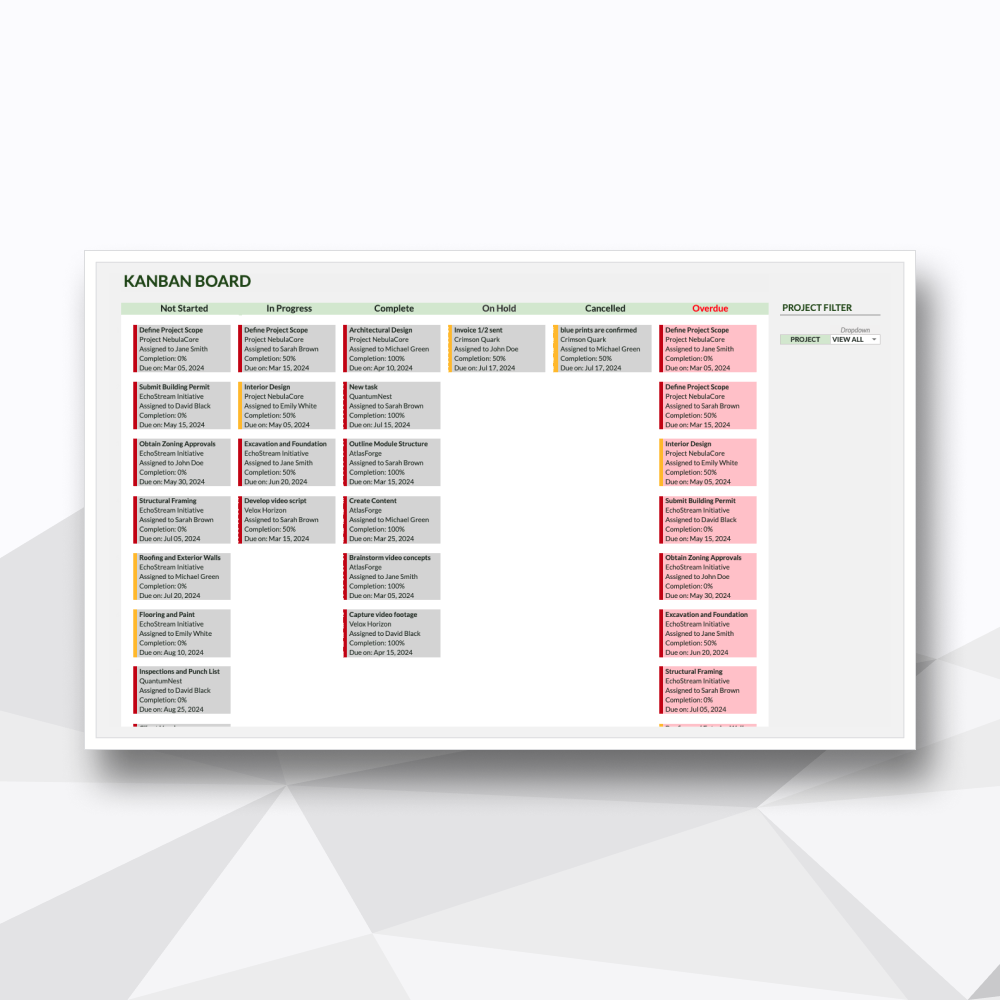 Image 6 of 9
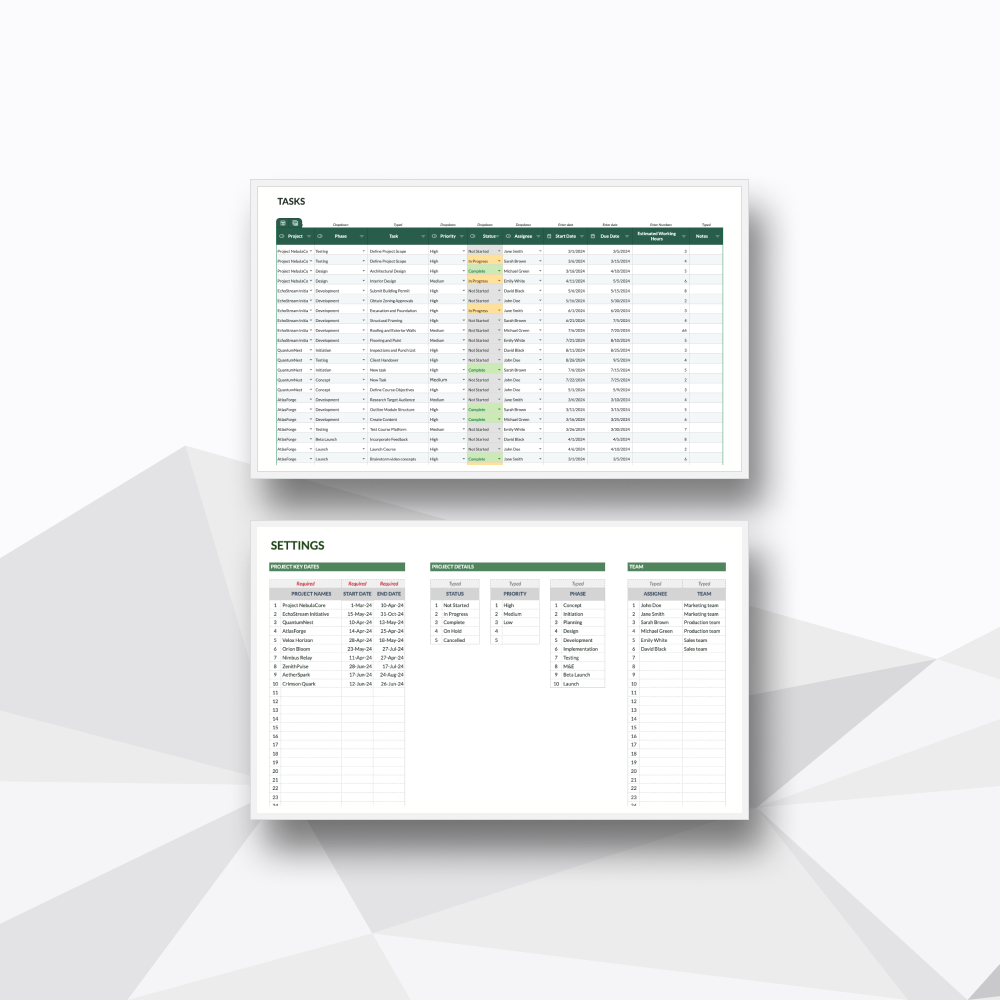 Image 7 of 9
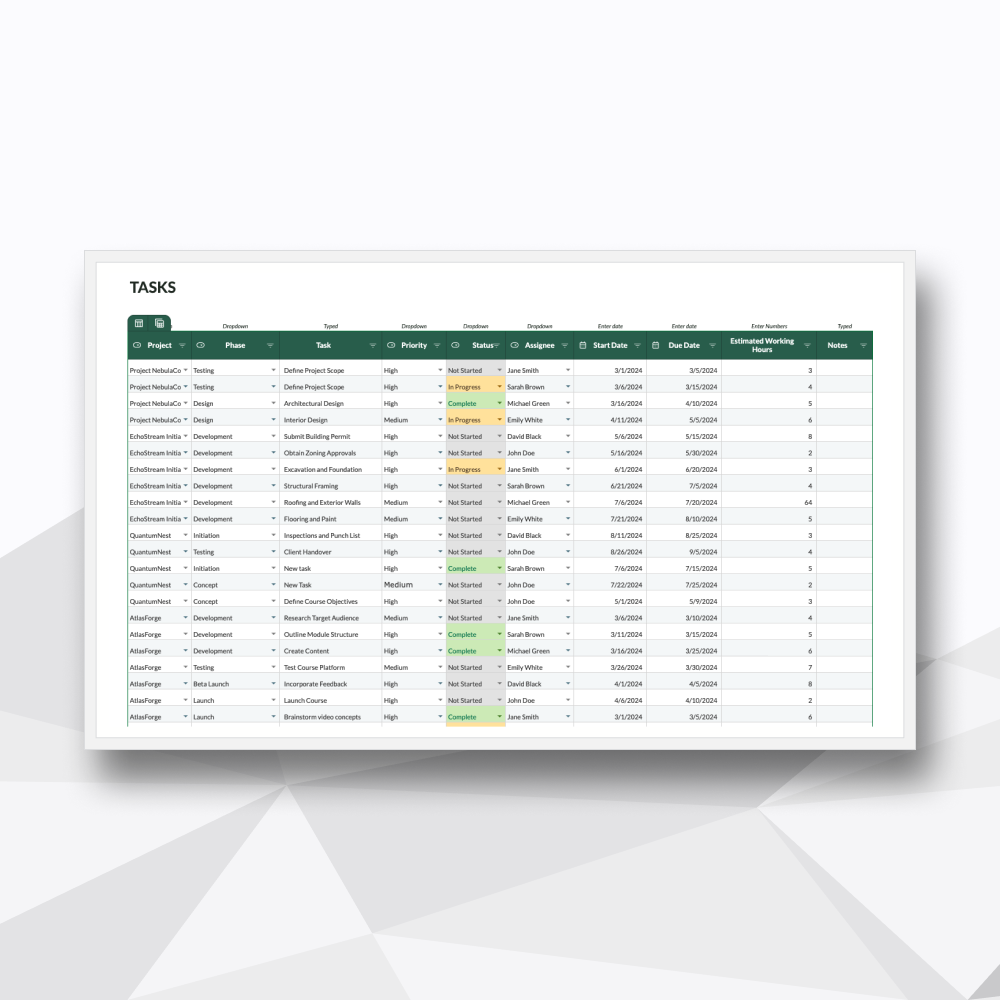 Image 8 of 9
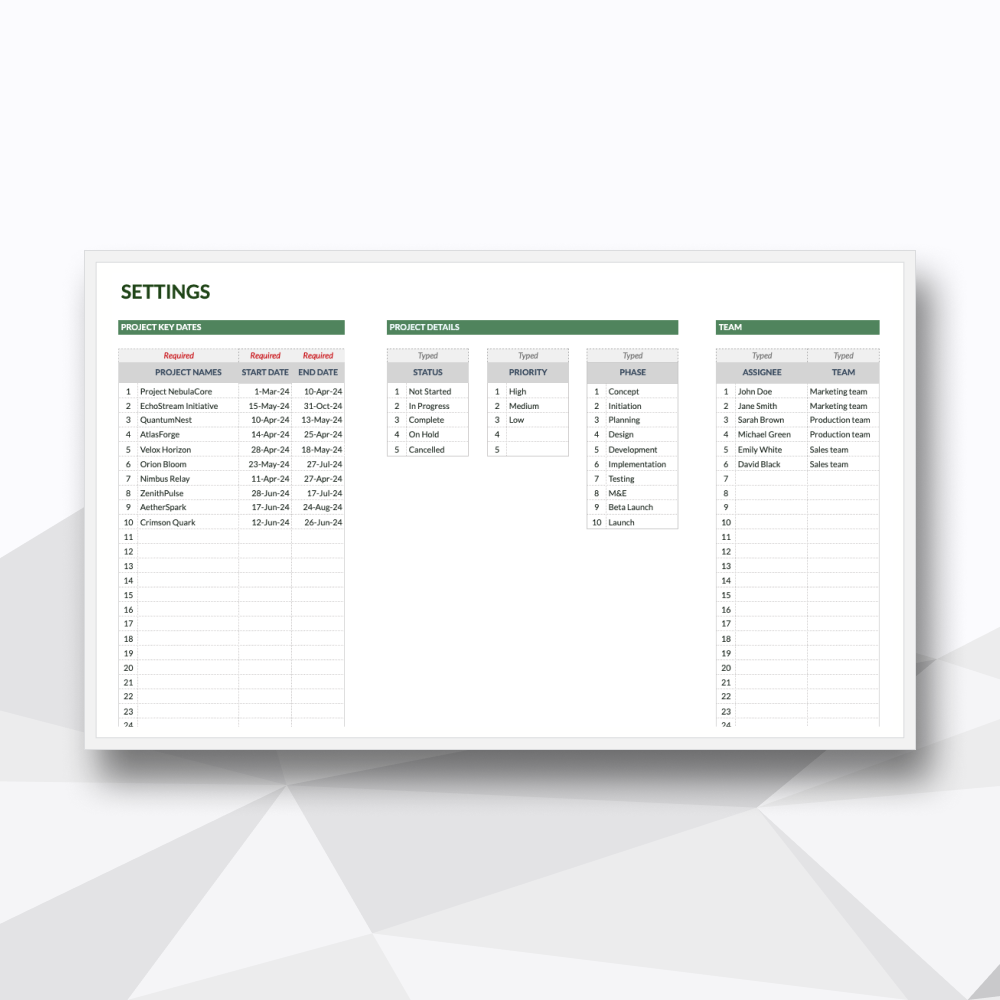 Image 9 of 9
Take a Tour of the Workflow
-
![]()
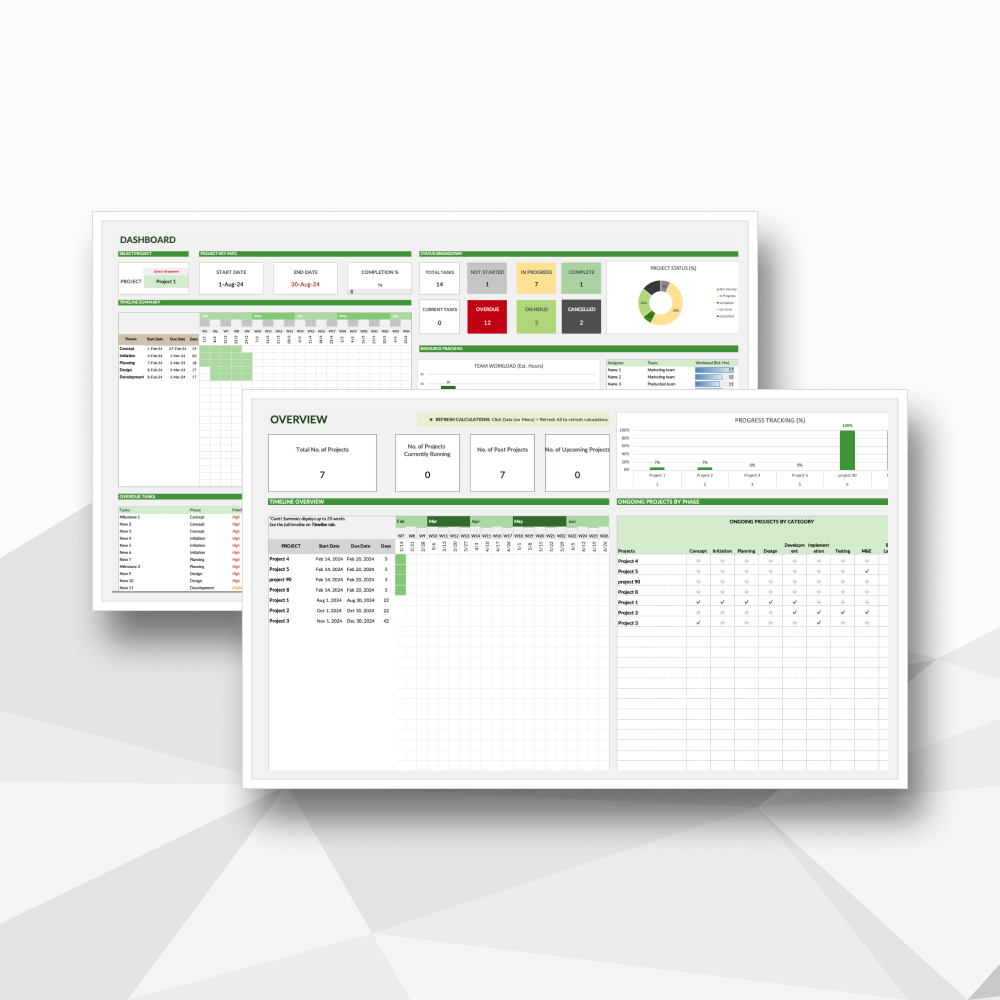
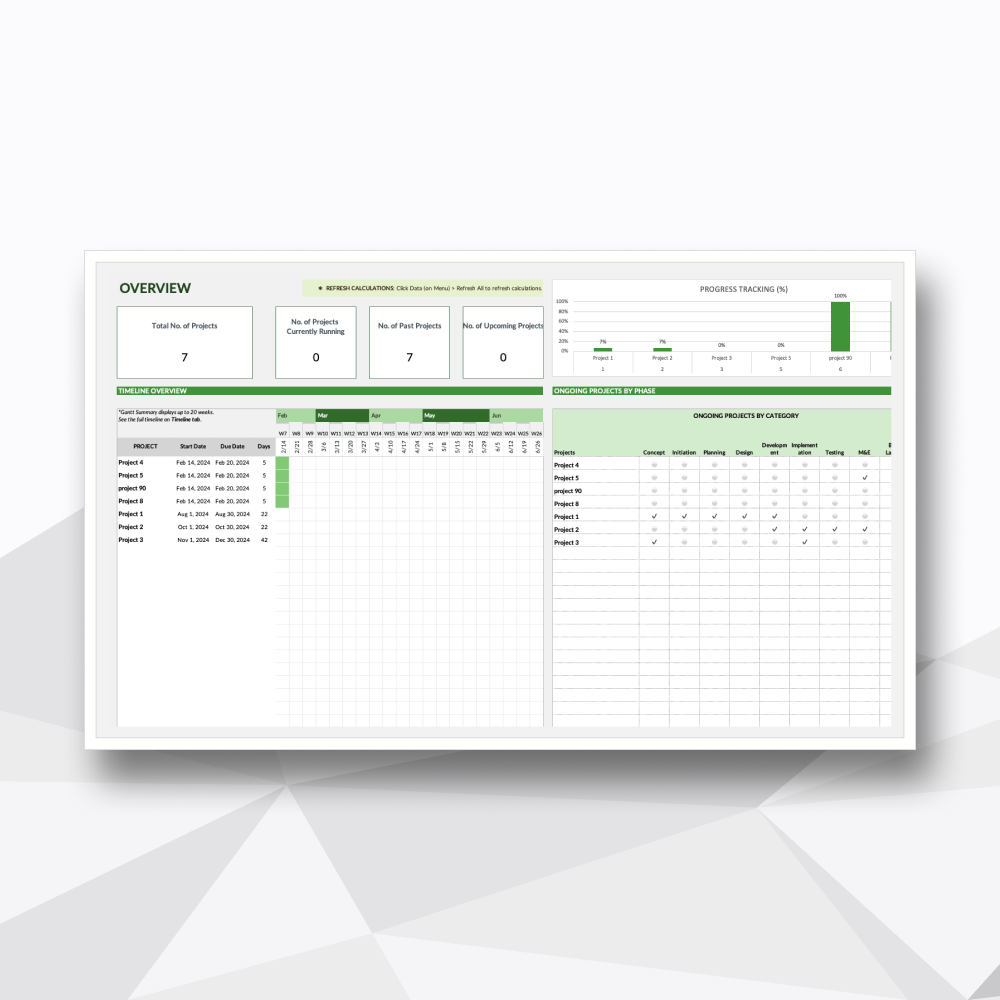
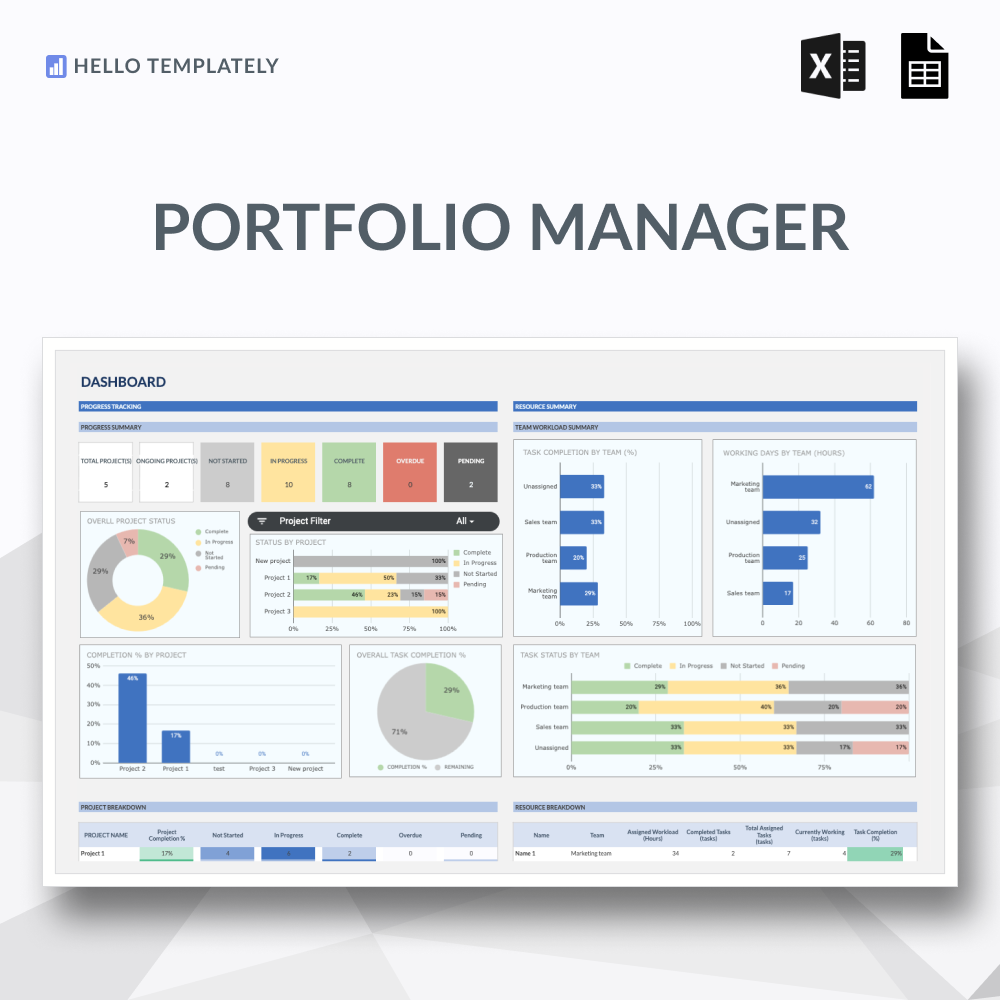
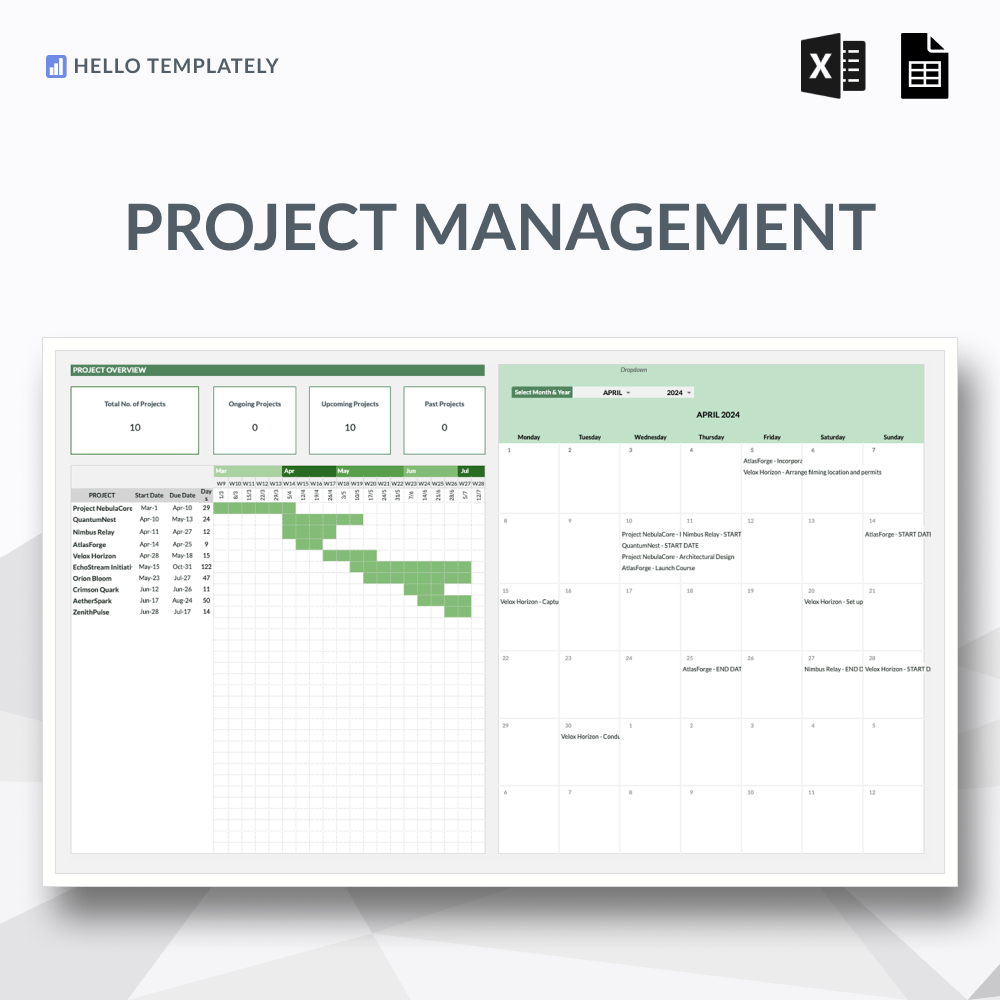
01. Centralized Project Overview
A high-level command view of your entire portfolio to track the health and status of multiple projects at once.
-
![]()
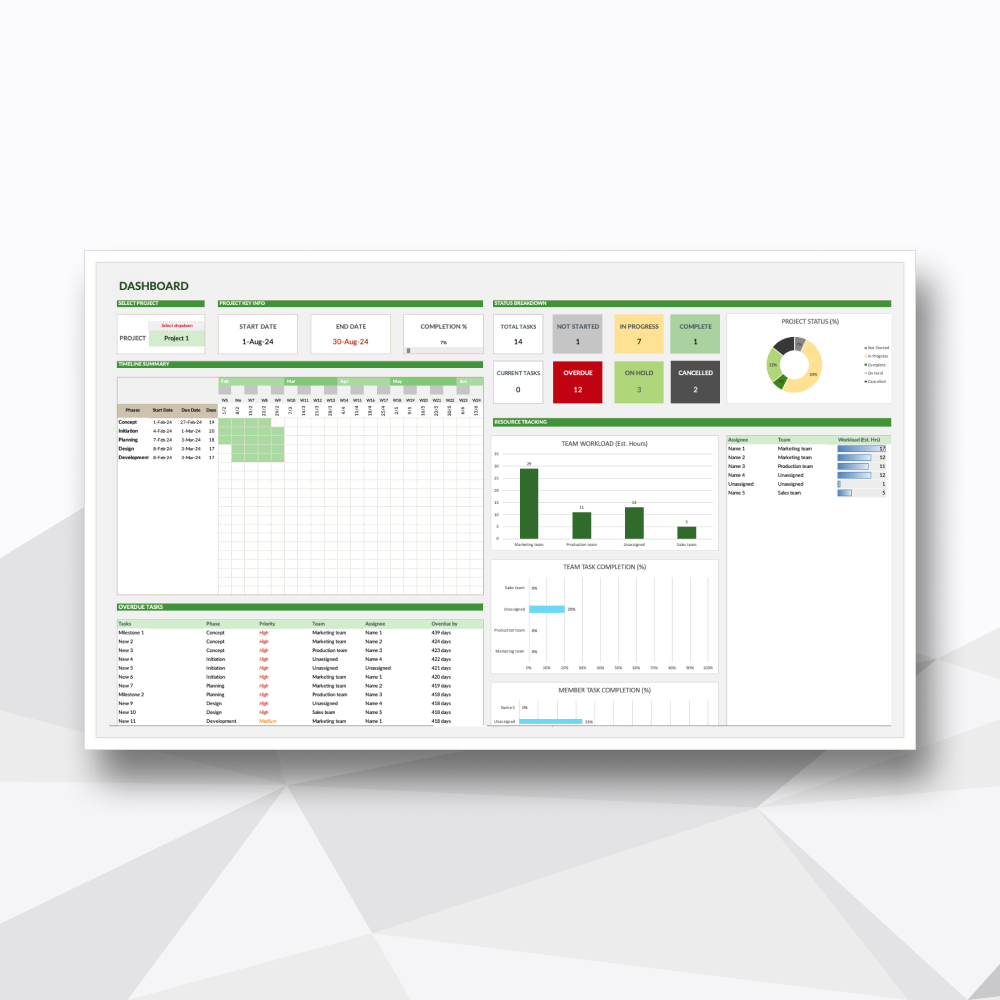
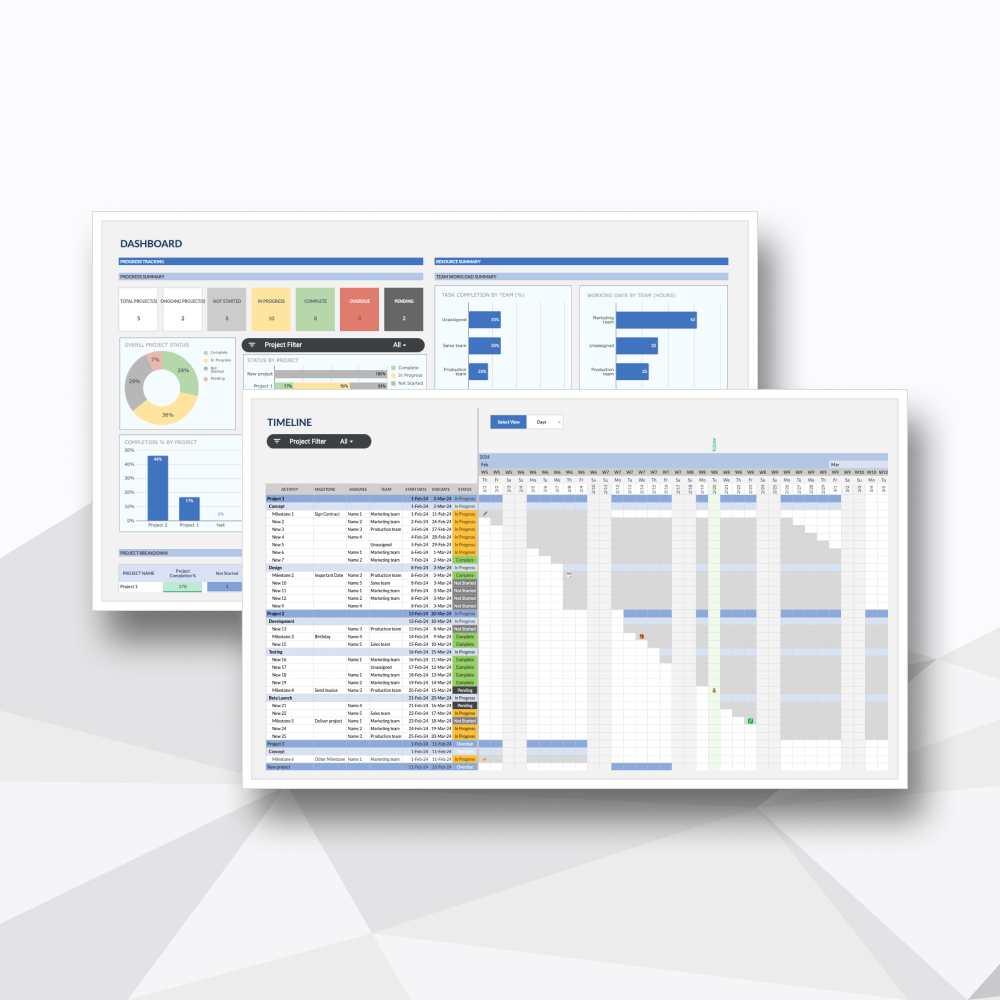
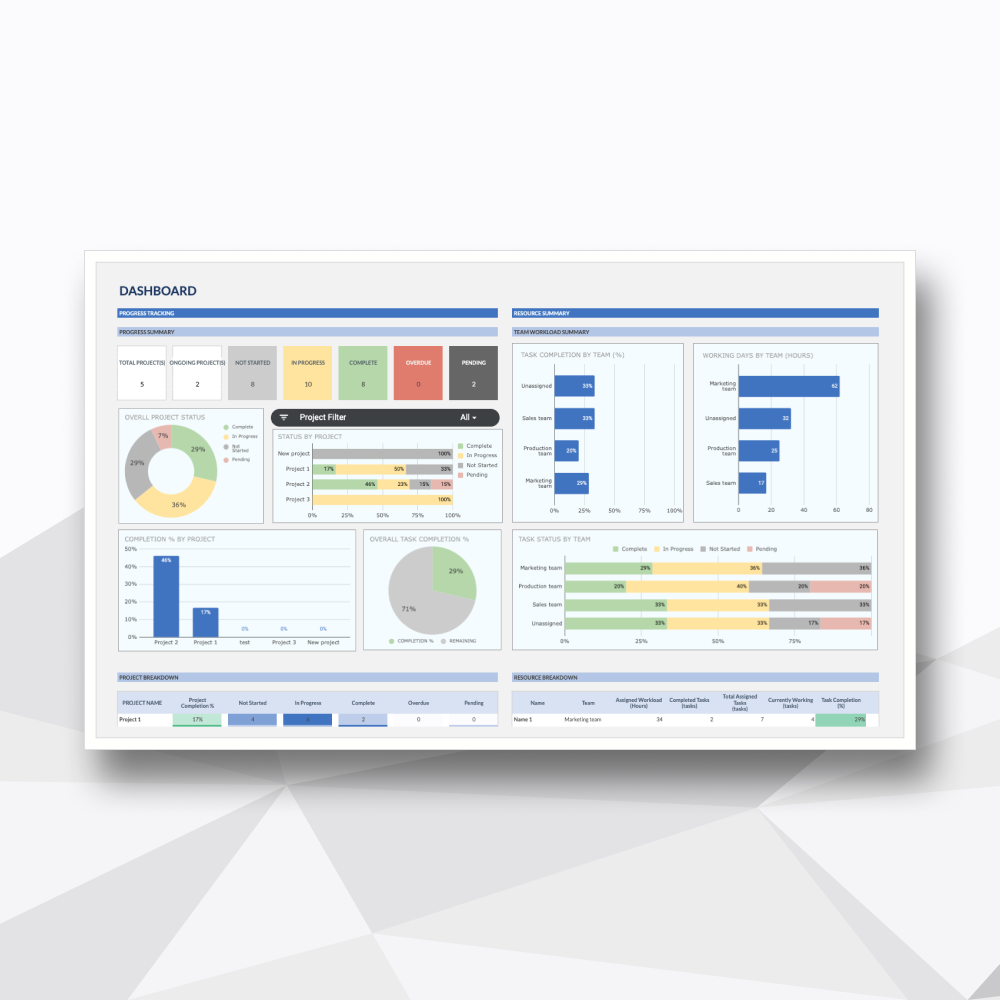
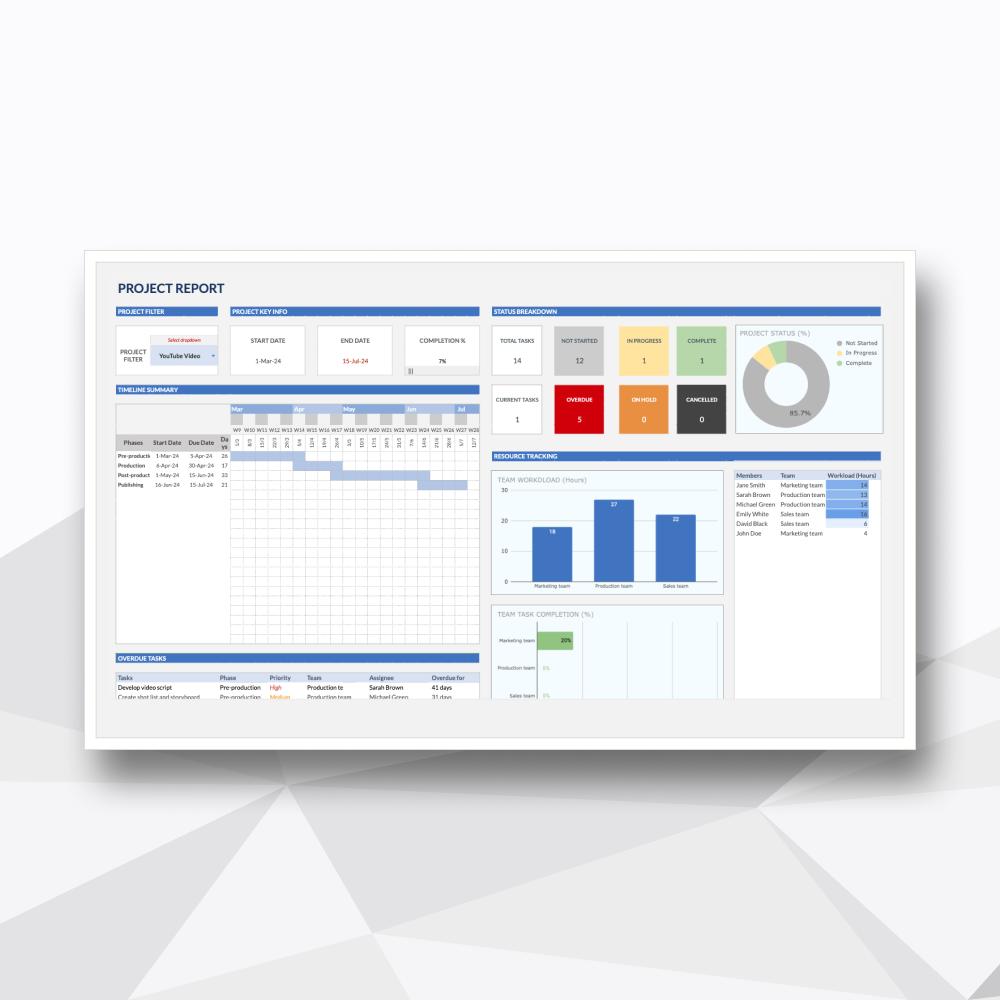
02. Interactive Project Dashboard
Real-time analytics and deep-dive visuals for specific project performance and workload distribution.
-
![]()
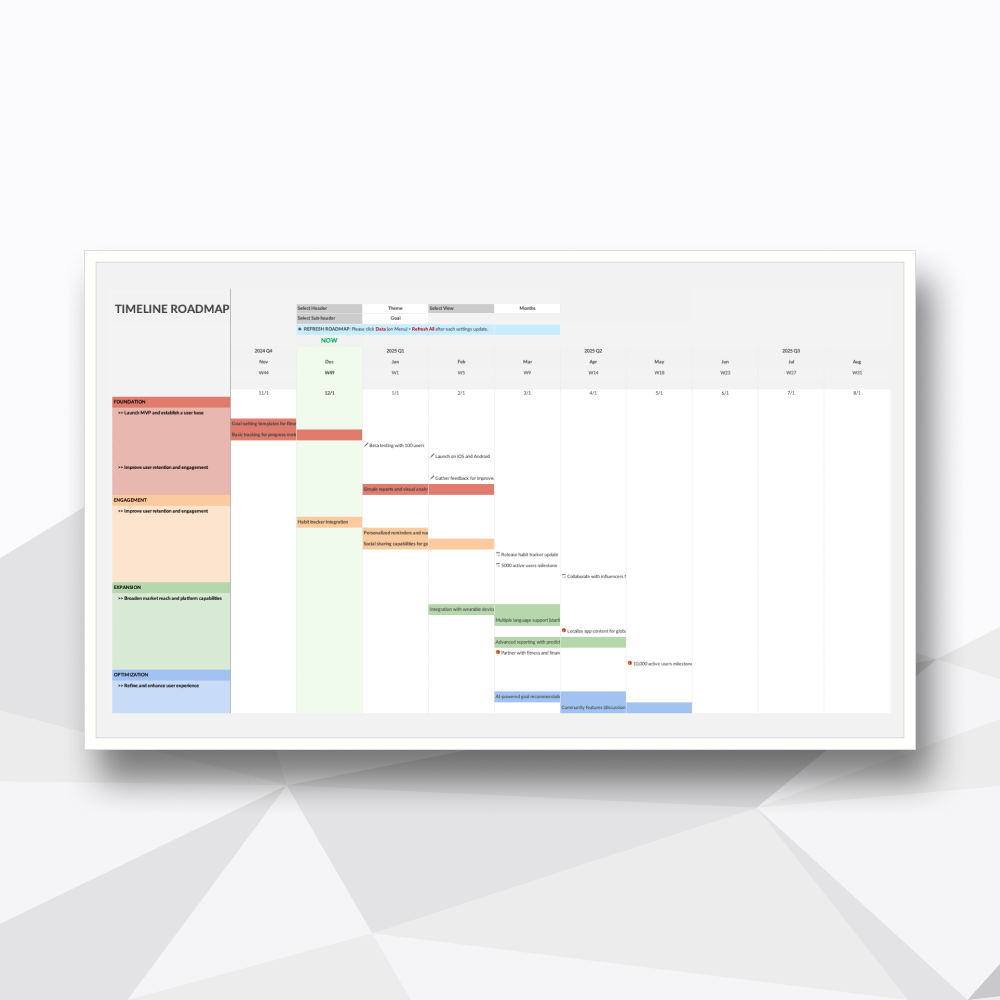
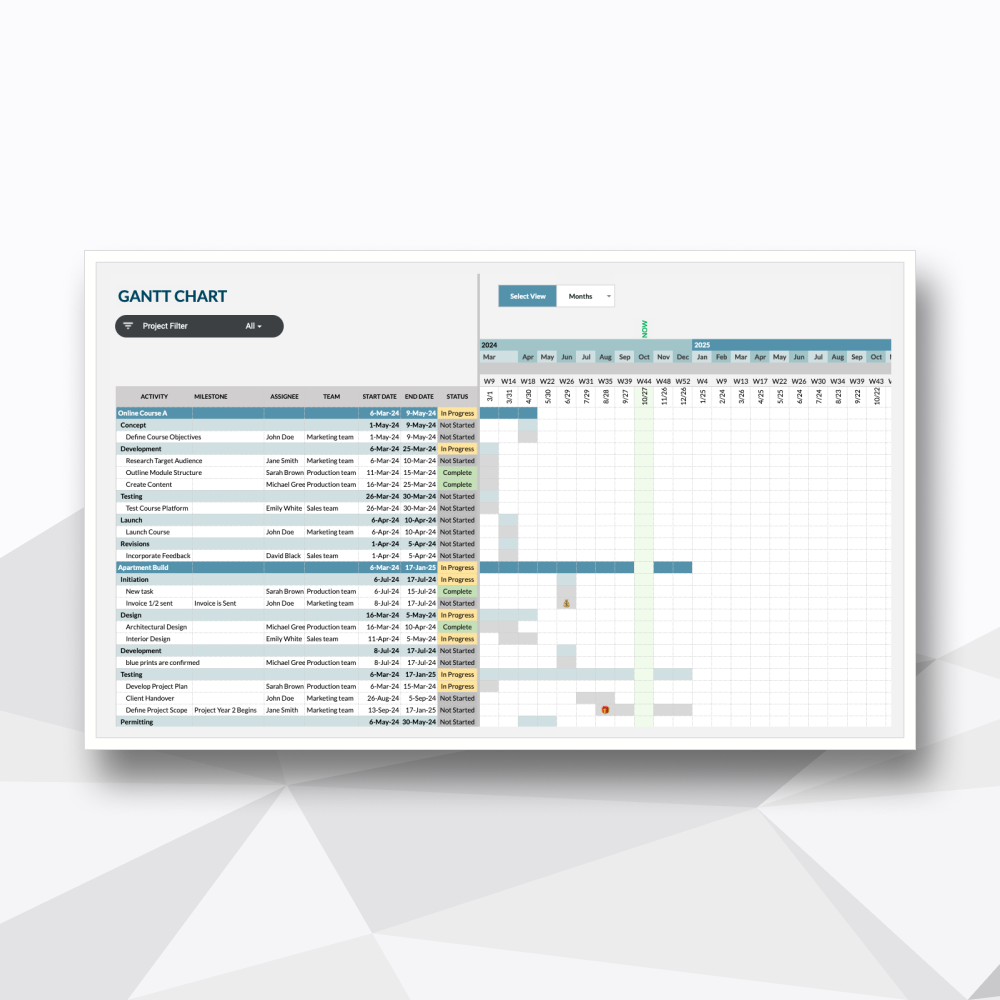
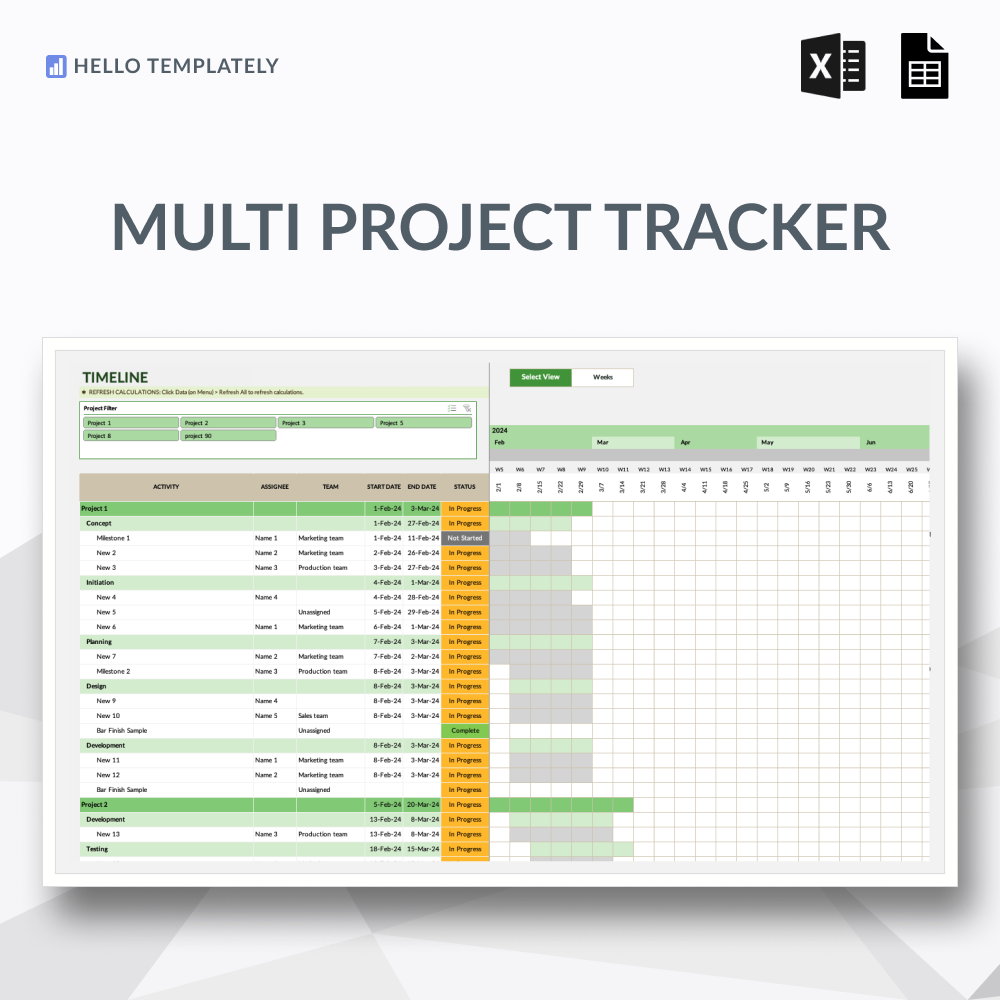
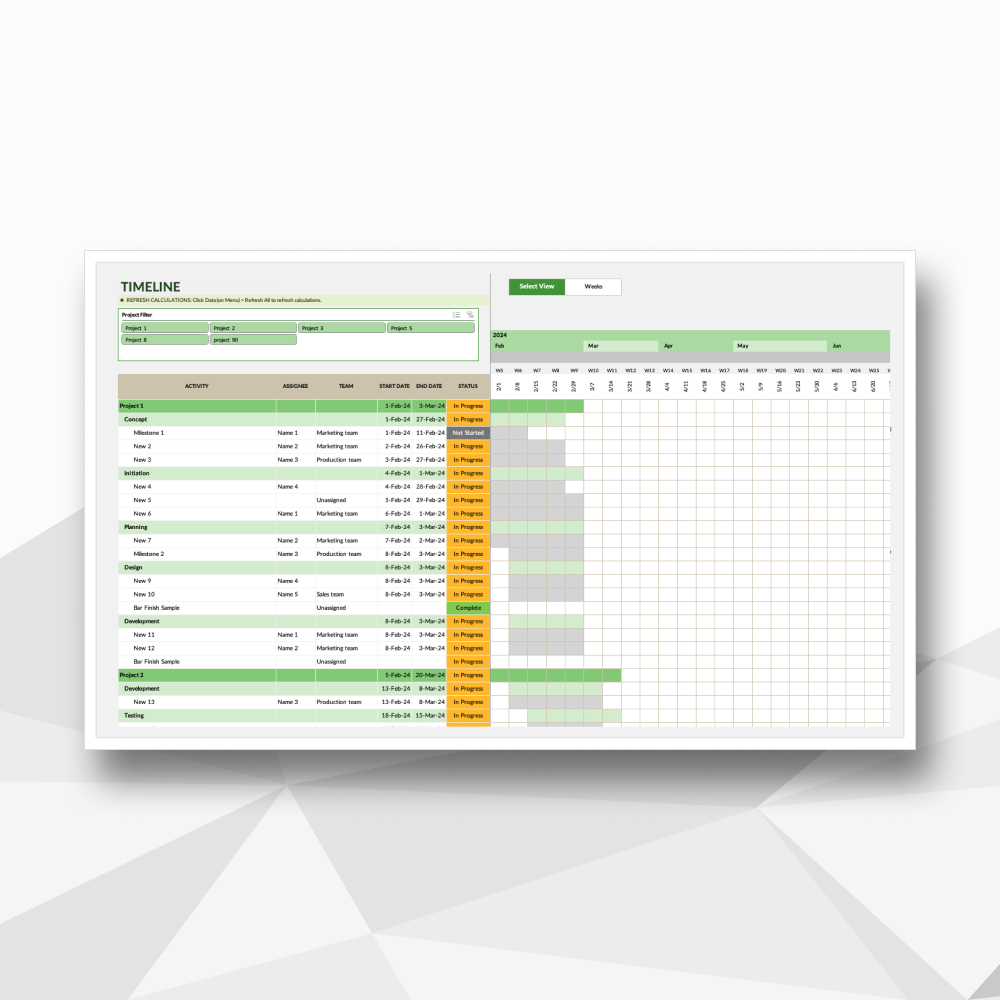
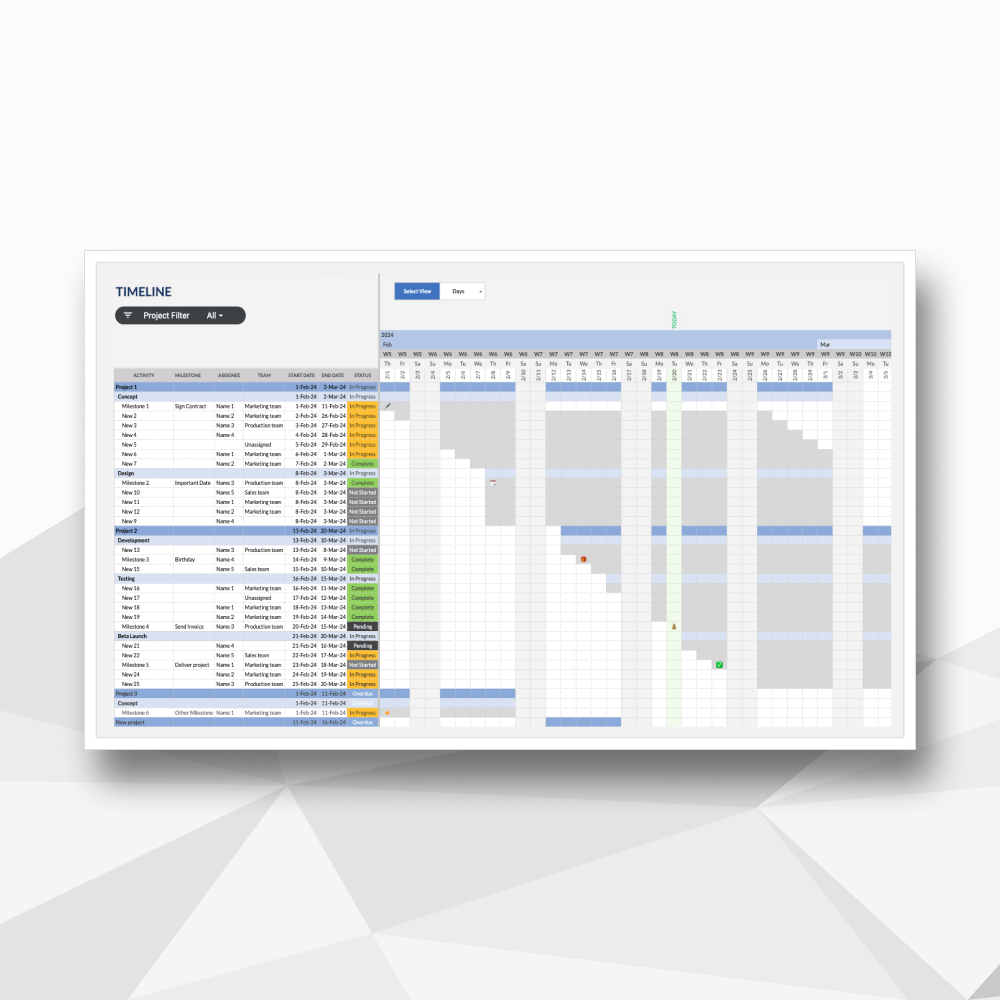
03. Automated Gantt Timeline
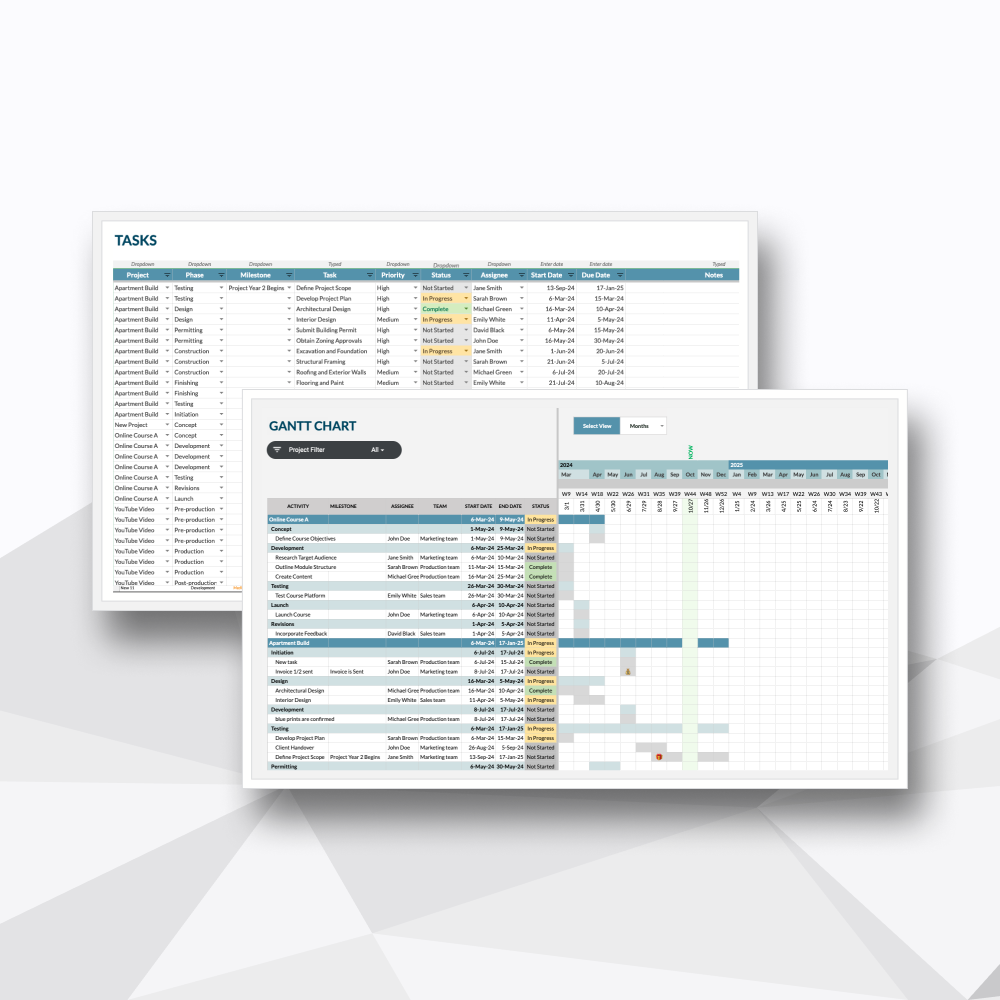
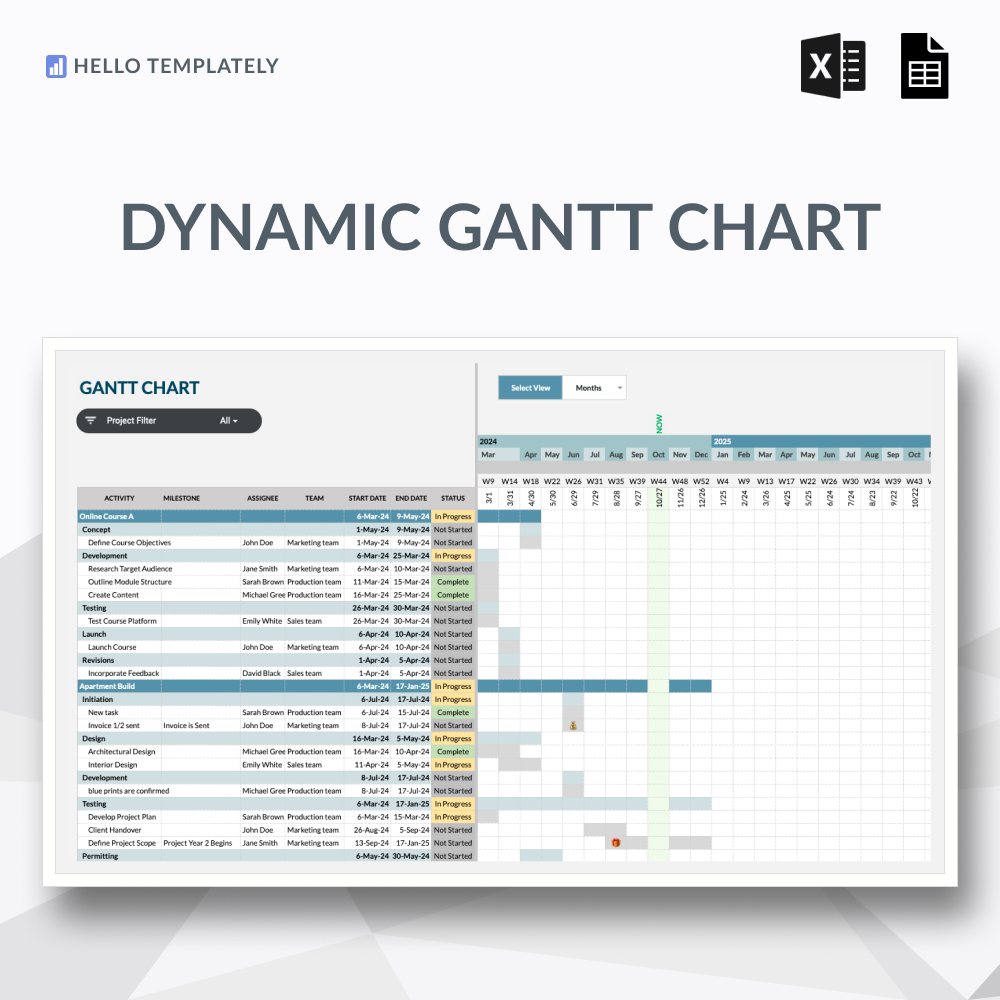
A visual chronological roadmap that automatically renders your project phases and task durations.
-
![]()
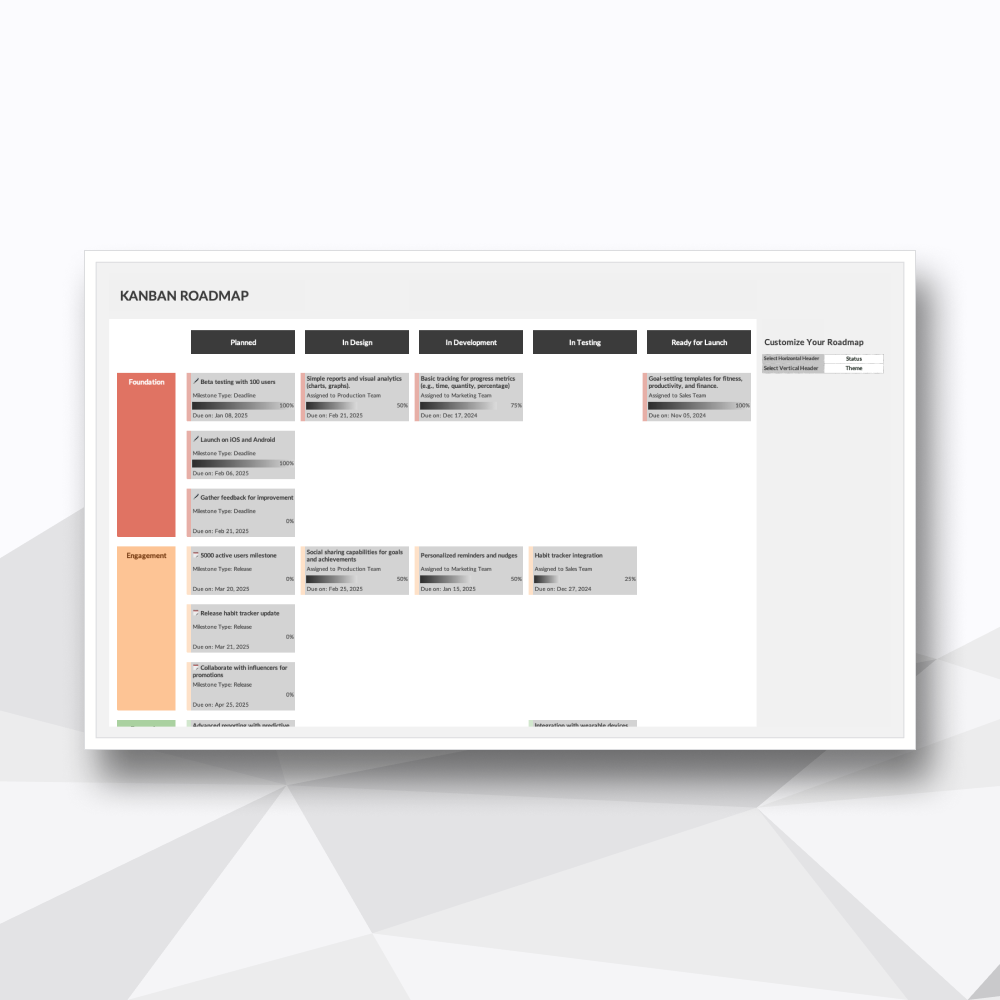
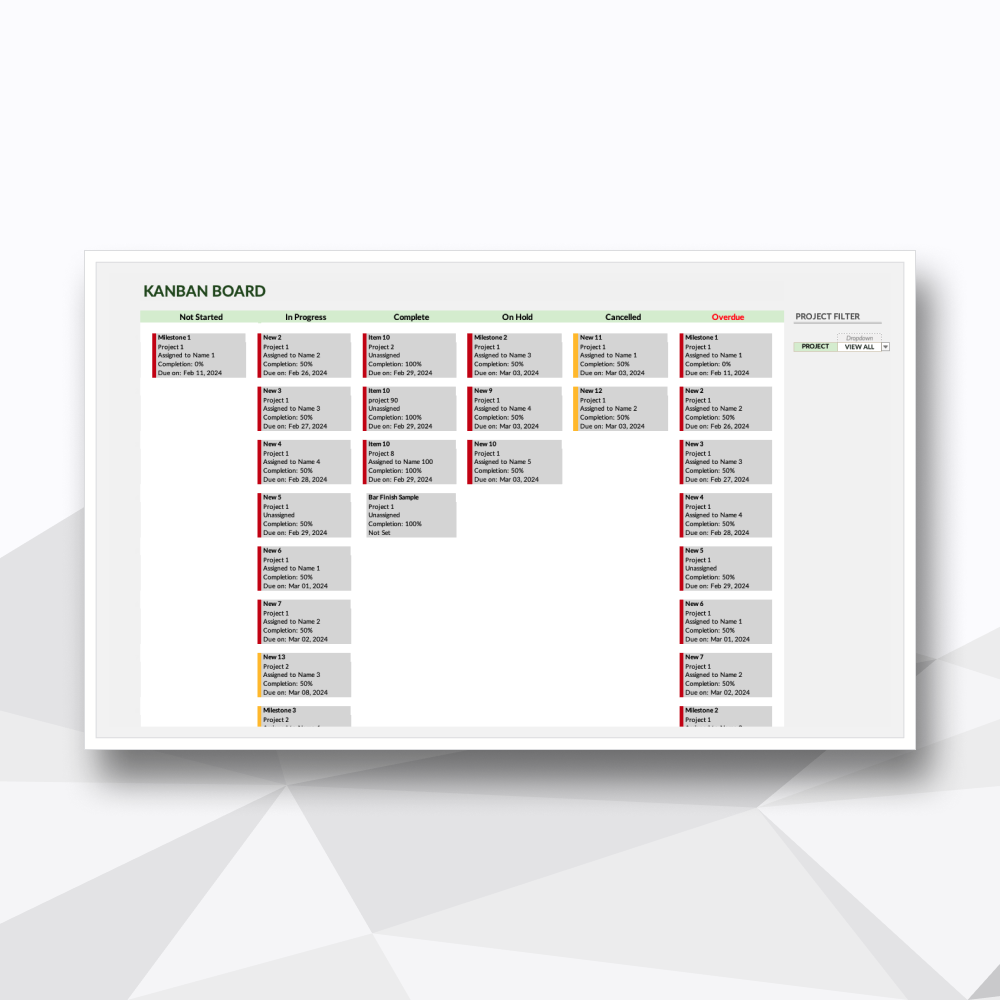
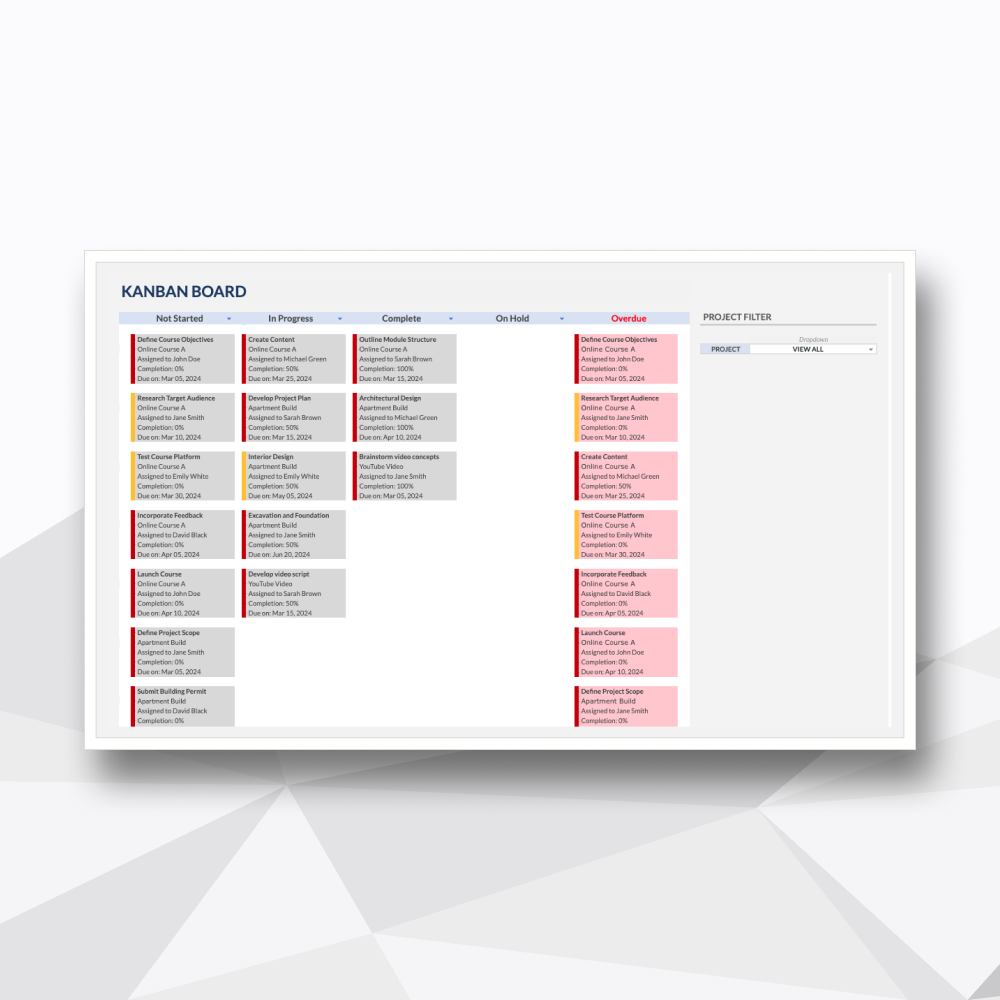
04. Dynamic Kanban Board
A visual interface for prioritizing daily execution and moving work through your pipeline from "Not Started" to "Complete."
-
![]()
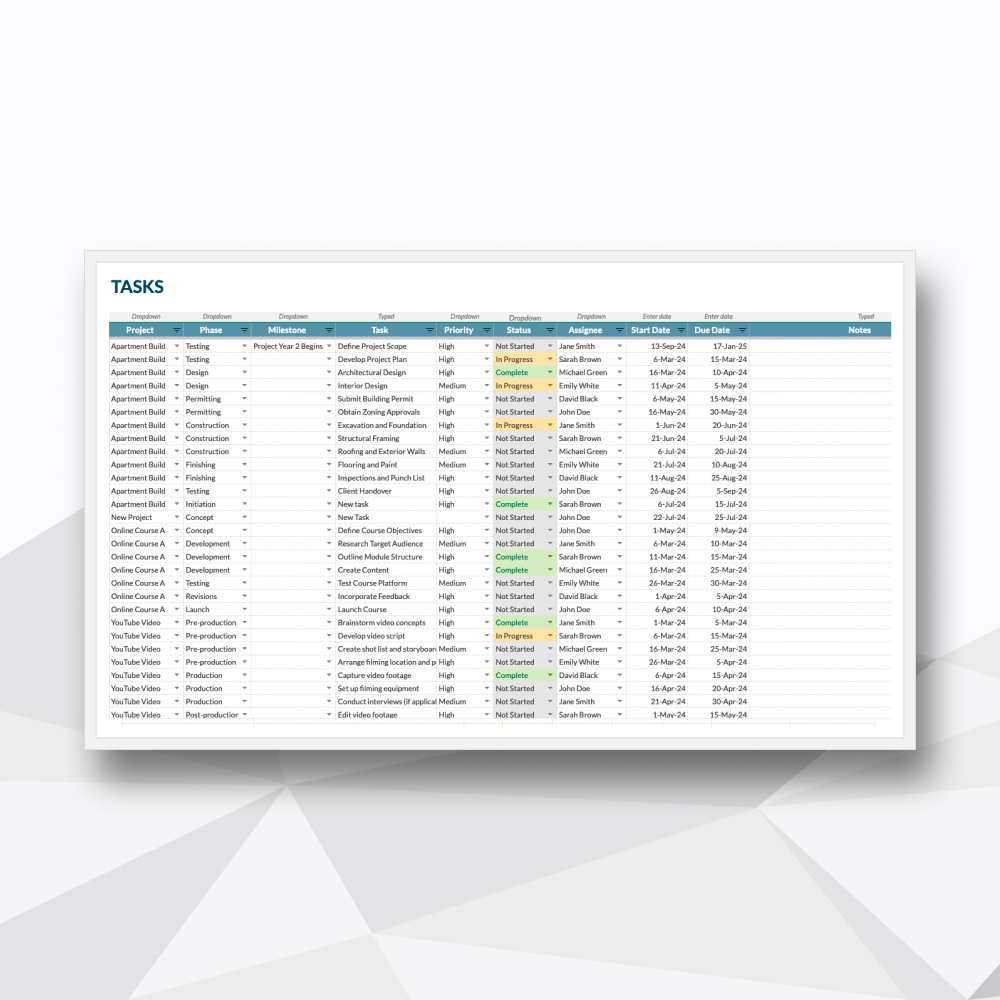
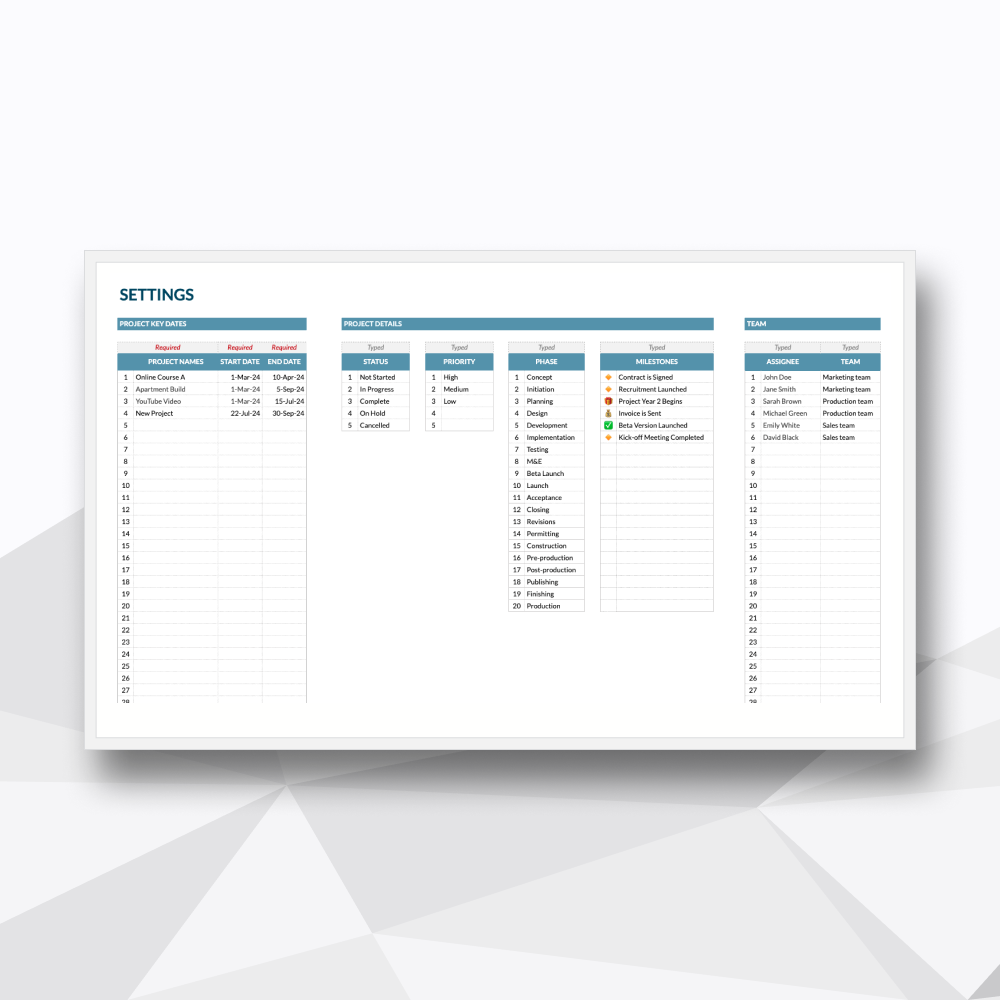
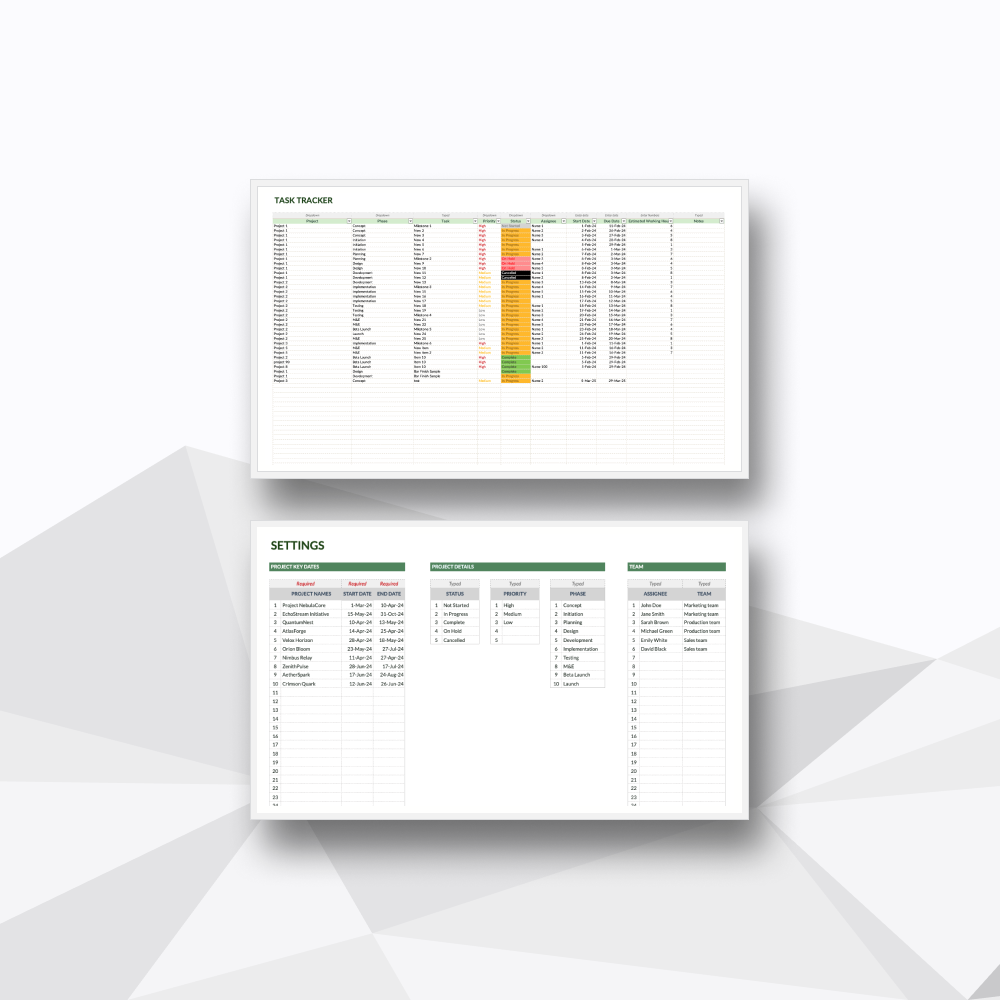
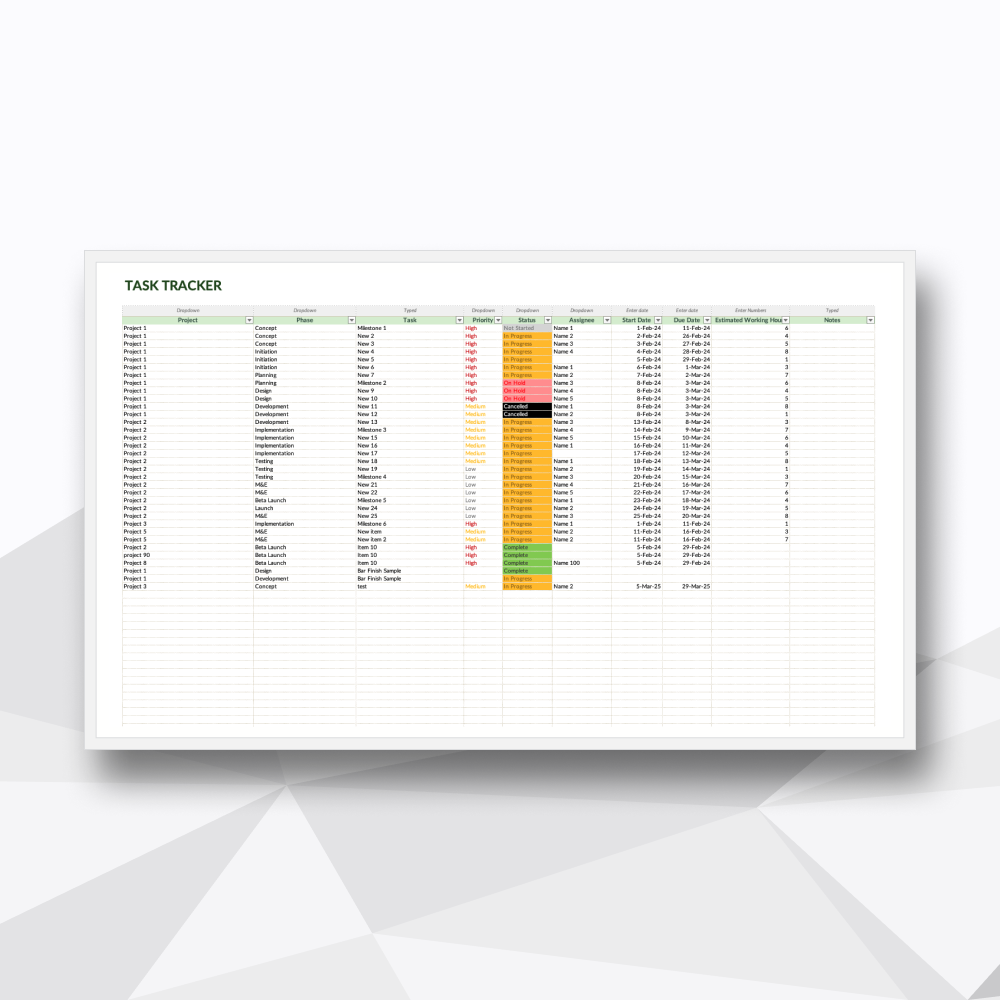
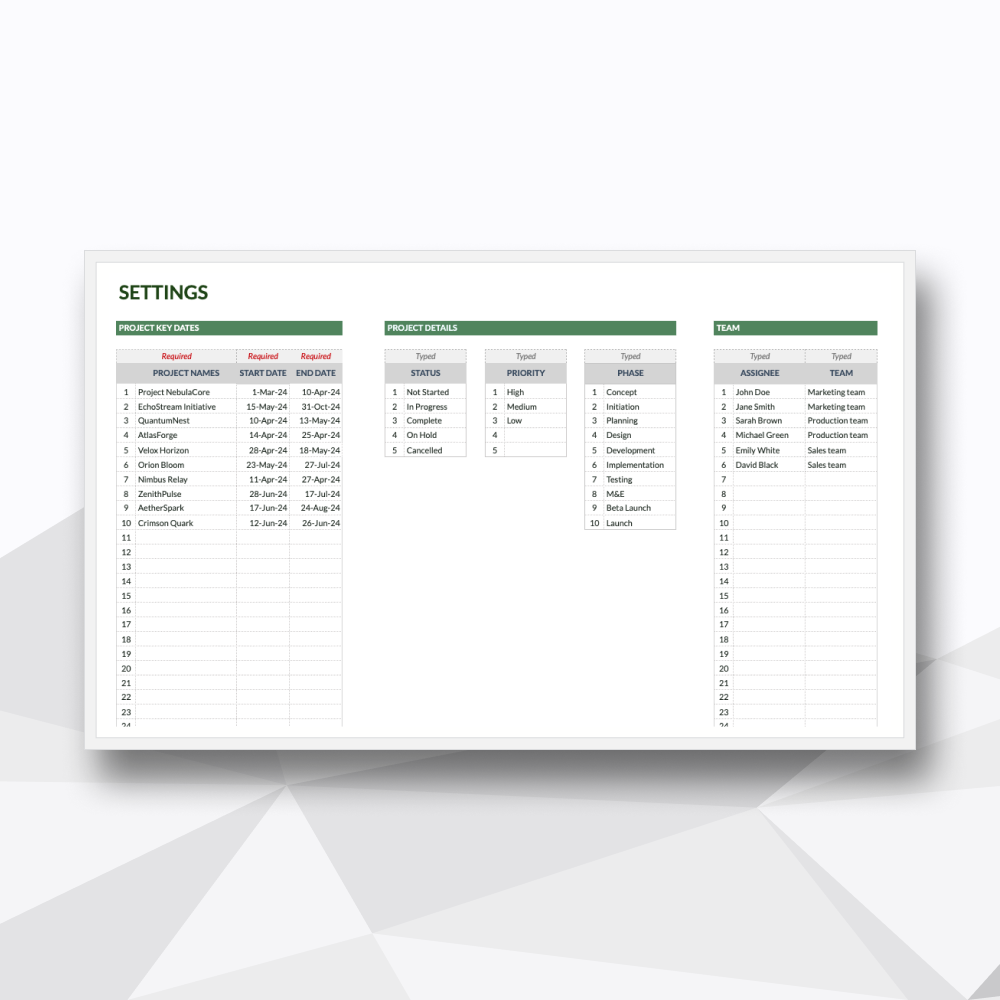
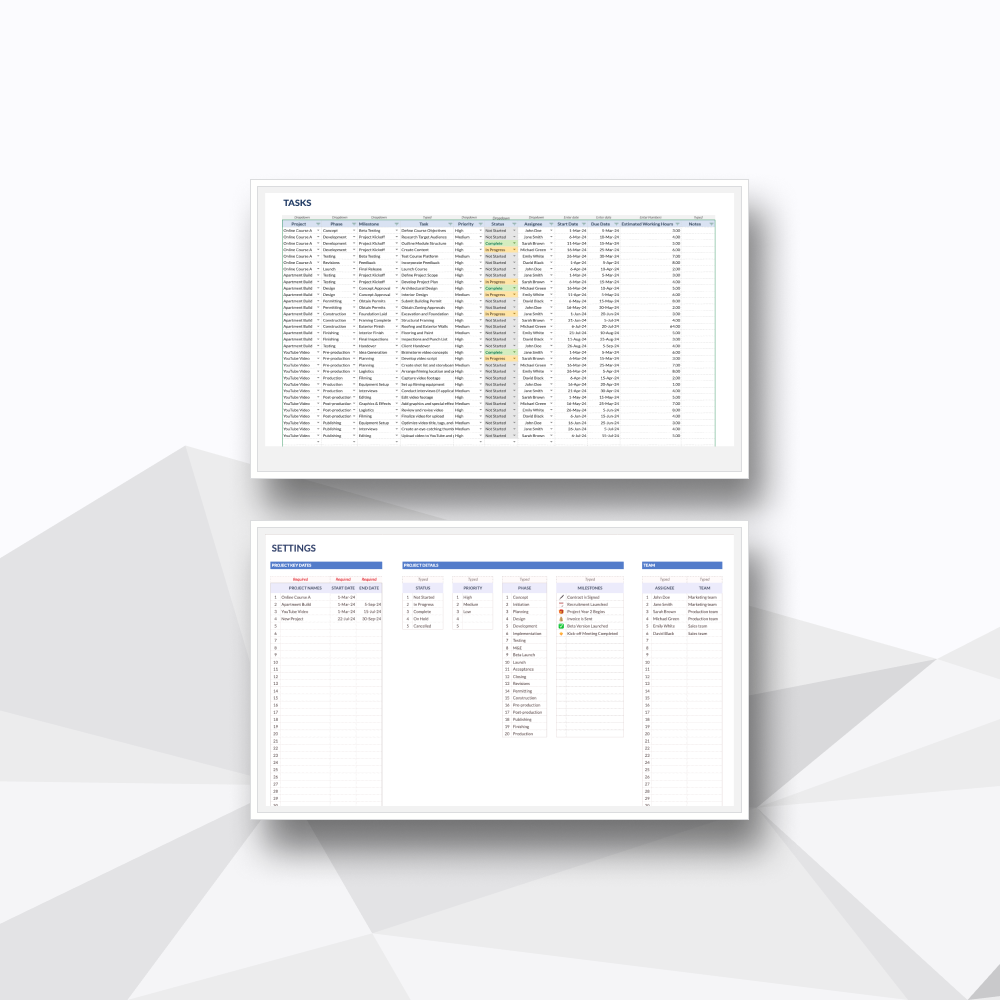
05. Unified Task & Settings
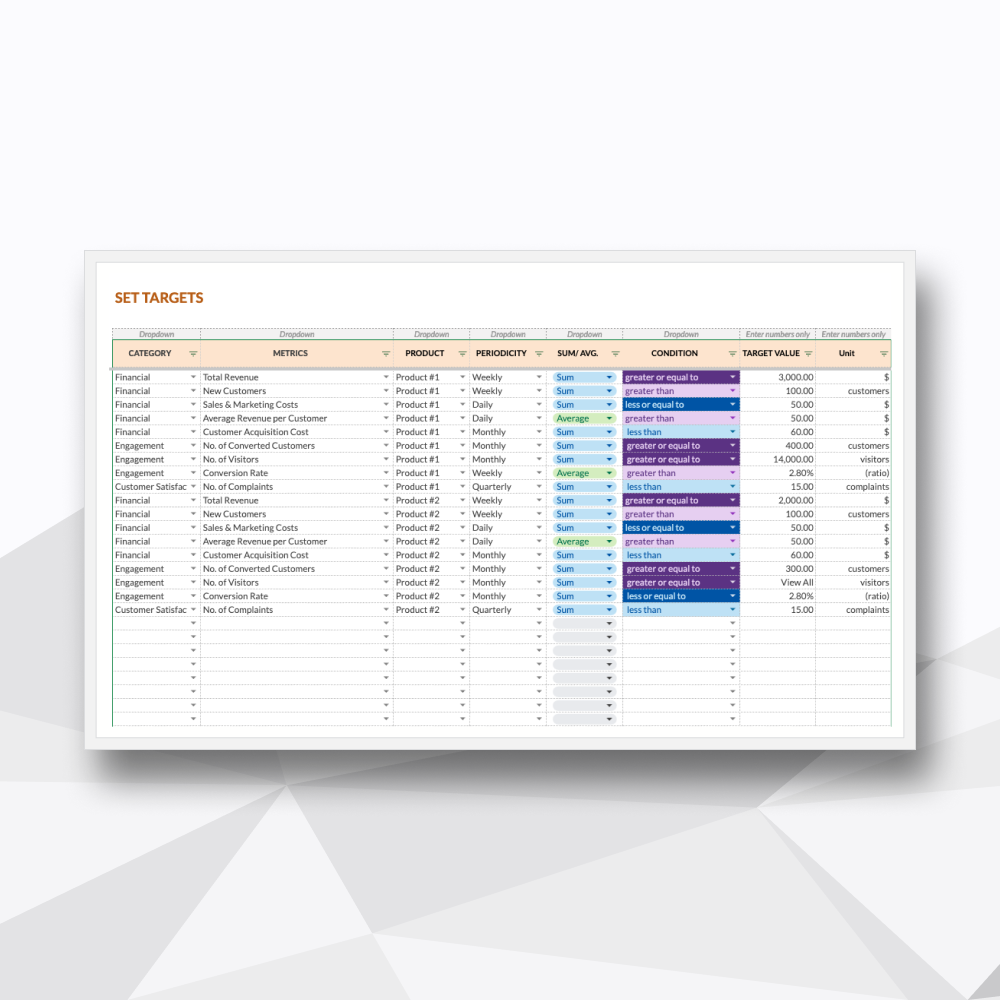
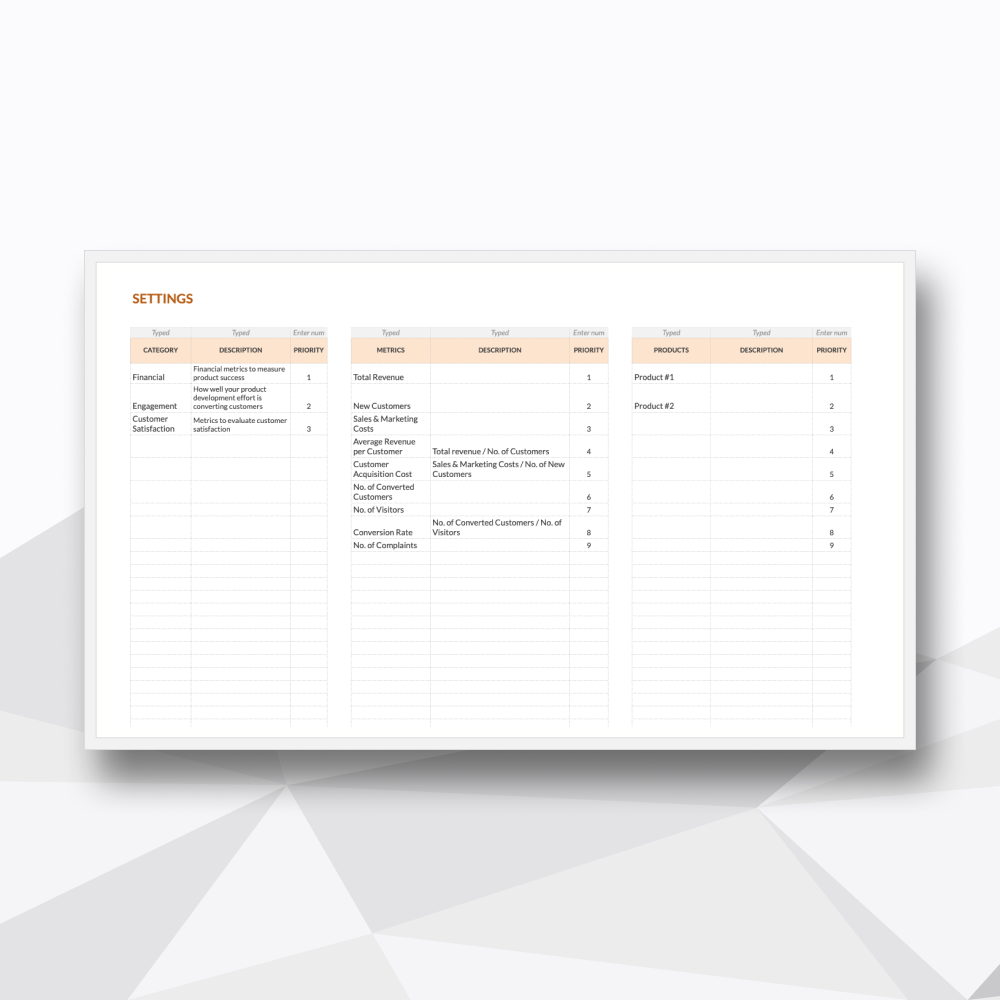
A centralized database to manage all granular task details, assignees, and custom dropdown configurations in one place.
Template Description
Consolidate your oversight. High-capacity tracking for every moving part.
-
Designed for project leaders who need to bridge the gap between high-level strategy and daily execution. This ecosystem replaces disconnected spreadsheets with a unified framework. Whether you are managing complex construction phases, product launches, or a diverse freelance portfolio, this template provides the structural clarity needed to make informed, data-driven decisions.
-
Upon purchase, you will receive a digital ZIP folder containing:
The Excel File: A .xlsx file to be used in Excel (designed for Microsoft 365 and Excel 2021).
The Google Sheets Access PDF: A setup guide containing a secure link to generate your own private, editable copy in Google Sheets.
-
Project Managers & Operations Leads: Managing multi-phase initiatives and diverse team workloads.
Small Business Owners: Scaling operations with a professional tracking system without the cost of high-end SaaS subscriptions.
Team Leaders: Balancing task distribution and monitoring team capacity in real-time.
Freelancers: Managing high-volume client deliverables and long-term project timelines.
-
Total Portfolio Visibility: Get an immediate pulse on your project health. The interactive dashboard summarizes timelines and completion rates across all active initiatives.
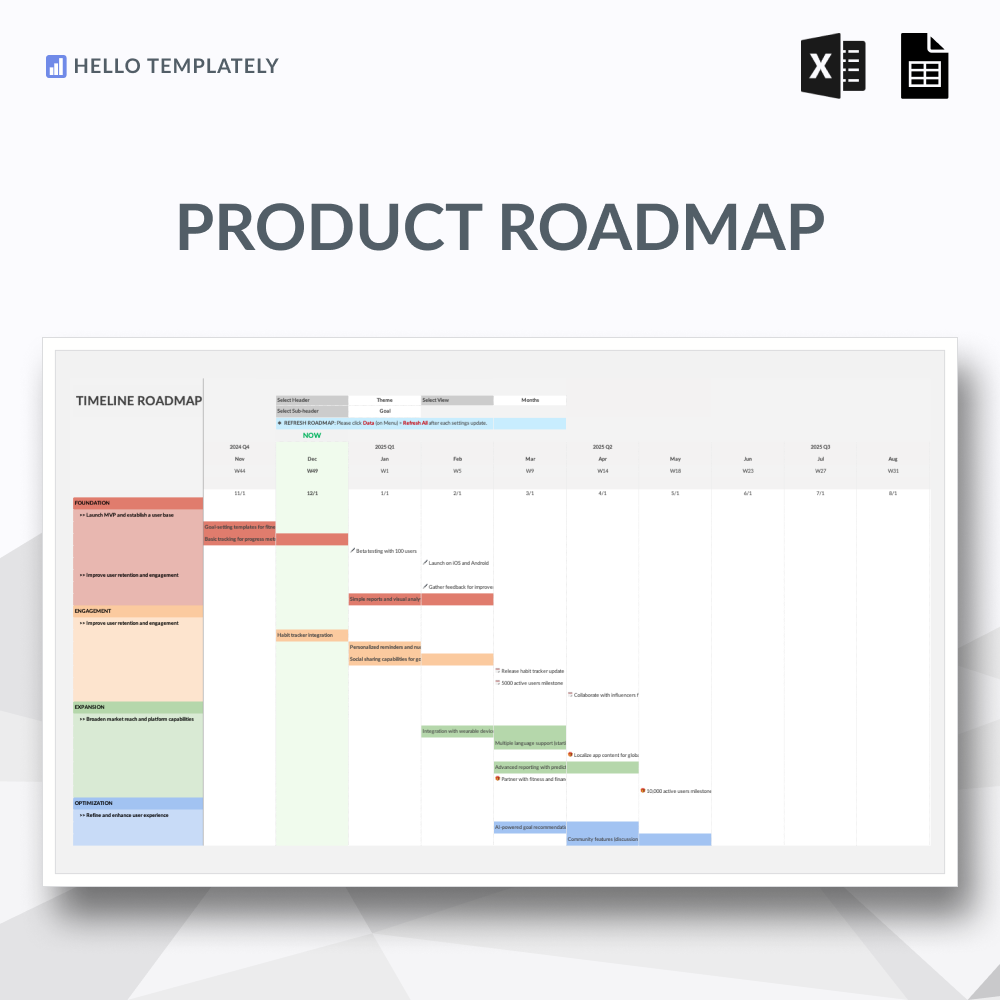
Automated Timeline Generation: Save hours on manual mapping. Your Gantt chart populates automatically from your backlog, providing a professional chronological roadmap.
Visual Workflow Execution: Switch to the Kanban view for daily stand-ups or personal focus. See exactly where tasks are stalled in the pipeline.
Resource & Workload Management: Track working capacity. Identify who is over-leveraged and who has room for more tasks to keep your project on schedule.
Informed Decision-Making: Access high-level insights into project status and team performance, allowing you to pivot quickly when circumstances change.
-
This spreadsheet features 06 high-performance tabs:
Tab 1: Project Overview: Your executive summary. Monitor the status, progress percentage, and health of every project in your portfolio on a single screen.
Tab 2: Project Dashboard: The analytical hub. A dedicated space for deep-dive visuals into specific project metrics, team performance, and delivery trends.
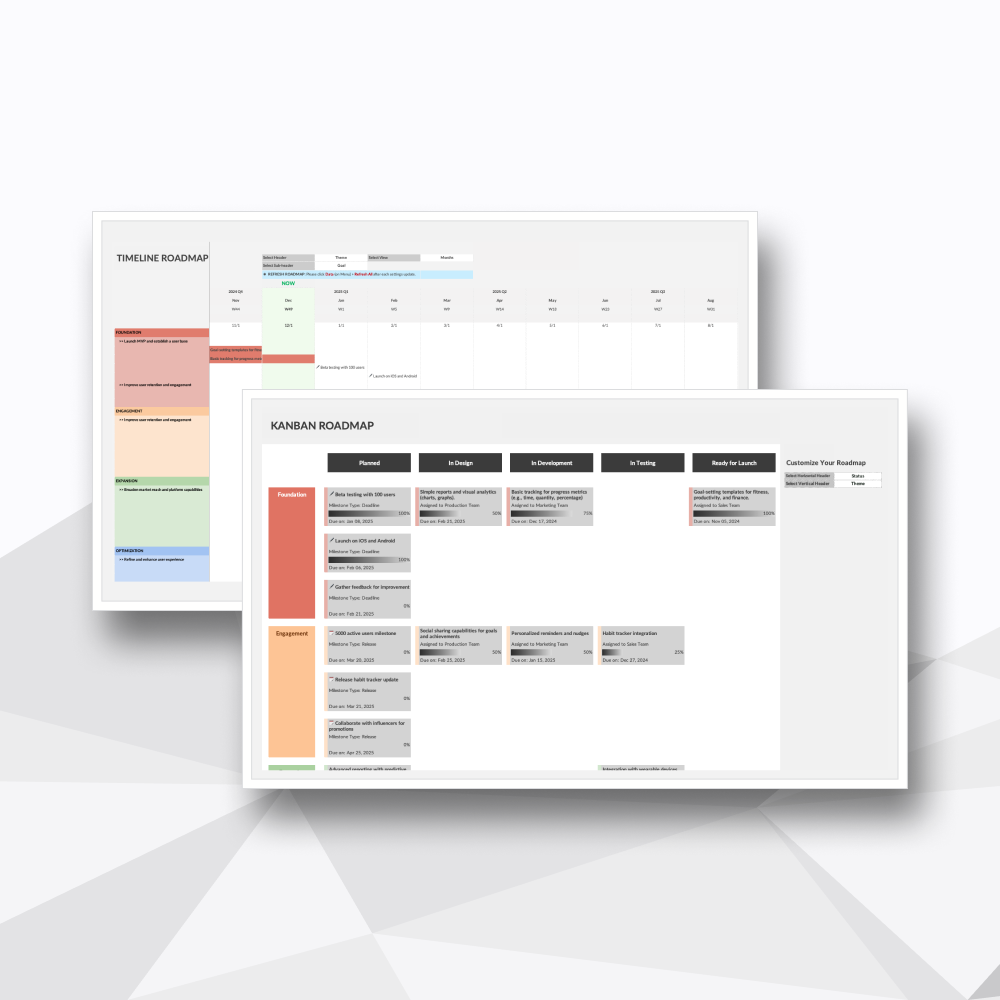
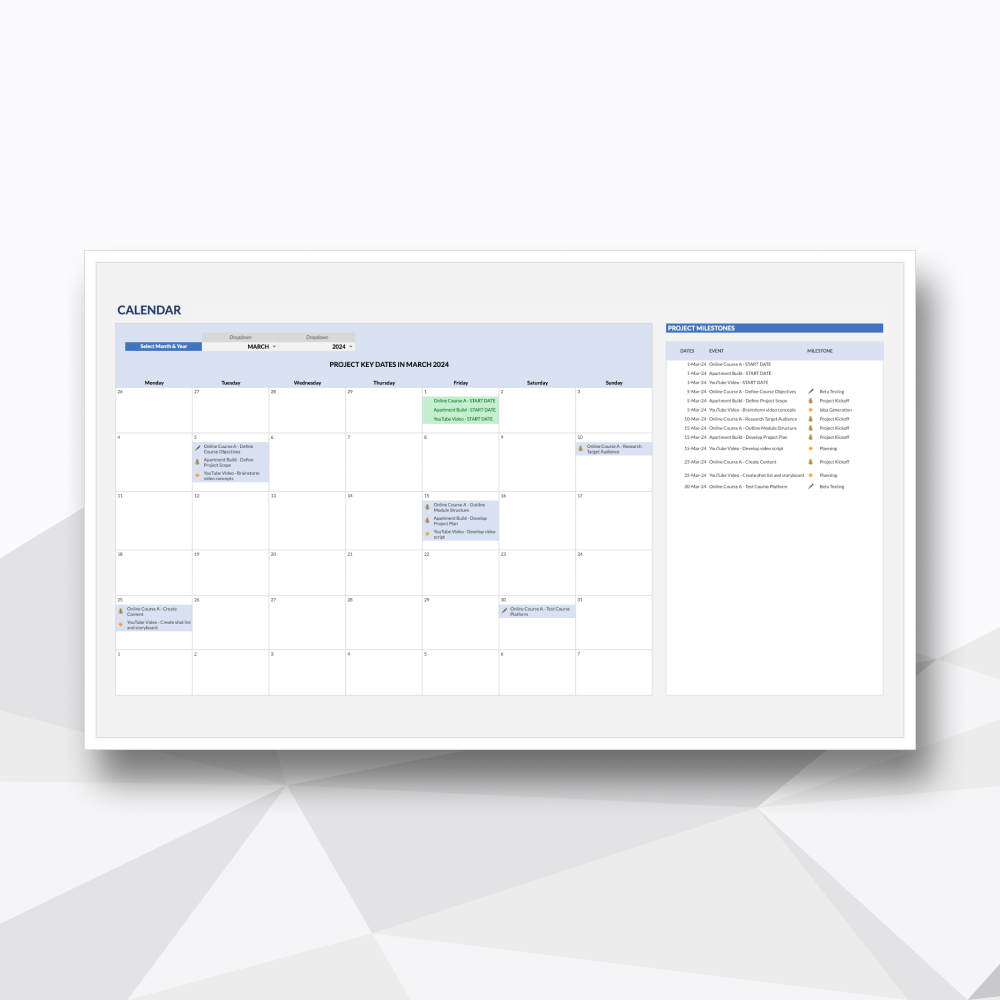
Tab 3: Automated Timeline (Gantt): The chronological roadmap. Input your dates and watch your schedule populate instantly, complete with a "Now" indicator for real-time tracking.
Tab 4: Project Kanban View: The execution board. A visual workflow tool designed to manage daily tasks, prevent bottlenecks, and keep the team focused on immediate priorities.
Tab 5: Task Backlog: The system engine. A centralized log for entering and managing all task-level data, owners, and priorities that drive the entire ecosystem.
Tab 6: Settings: The configuration suite. Easily customize your team members, unique status labels, and priority levels to match your specific industry terminology.
-
Microsoft Excel: Fully compatible with Microsoft 365 or Excel 2021 (Desktop version recommended).
Google Sheets: You will need a Google Account (Personal or Workspace) to access and save your private copy.
-
Protected Logic: We’ve secured the complex formulas and background calculations so you can manage your portfolio with confidence, without the risk of breaking the system.
No Recurring Overhead: A one-time investment for professional-grade project management. No per-user fees or monthly subscriptions.
Privacy & Ownership: Your data is yours. Since the file lives on your machine or private Google Drive, your project details and personnel data remain 100% private.
-
Instant Delivery: Access your files immediately after checkout via your account and email.
Customization Support: Need a specific tweak? Our team at Hello Templately is available for bespoke customization to ensure the tool fits your business perfectly.