 Image 1 of 7
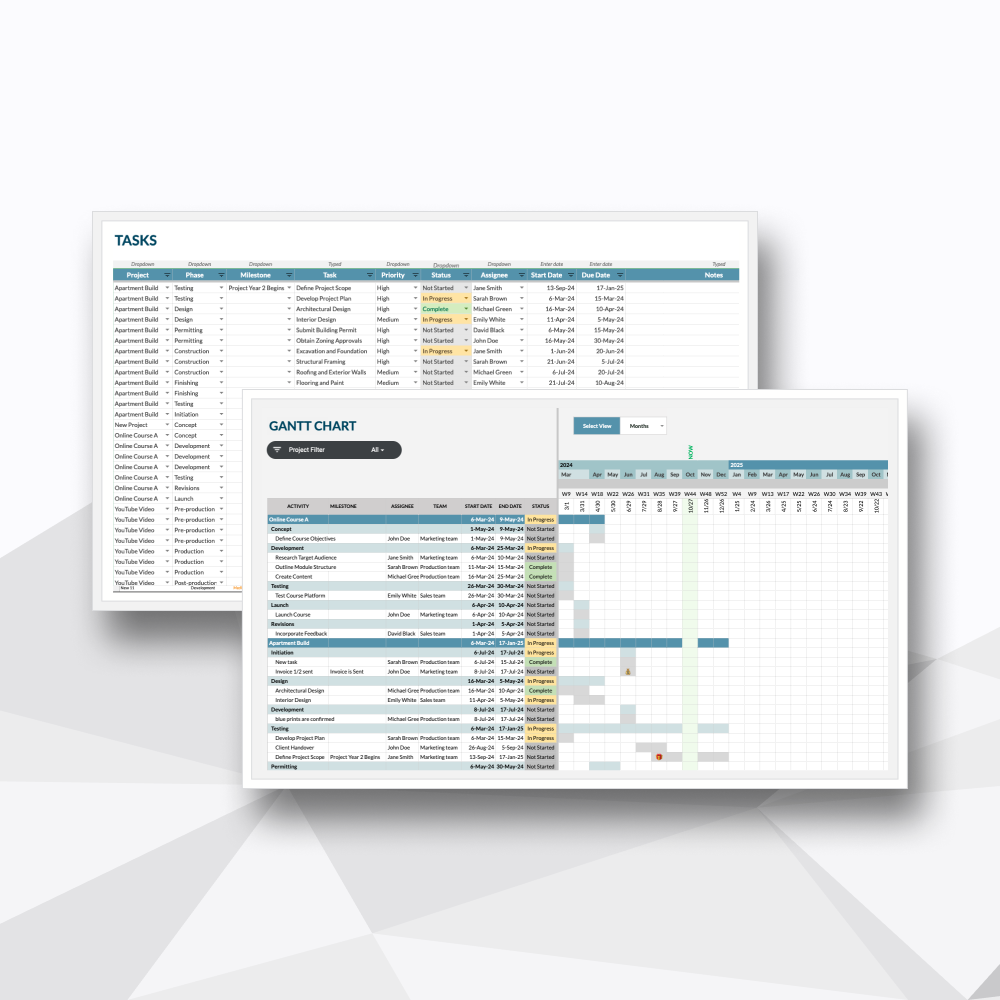 Image 2 of 7
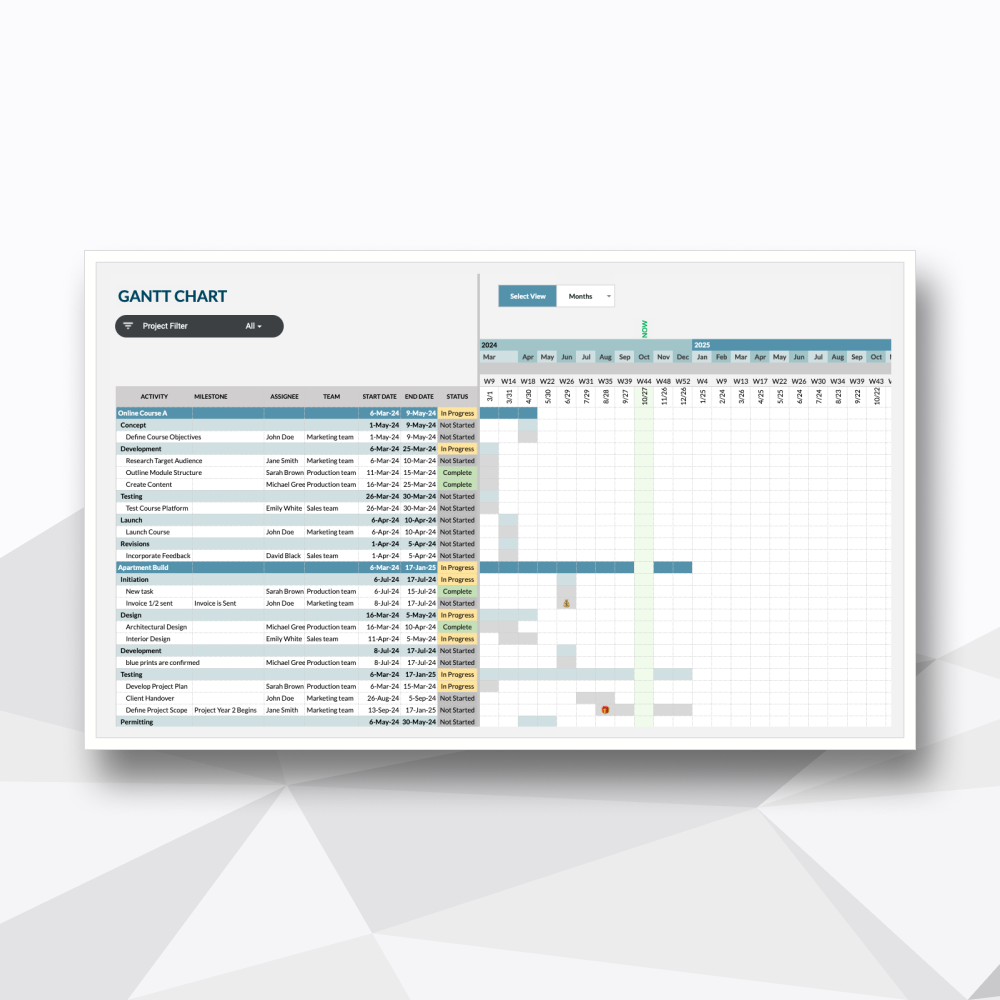 Image 3 of 7
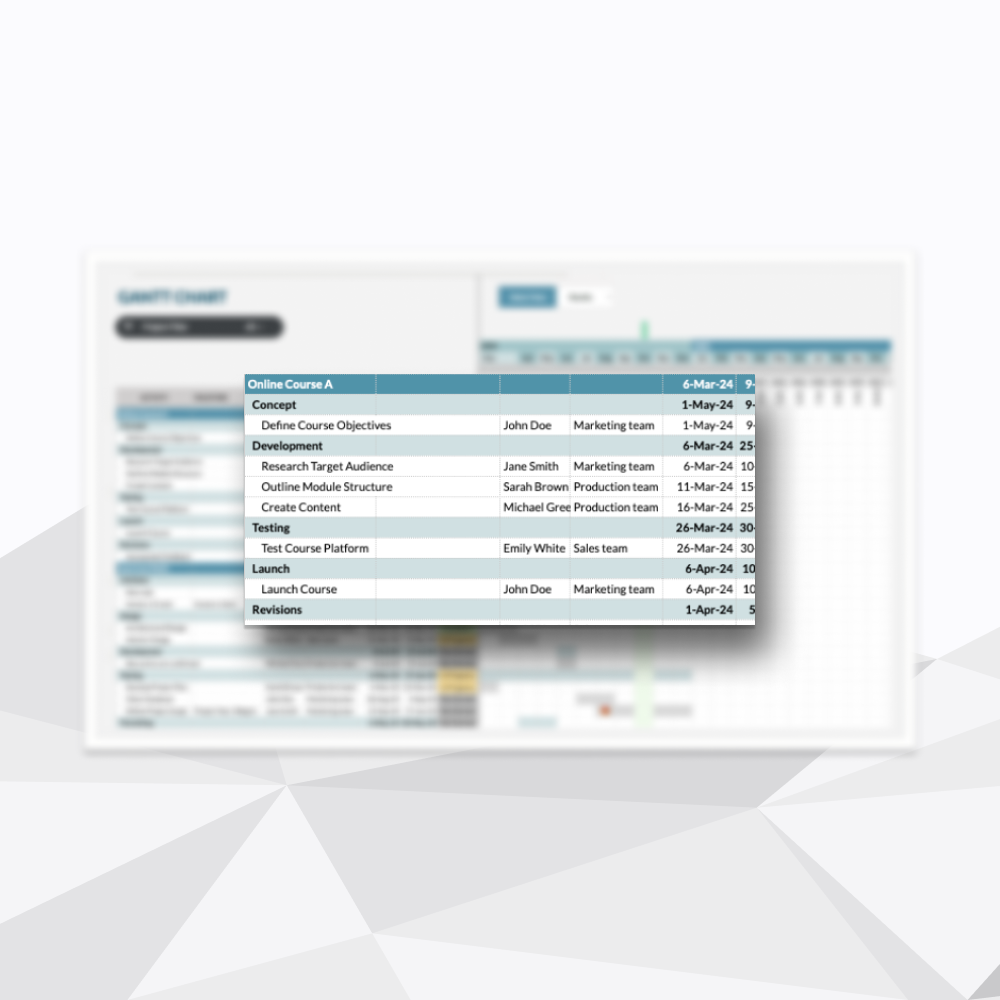 Image 4 of 7
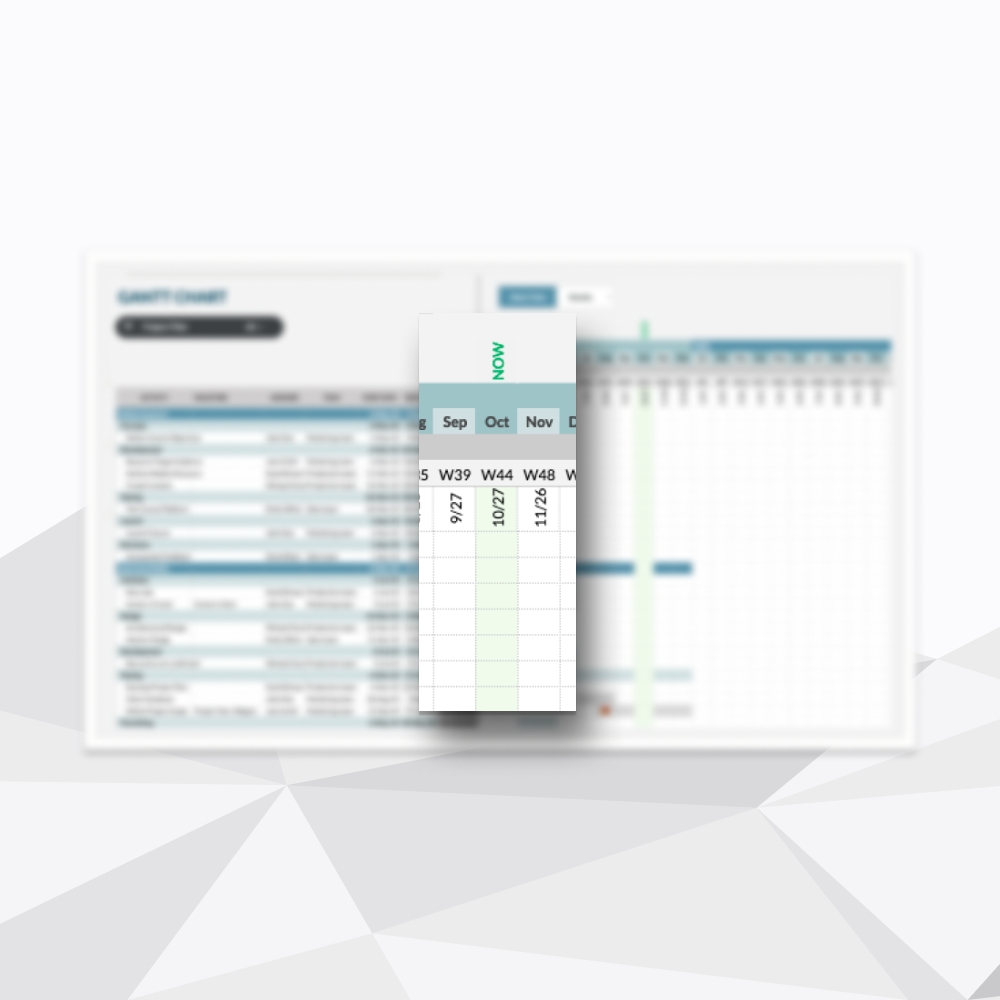 Image 5 of 7
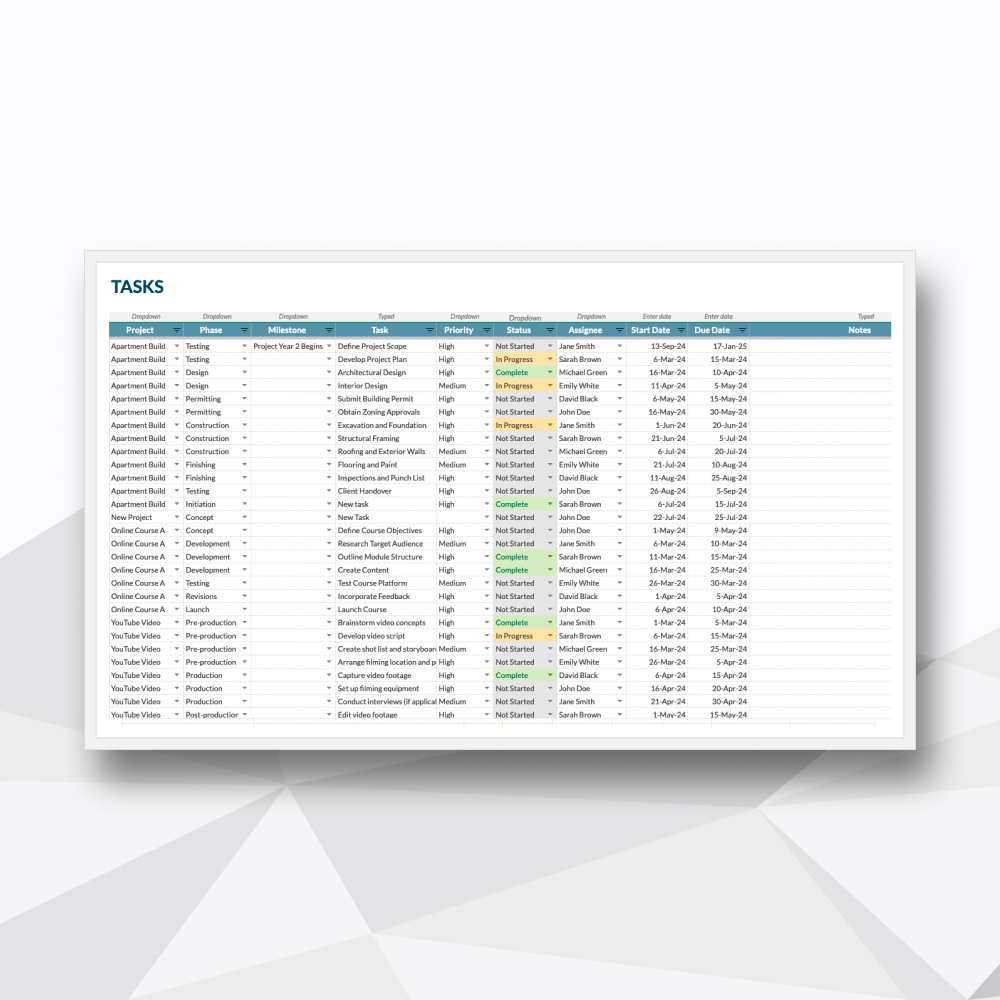 Image 6 of 7
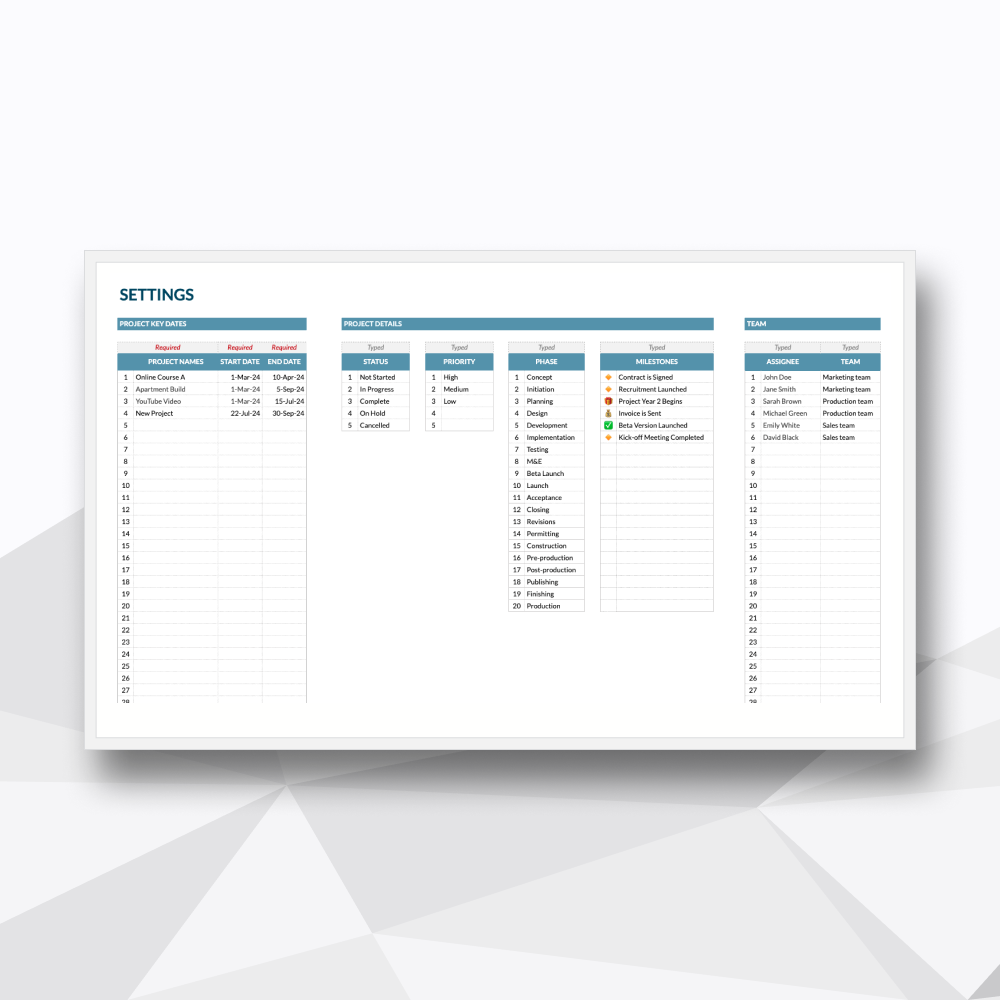 Image 7 of 7
Take a Tour of the Workflow
-
![]()
Dynamic Multi-Interval Scaling
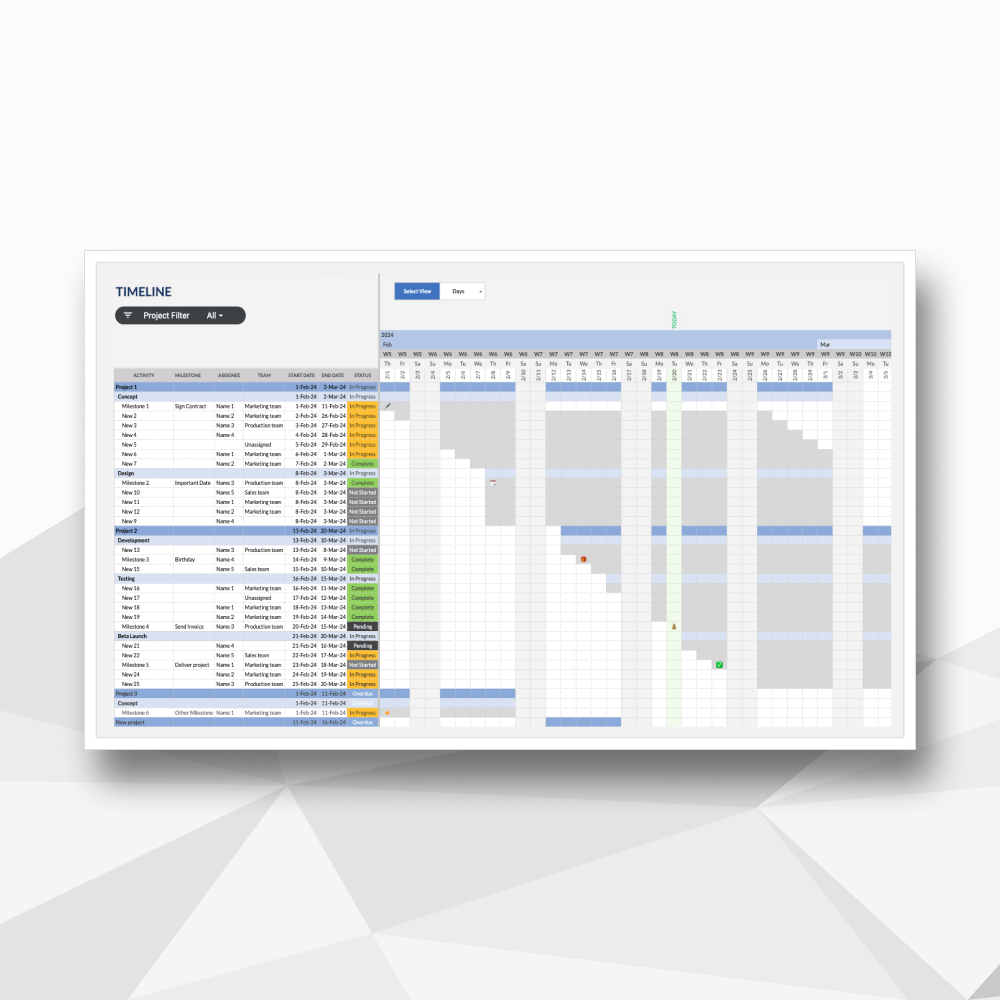
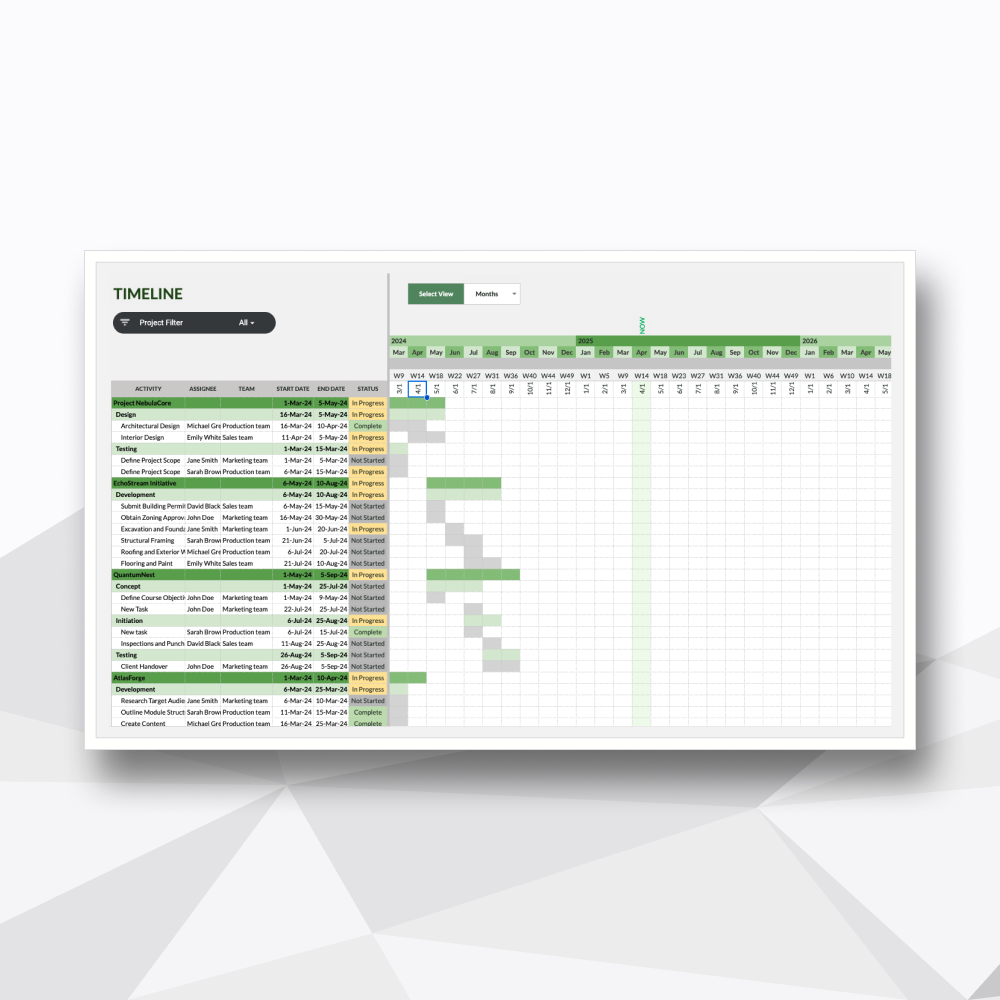
Switch your timeline scale between Daily, Weekly, or Monthly views instantly to track both short-term sprints and long-term macro roadmaps.
-
![]()
Automated Phase & Milestone Tracking
Input key target dates and watch professional icon markers populate directly on your Gantt chart to flag critical operational deadlines.
-
![]()
Real-Time "Now" Indicator
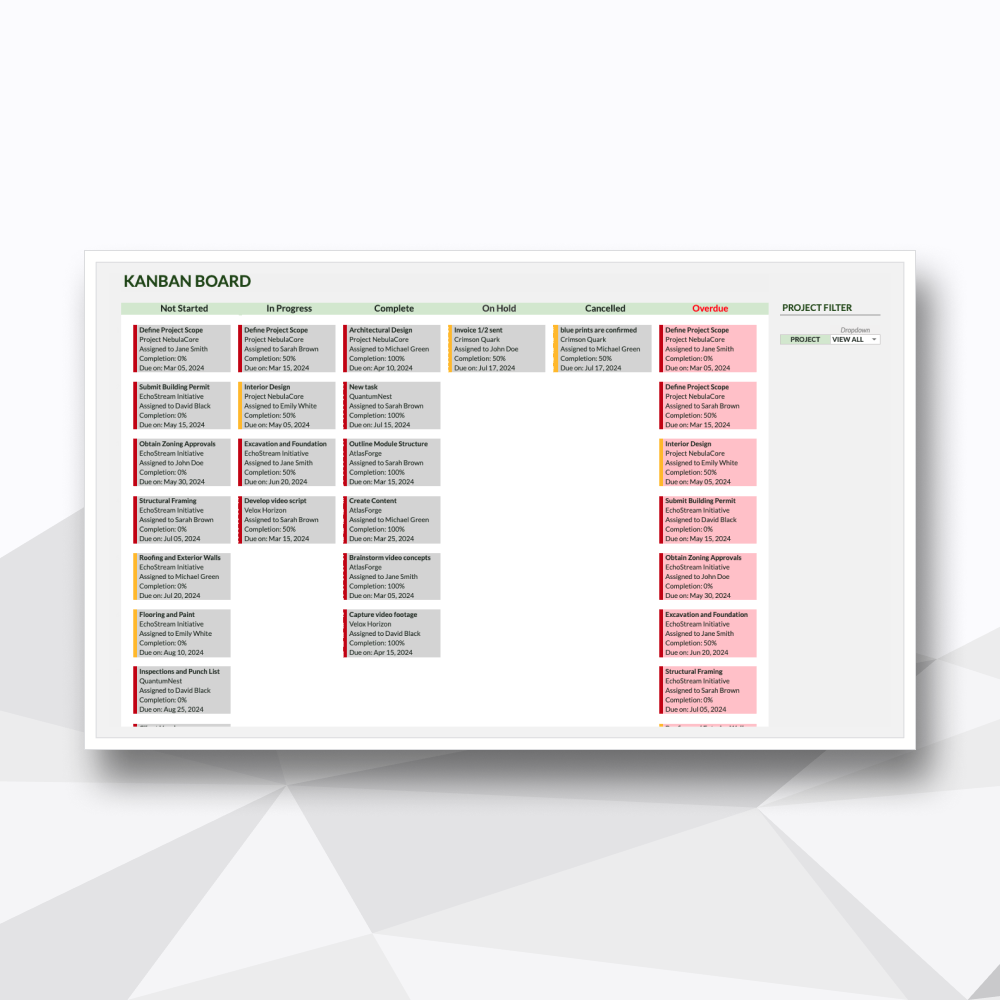
An active visual line embedded into the calendar view to help project leaders immediately isolate on-schedule, upcoming, and overdue milestones.
-
![]()
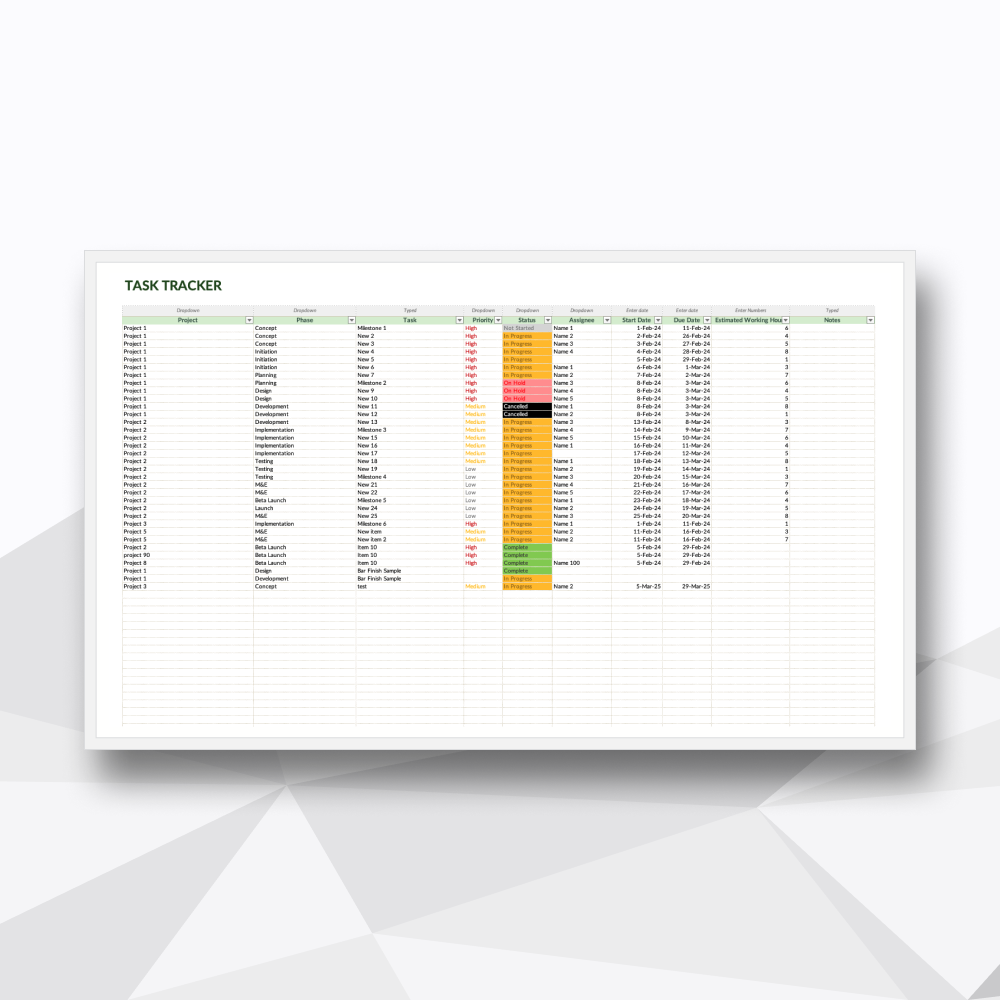
Decoupled Task Database
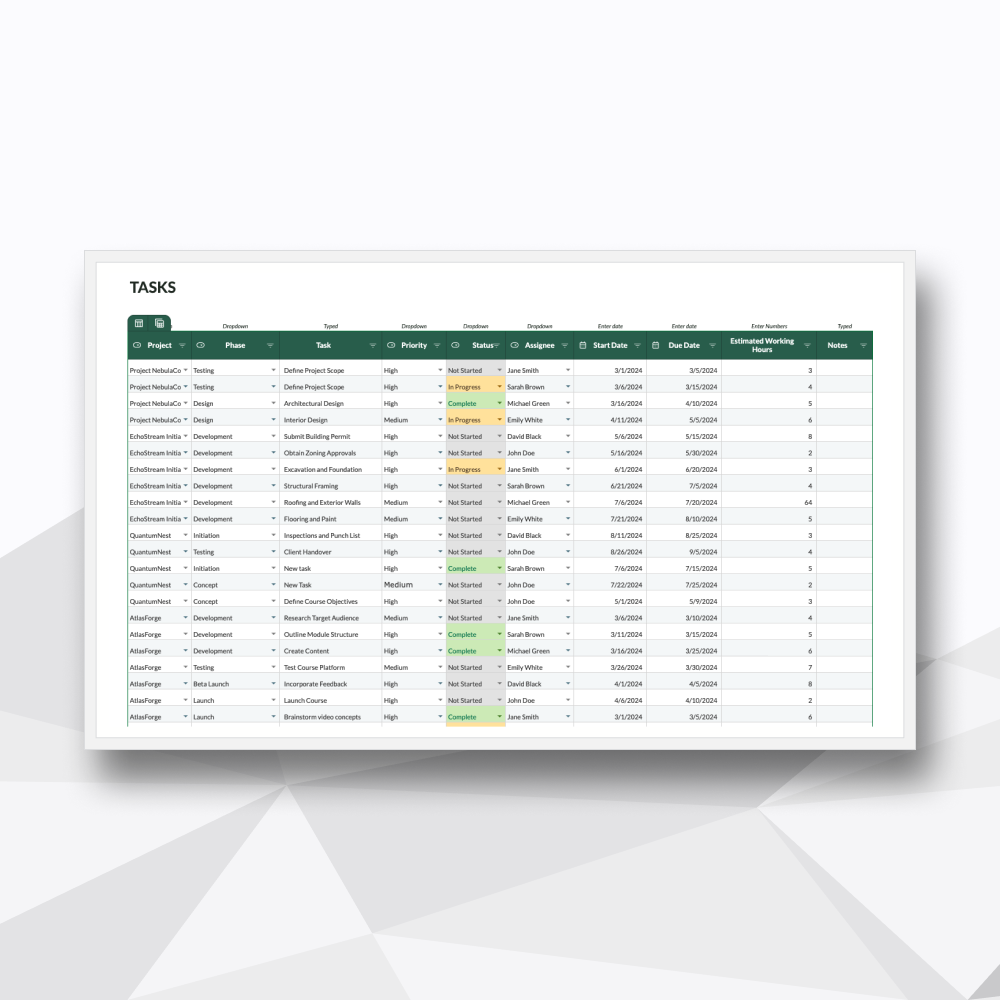
A clean, separate task tracker that keeps your raw data neat while driving the automated visual timeline tab.
-
![]()
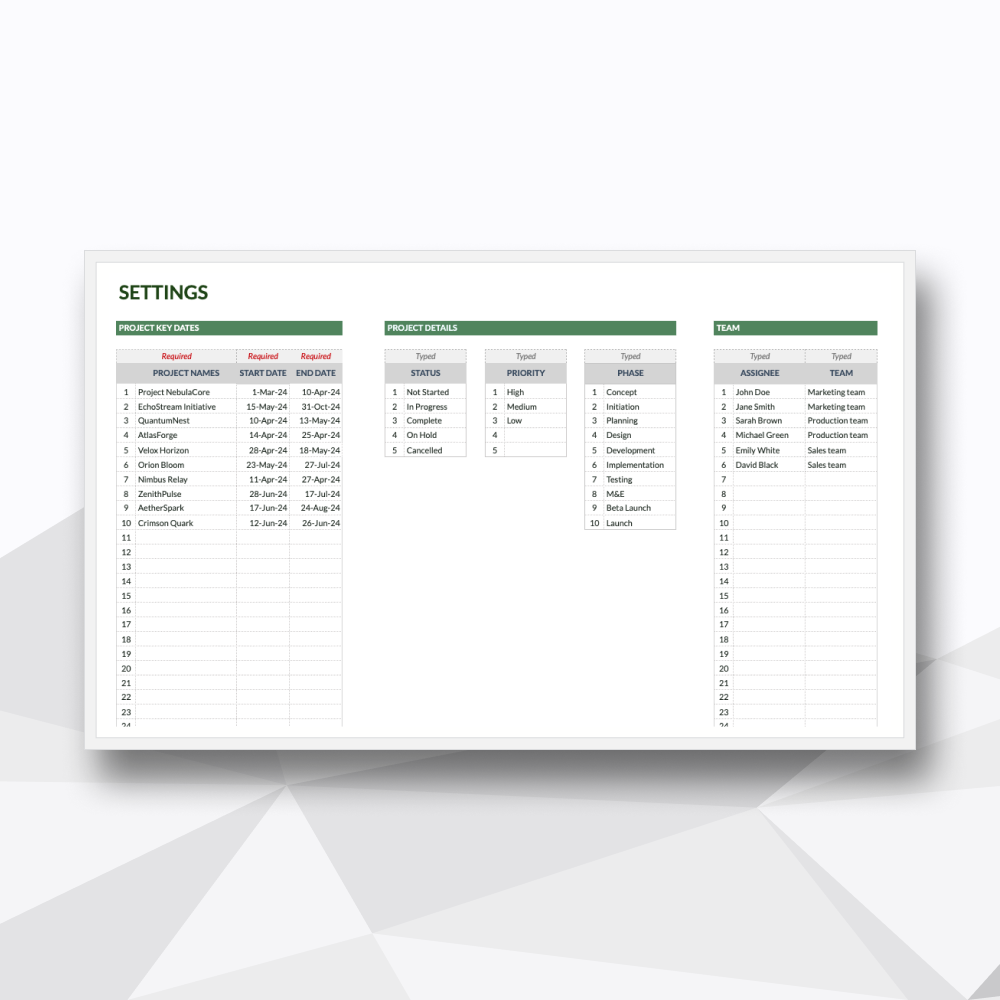
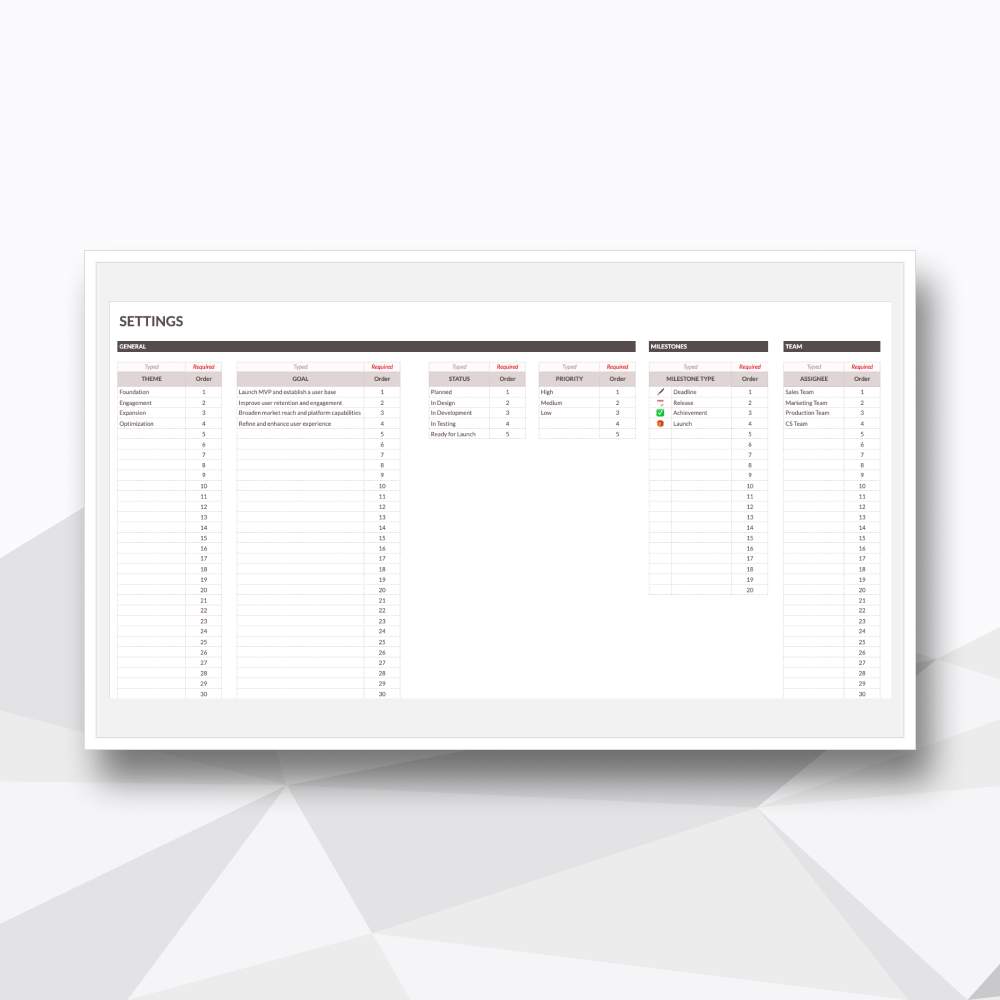
Custom Dropdown Configuration
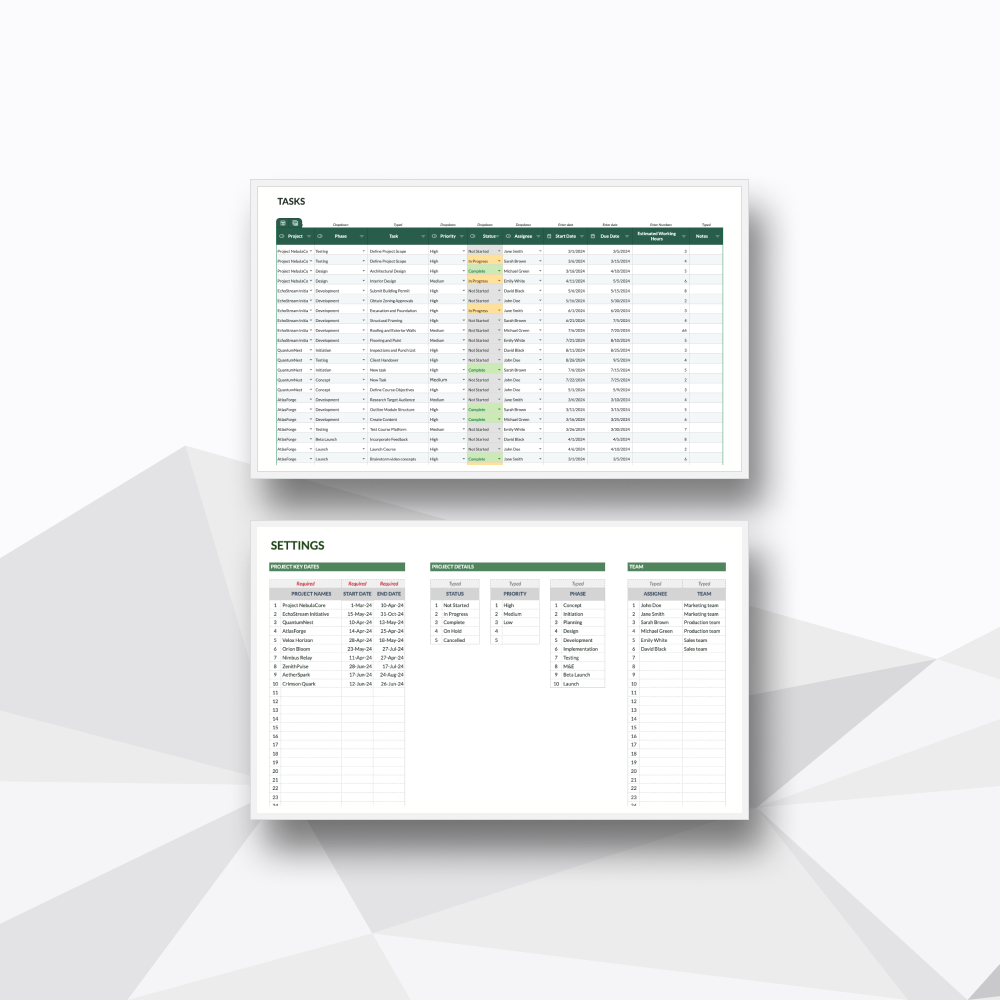
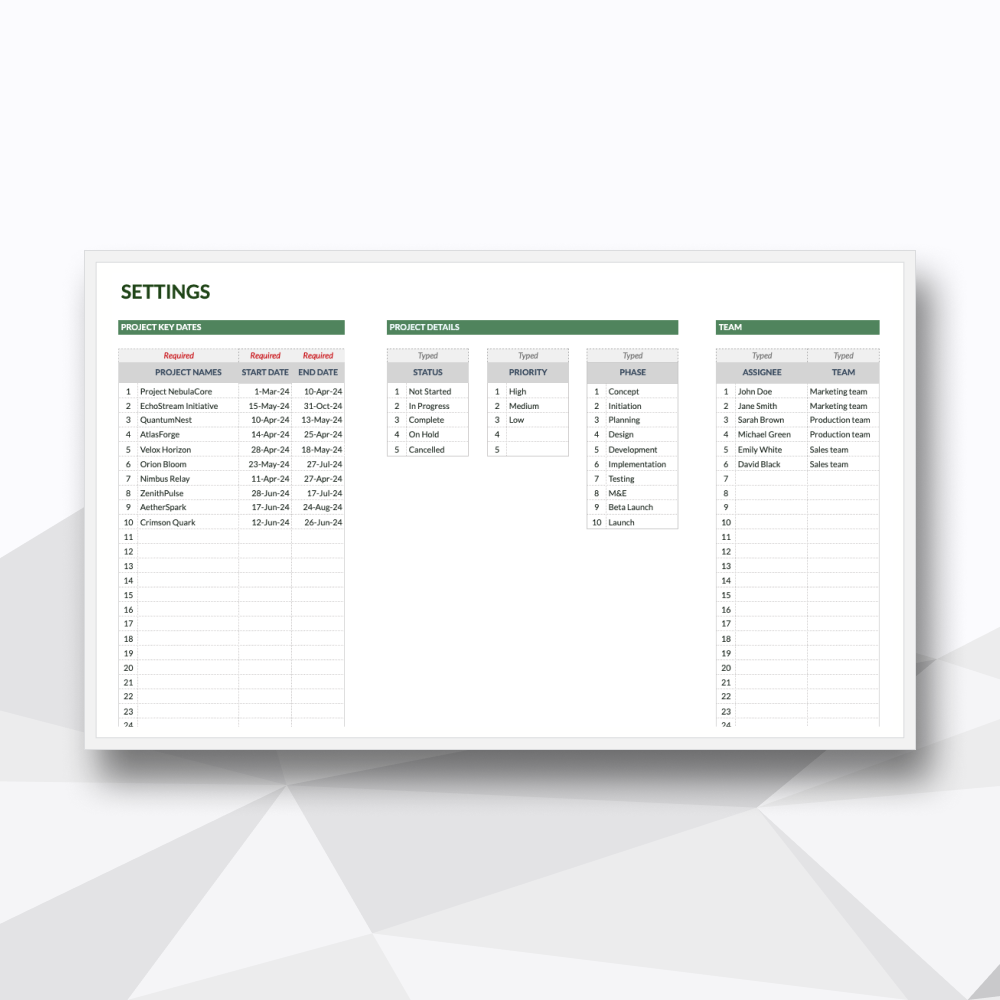
A dedicated settings suite to instantly align team member names, custom status labels, and priority tiers with your specific business workflows.
Template Description
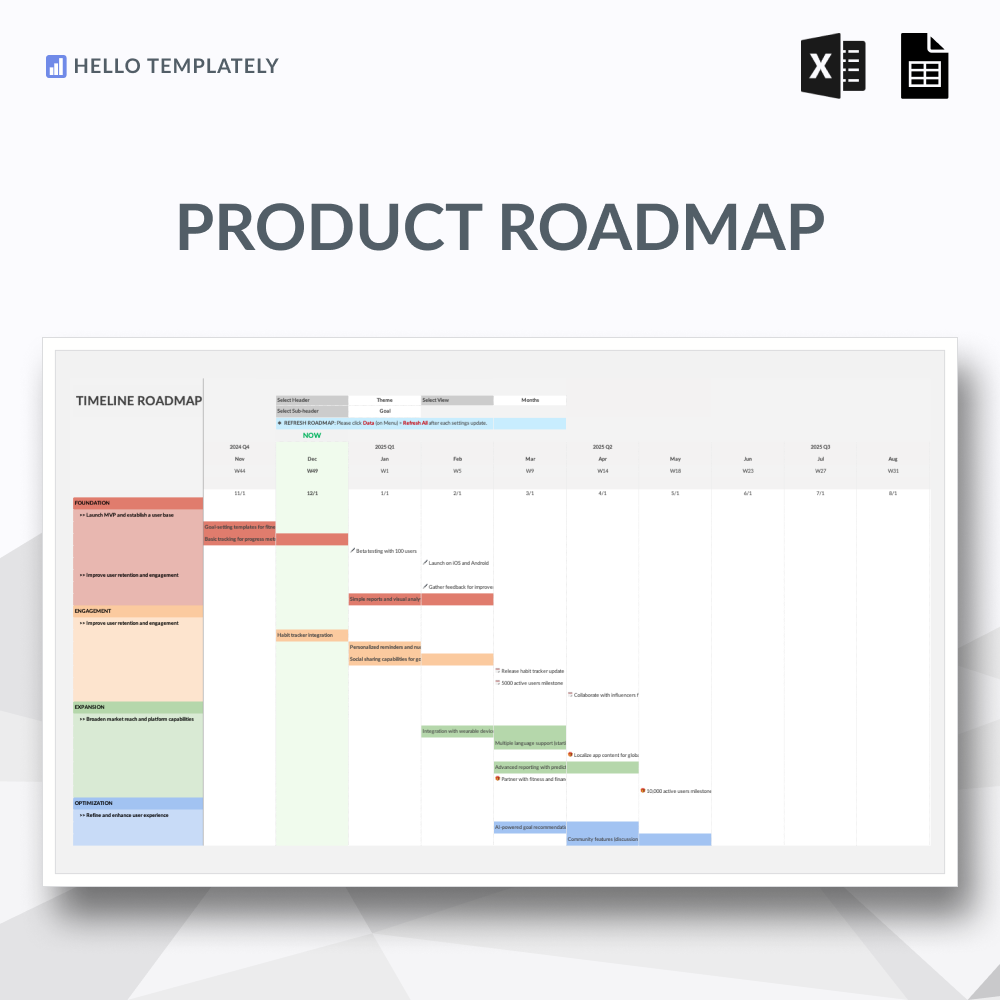
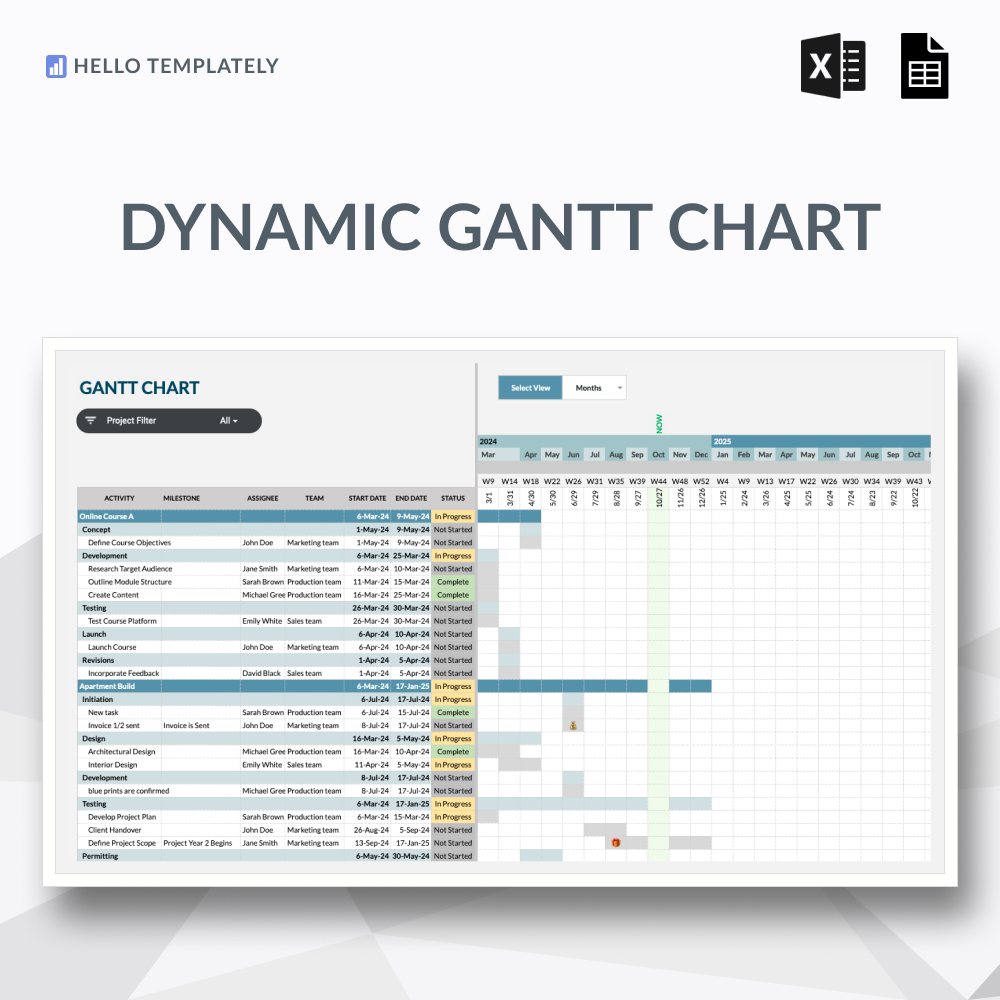
Upgrade your scheduling. The professional, automated multi-view timeline.
-
Designed as the direct professional upgrade to our signature Free Gantt Chart. While the free tool is excellent for entering dates directly onto a grid, growing operations require more scalability and precision. This advanced edition introduces a modern, decoupled structure: you enter your data into a dedicated backend tracker, and the template dynamically builds your roadmap. Equipped with multi-interval view toggles and custom milestone icons, this tool gives you the high-level reporting polish expected by clients and stakeholders.
-
Upon purchase, you will receive a digital ZIP folder containing:
The Excel File: A .xlsx file to be used in Excel (designed for Microsoft 365 and Excel 2021).
The Google Sheets Access PDF: A setup guide containing a secure link to generate your own private, editable copy in Google Sheets.
-
Power Users of Our Free Template: Ready to graduate from simple date-logging to high-performance, boardroom-ready milestone reporting.
Project Managers & Directors: Overseeing multiple overlapping project tracks that require switching views from micro daily stand-ups to macro monthly reviews.
Agencies & Client-Facing Consultants: Who need an intuitive scheduling engine that produces clean, visual timelines with distinct target markers to send to stakeholders.
-
The Premium Structural Upgrade: Keep data clean. By splitting your raw task lists from the final timeline tab, the sheet remains organized no matter how large your project grows.
Flexible Multi-View Scaling: Adapt your visual layout on the fly. Seamlessly change your view settings to track operations by Days, Weeks, or Months depending on your reporting needs.
Precision Milestone Mapping: Stop missing critical dates. The template reads your target deadlines and automatically places clear milestone indicators on the chart area.
Real-Time Delivery Alignment: Leverage the dynamic "Now" indicator line to instantly spot where team workflows are bottlenecked relative to today's date.
-
This spreadsheet features 03 high-performance tabs:
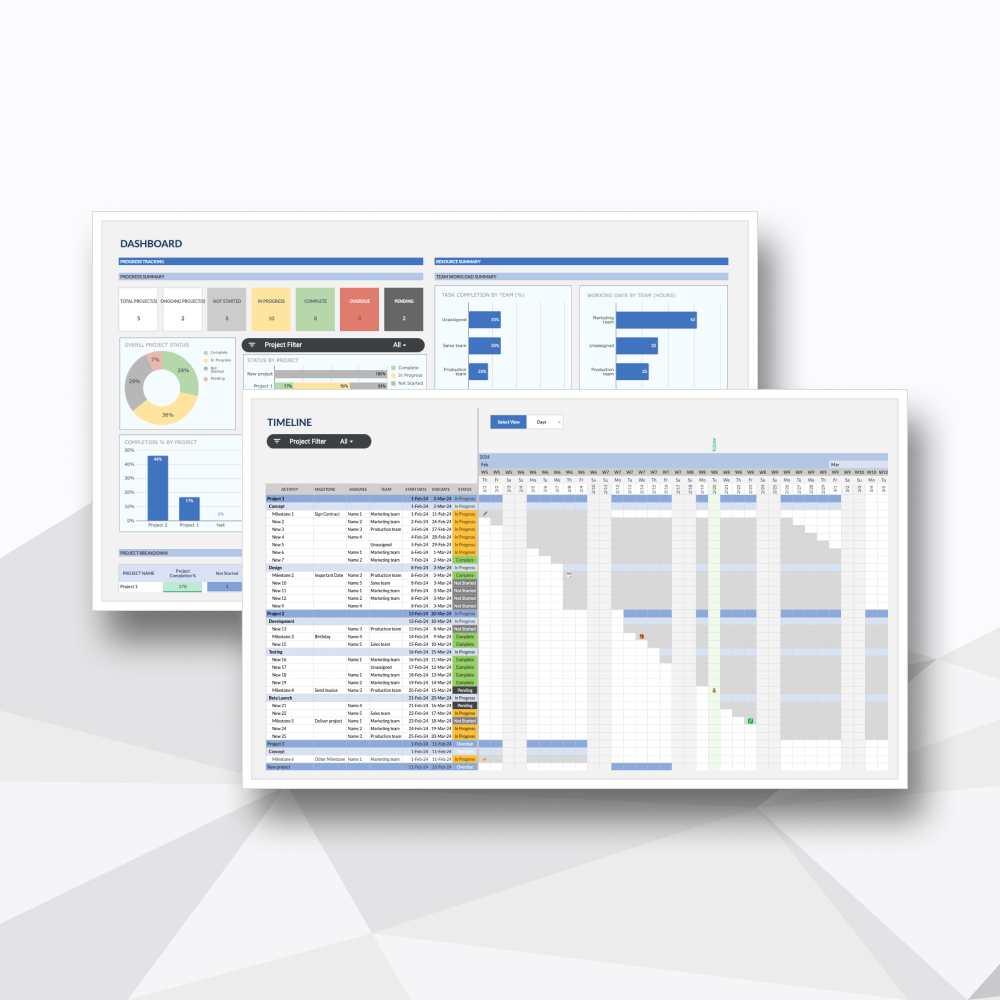
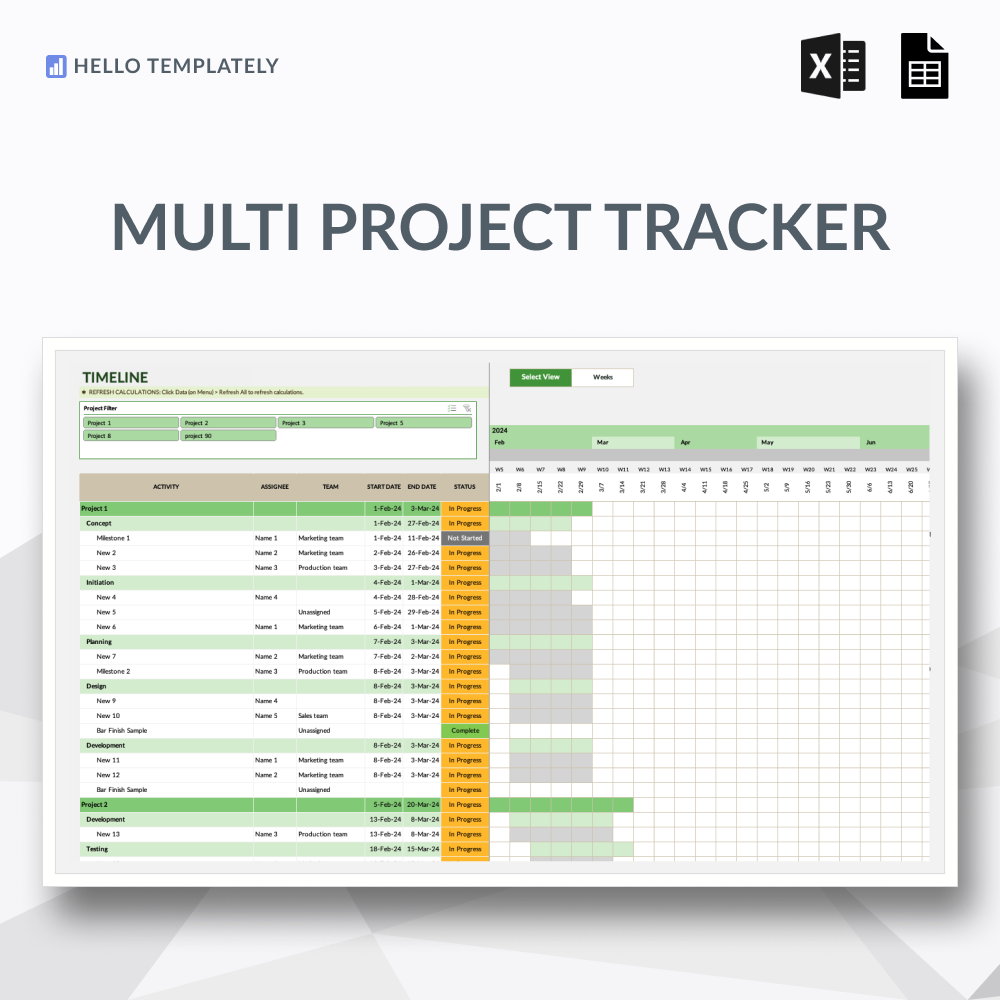
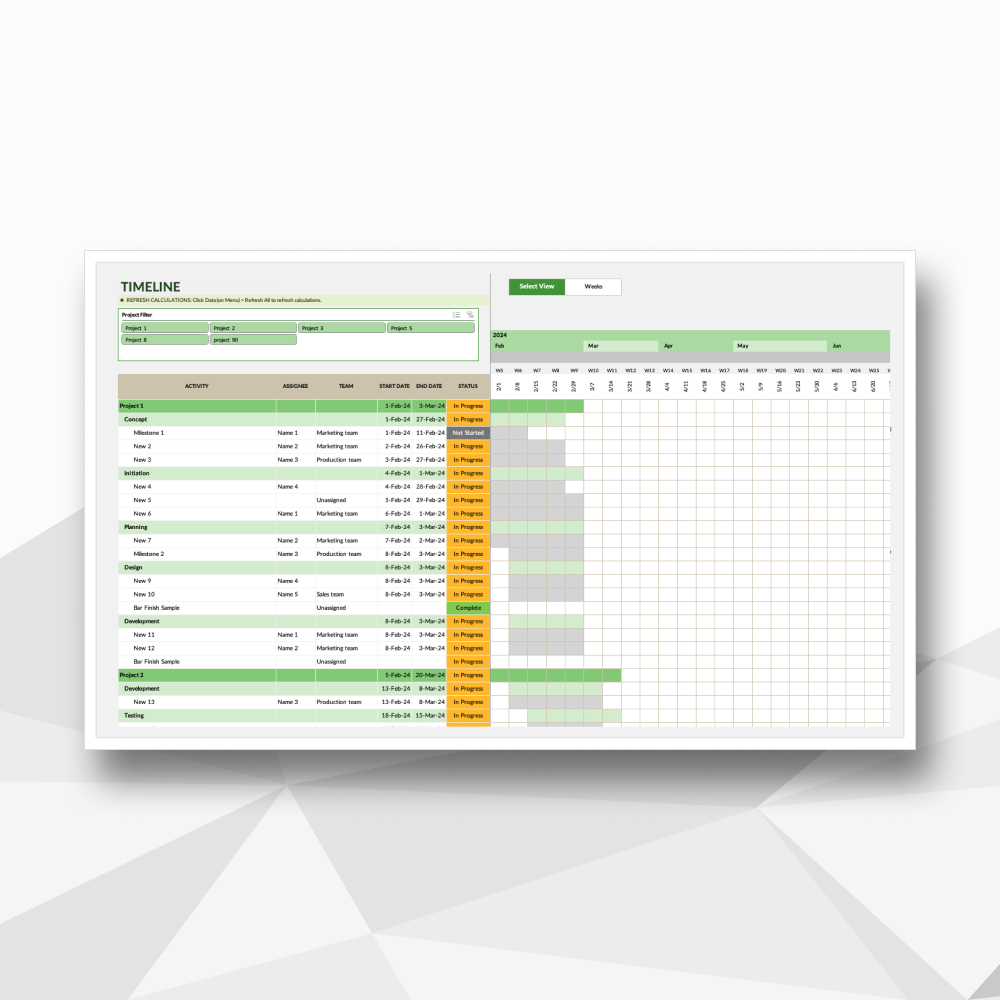
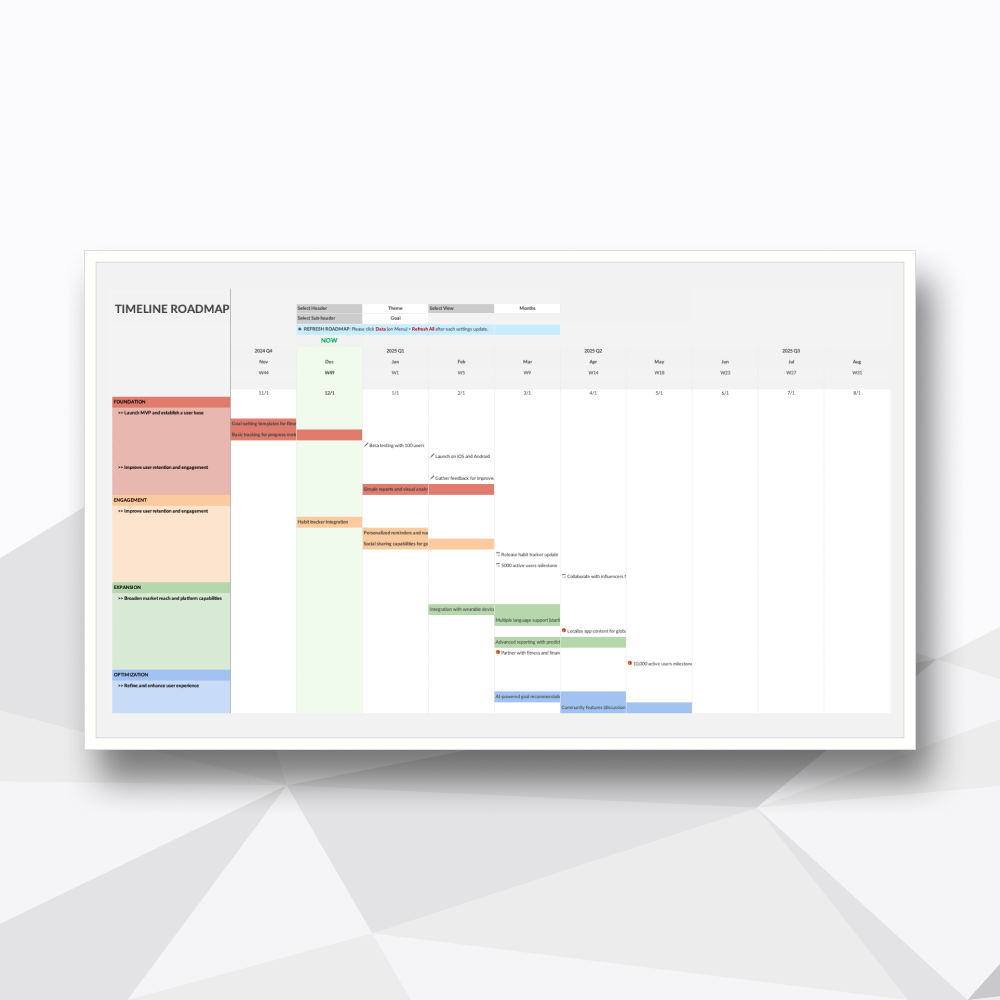
Tab 1: Gantt: The visual centerpiece. A dynamic chronological roadmap featuring selectable intervals (Days/Weeks/Months), auto-rendered milestone icons, and a living "Now" baseline.
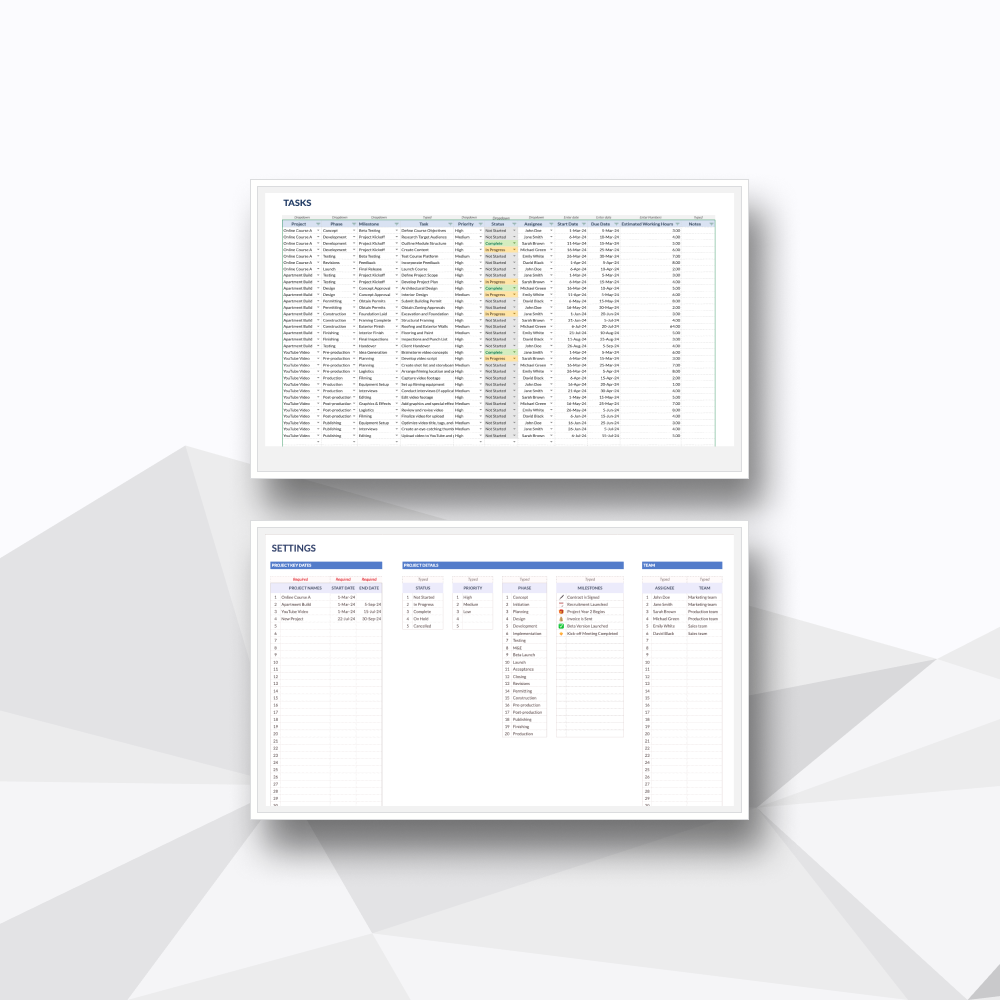
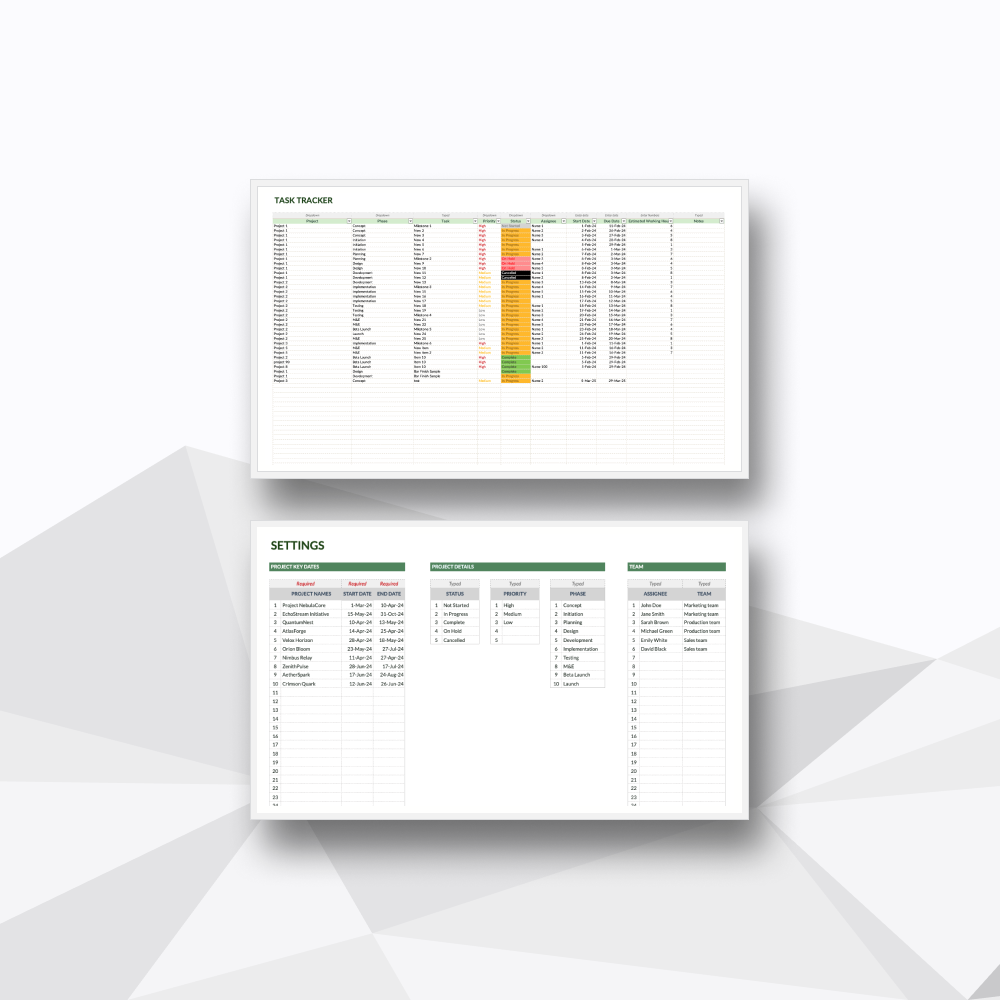
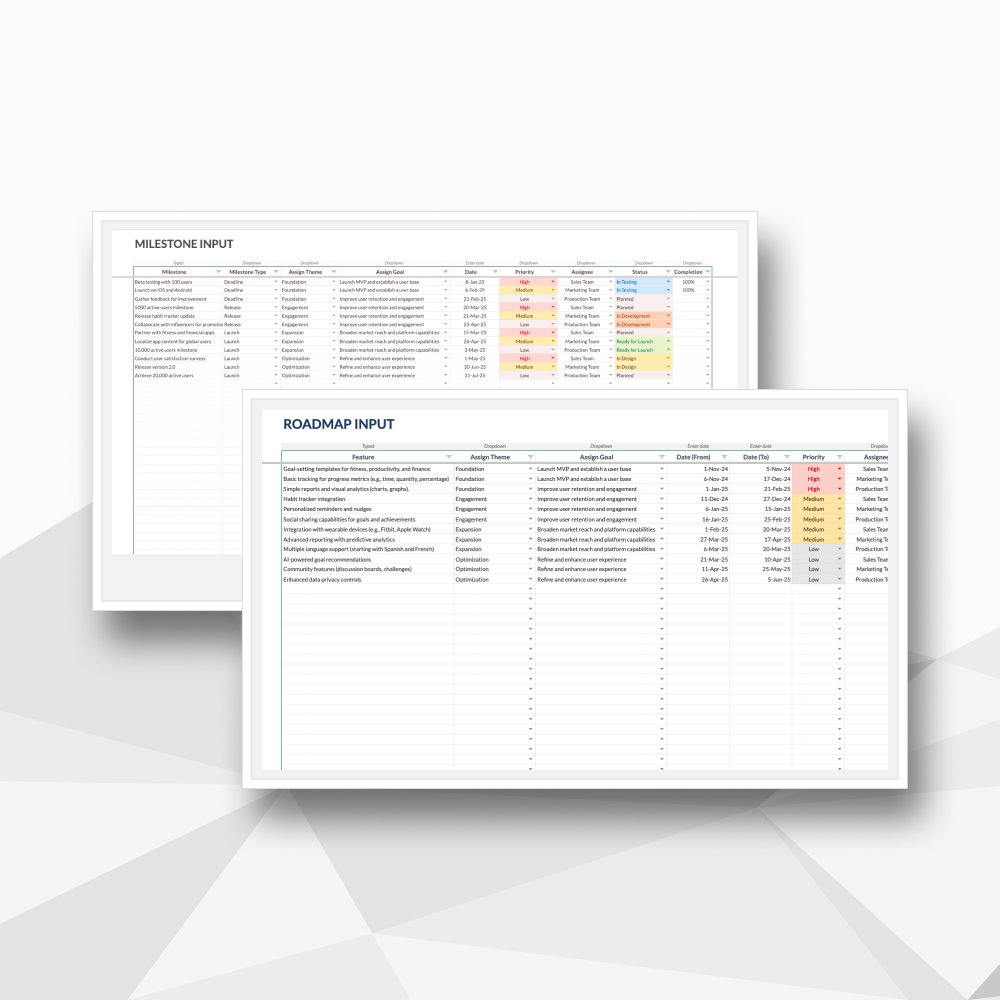
Tab 2: Tasks: The engineering backend. A centralized database for logging multi-project details, assignees, dates, and priorities that securely pushes automated data to the visual chart.
Tab 3: Settings: The master configuration suite. Easily customize your team roster, unique progress statuses, and priority flags to match your industry vocabulary.
-
Microsoft Excel: Fully compatible with Microsoft 365 or Excel 2021 (Desktop version recommended).
Google Sheets: You will need a Google Account (Personal or Workspace) to access and save your private copy.
-
Protected Logic: We’ve secured the complex formulas and background calculations so you can manage your portfolio with confidence, without the risk of breaking the system.
No Recurring Overhead: A one-time investment for professional-grade project management. No per-user fees or monthly subscriptions.
Privacy & Ownership: Your data is yours. Since the file lives on your machine or private Google Drive, your project details and personnel data remain 100% private.
-
Instant Delivery: Access your files immediately after checkout via your account and email.
Customization Support: Need a specific tweak? Our team at Hello Templately is available for bespoke customization to ensure the tool fits your business perfectly.