 Image 1 of 10
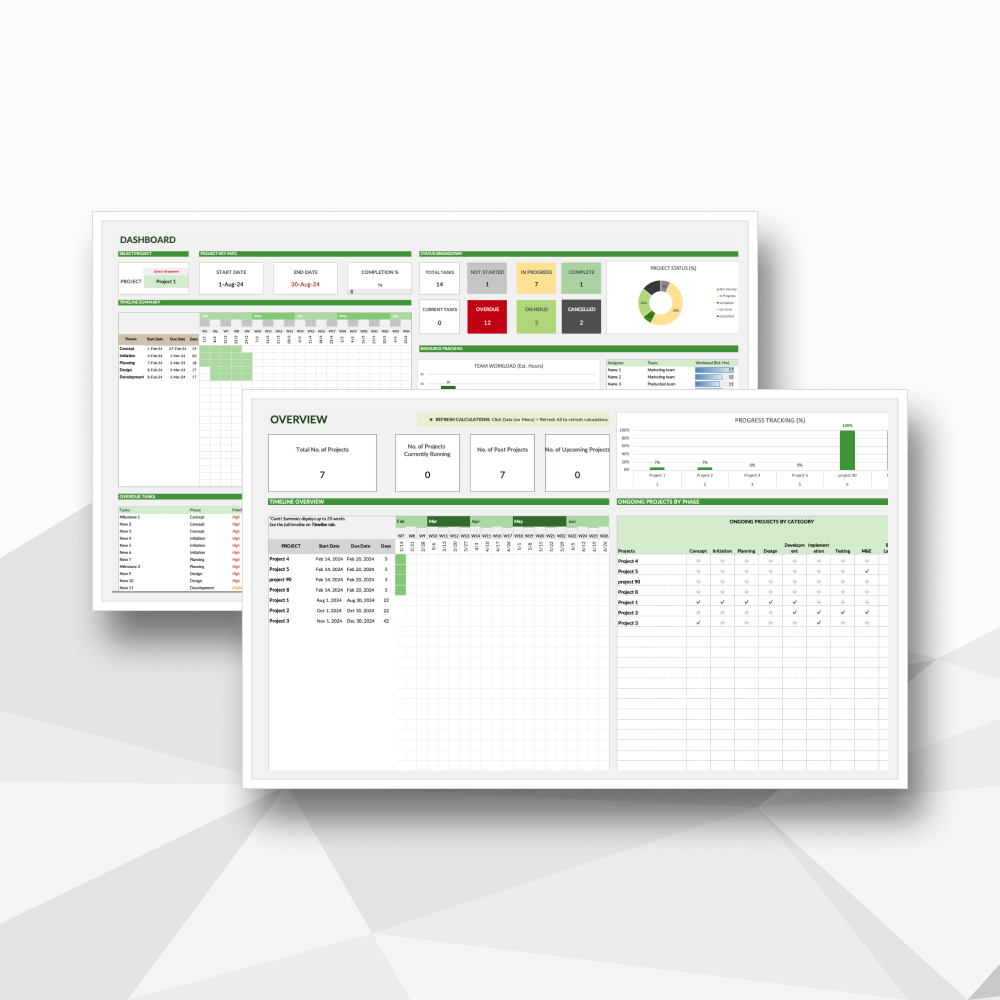 Image 2 of 10
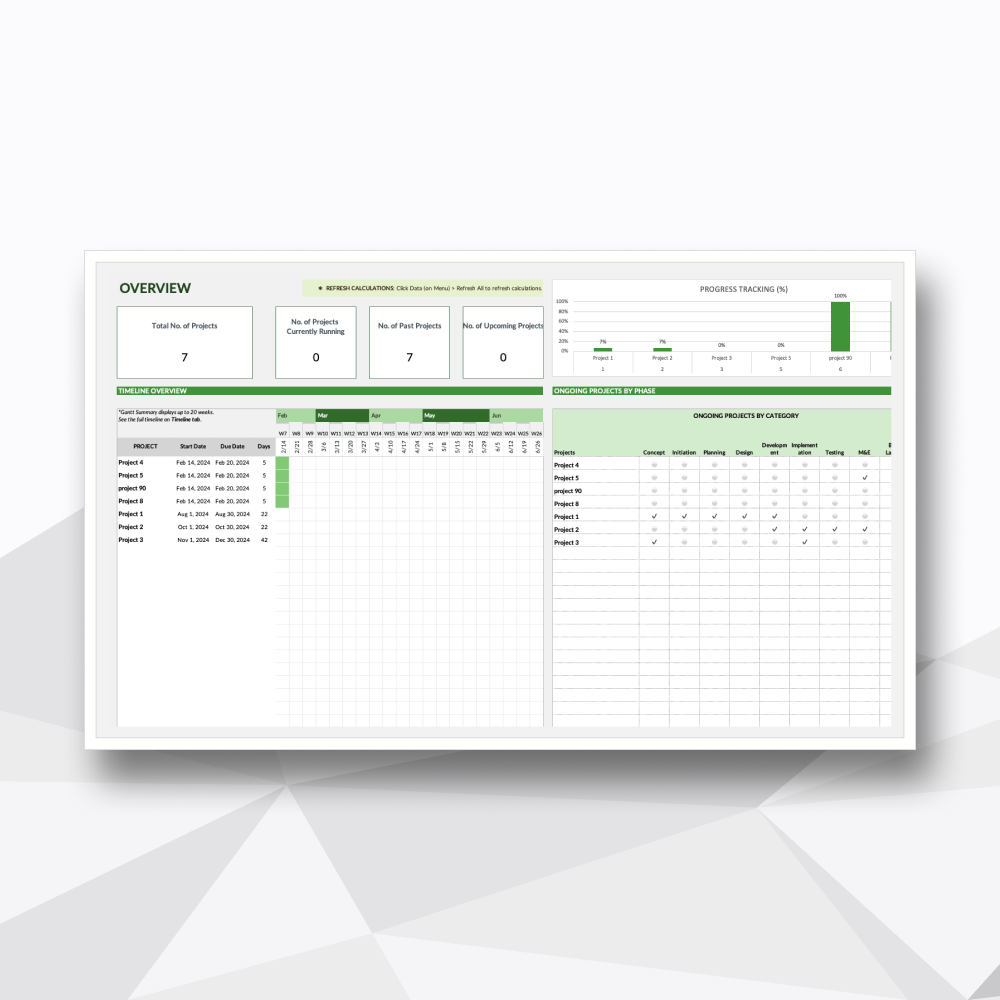 Image 3 of 10
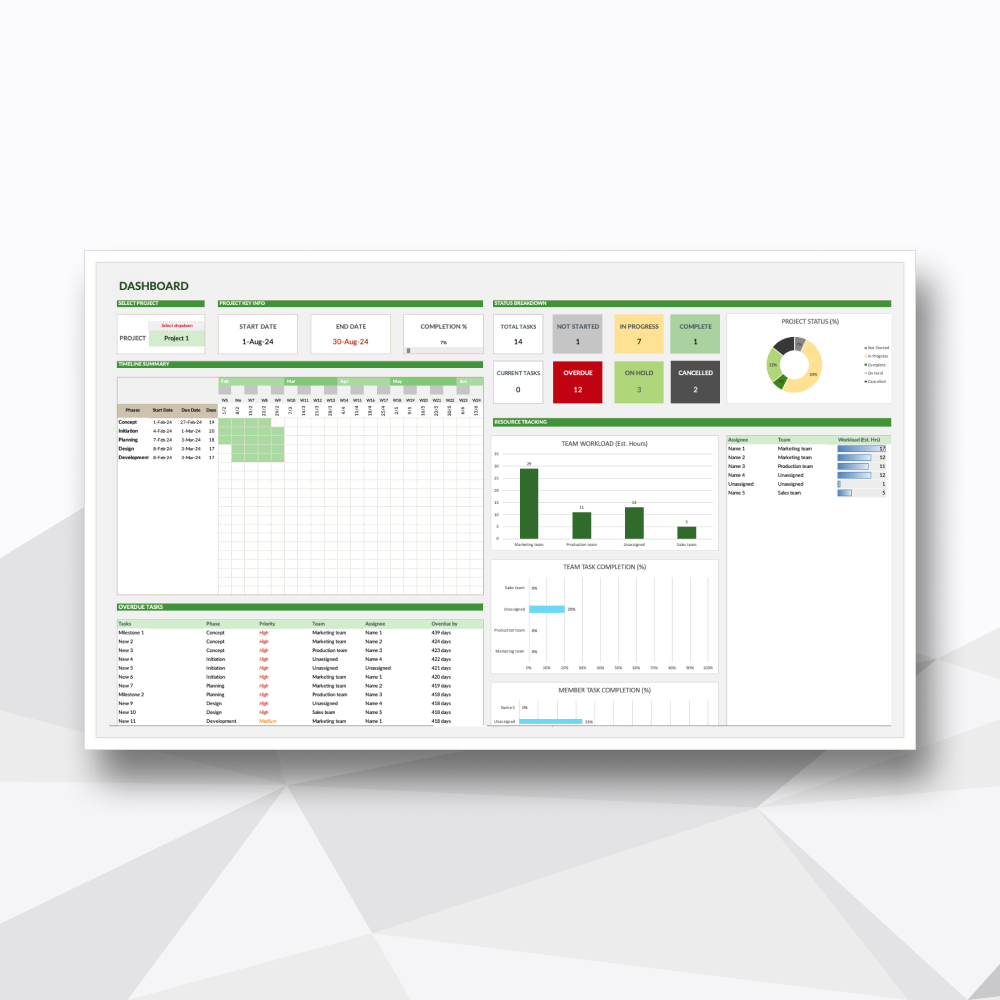 Image 4 of 10
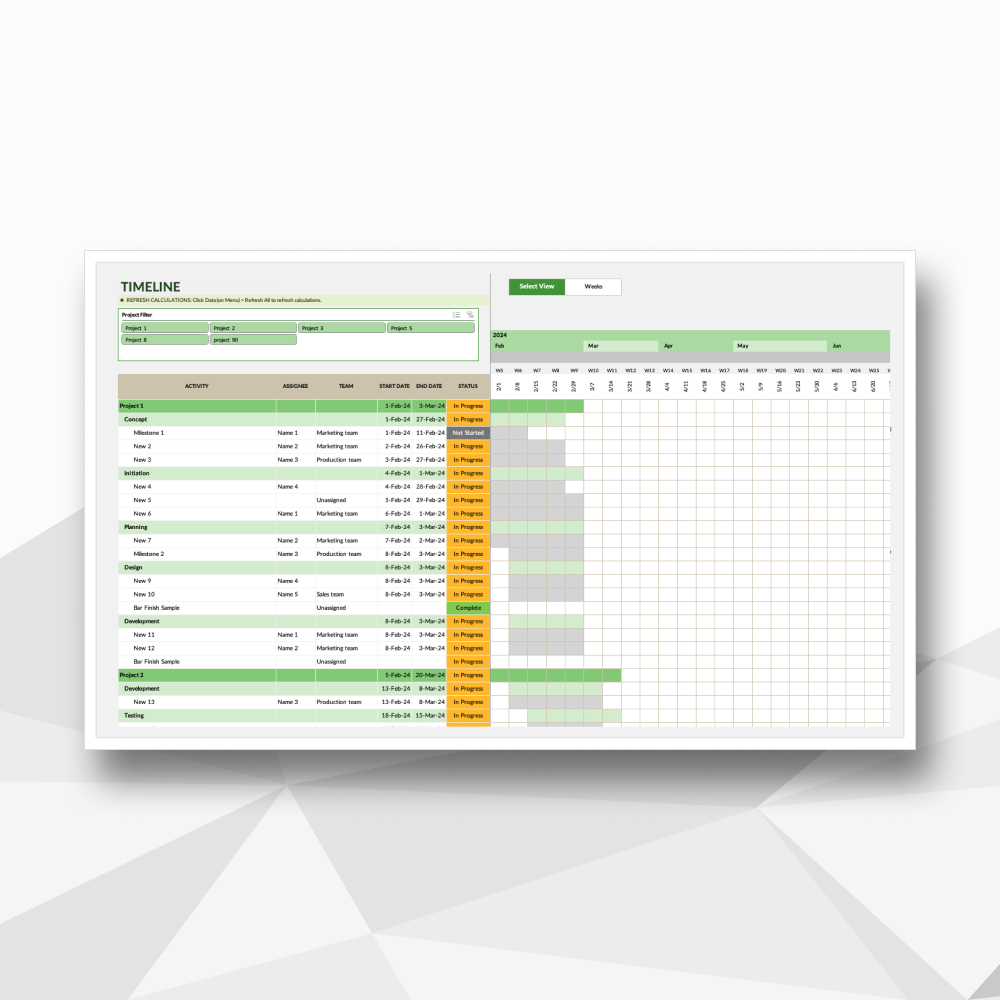 Image 5 of 10
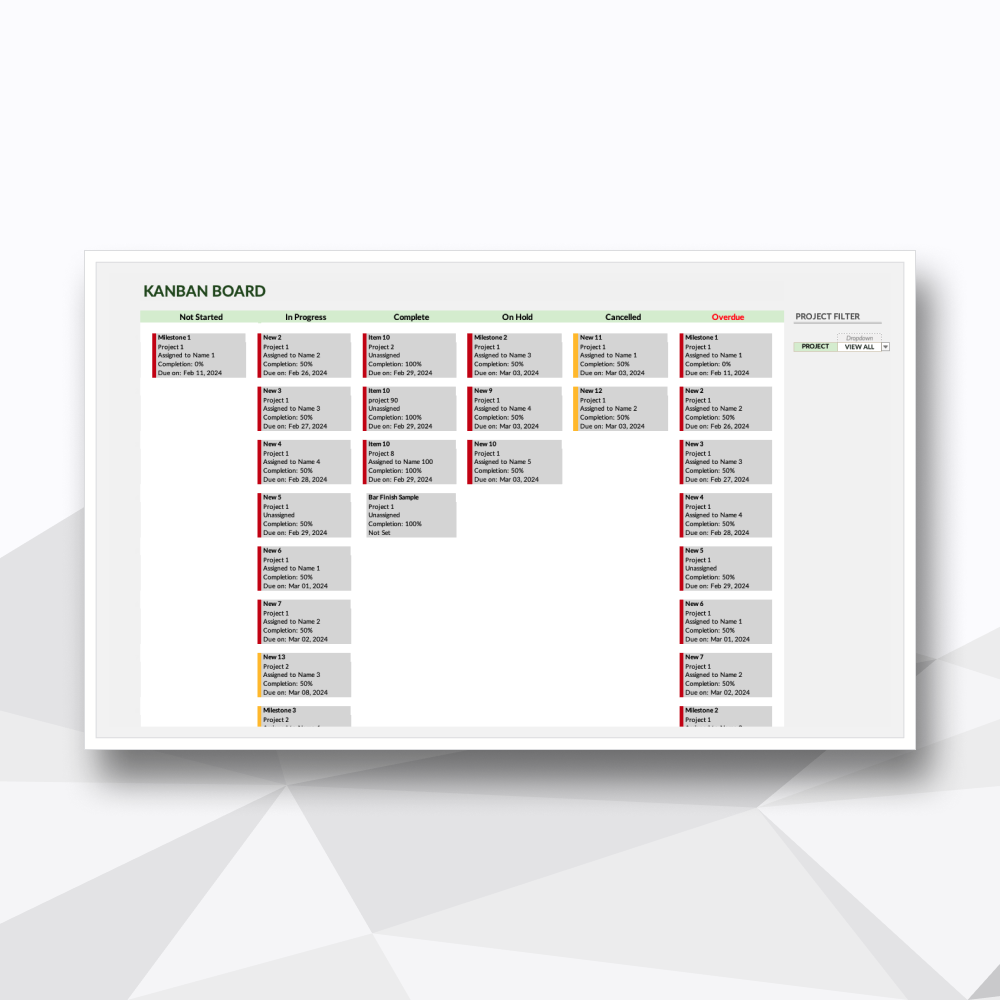 Image 6 of 10
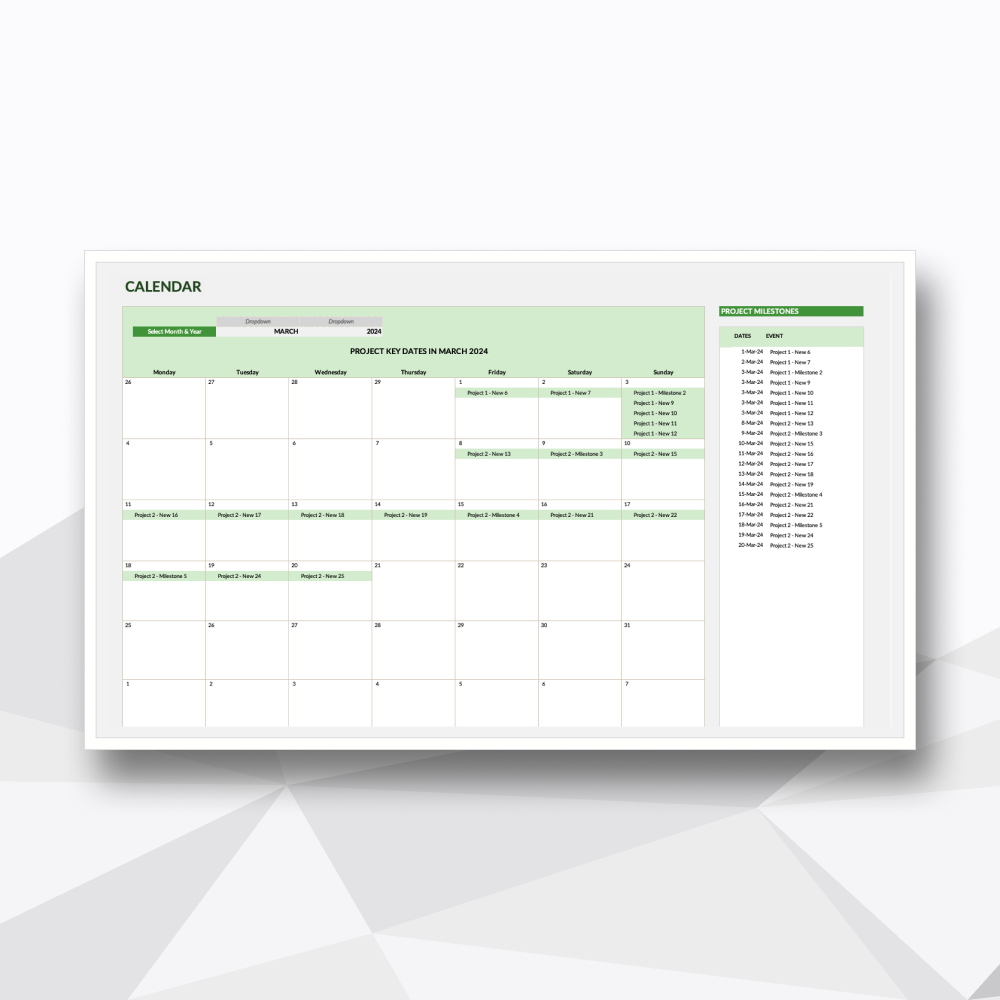 Image 7 of 10
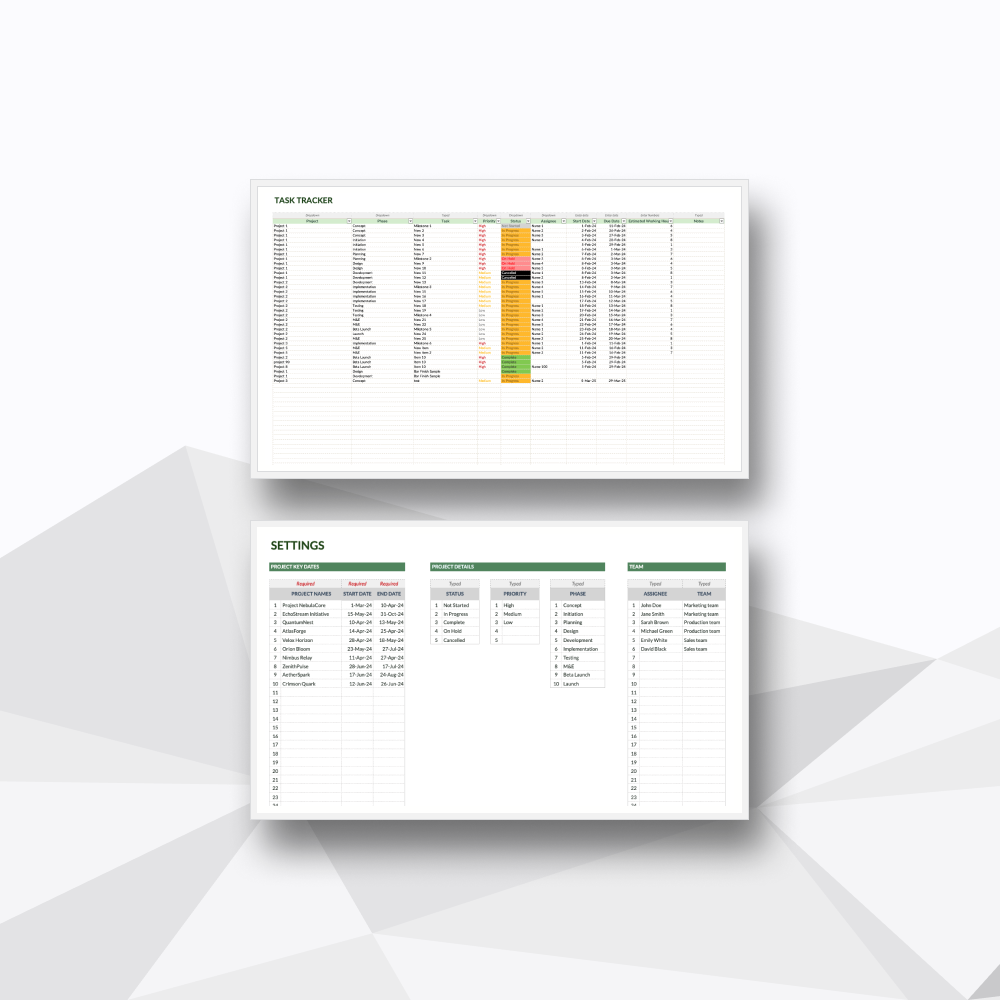 Image 8 of 10
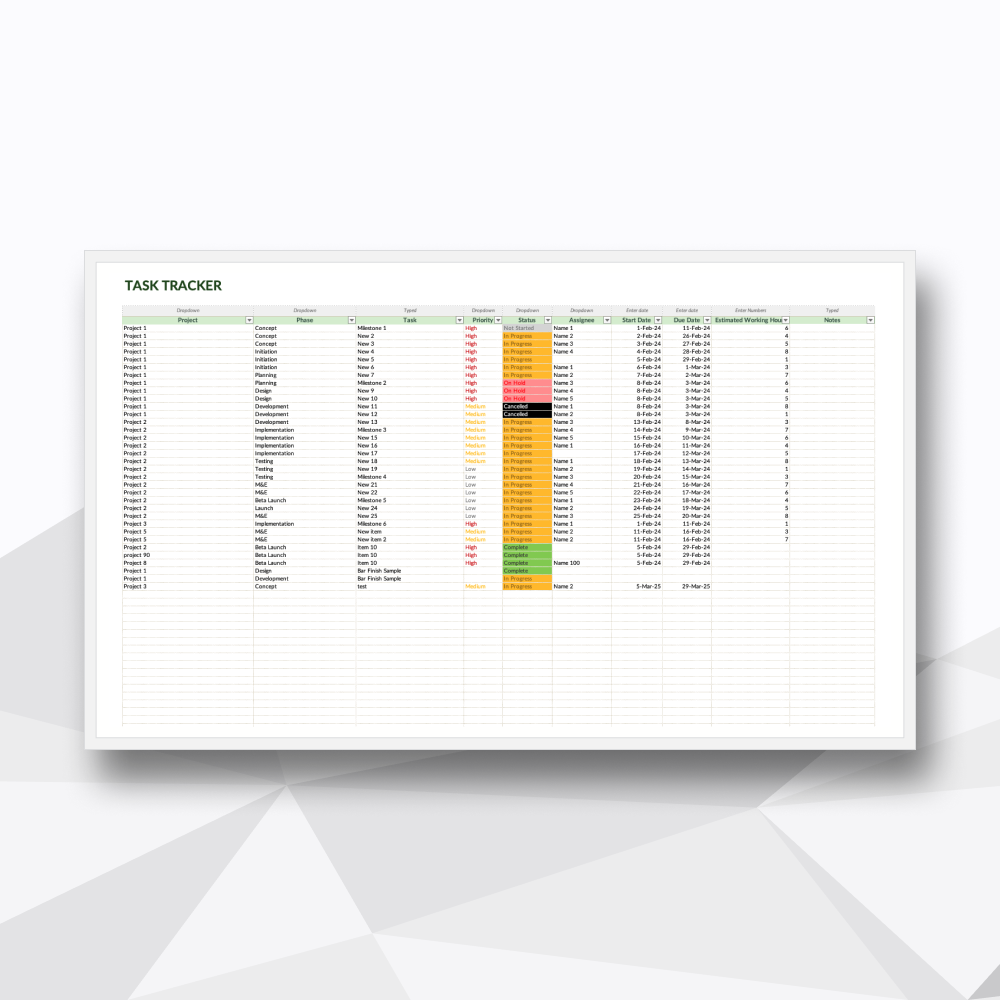 Image 9 of 10
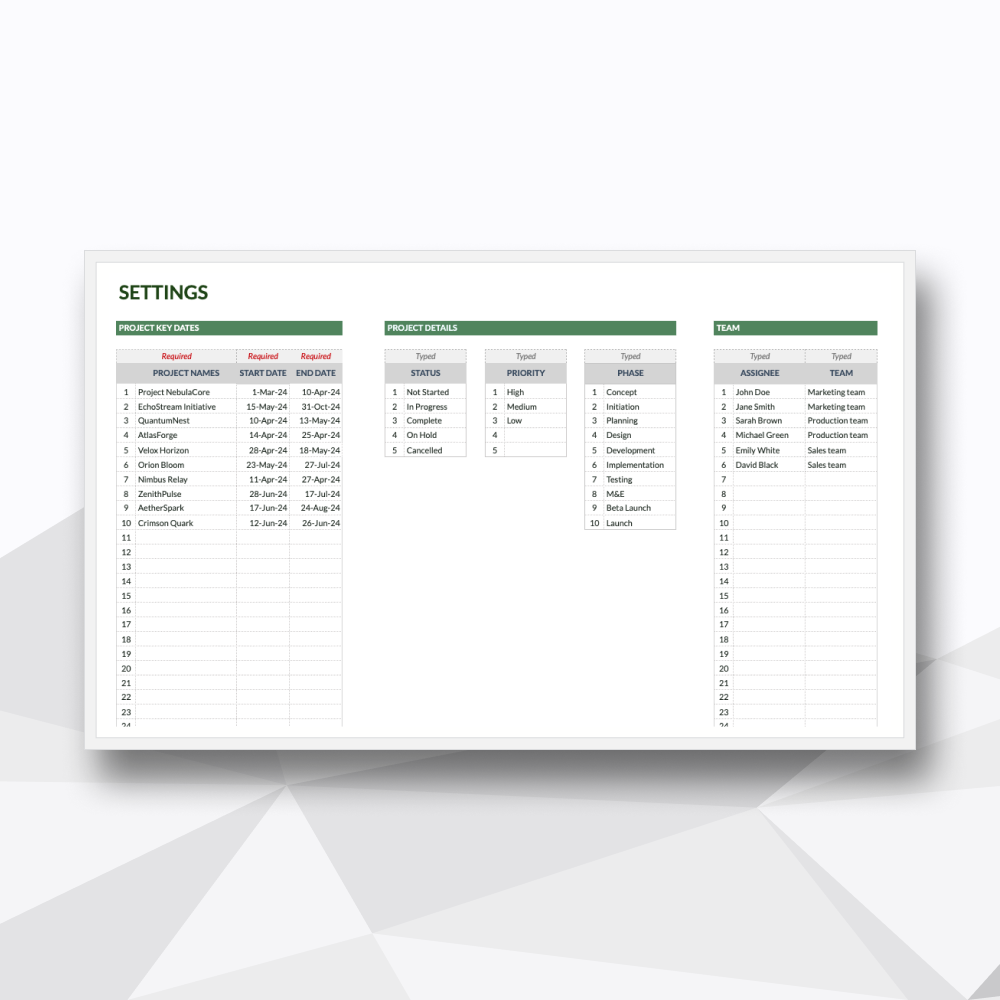 Image 10 of 10
Take a Tour of the Workflow
-
![]()
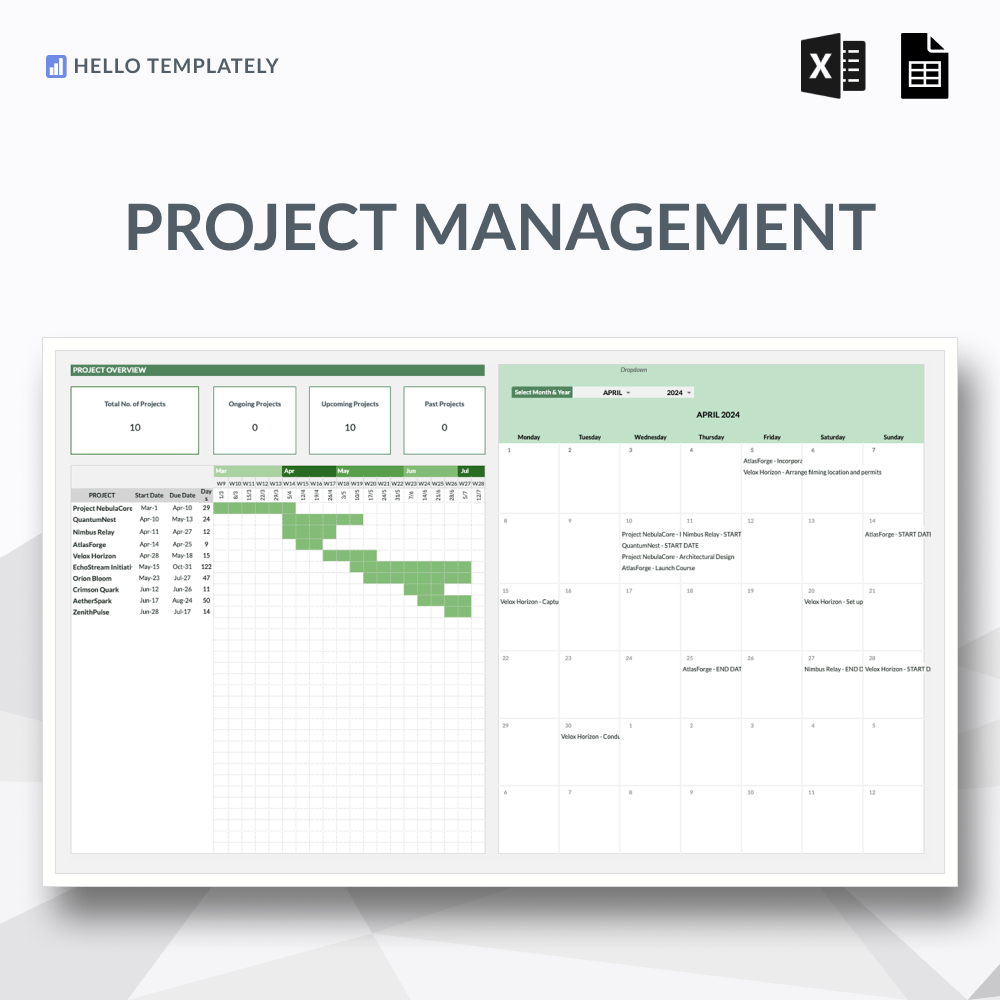
50-Project Portfolio Hub
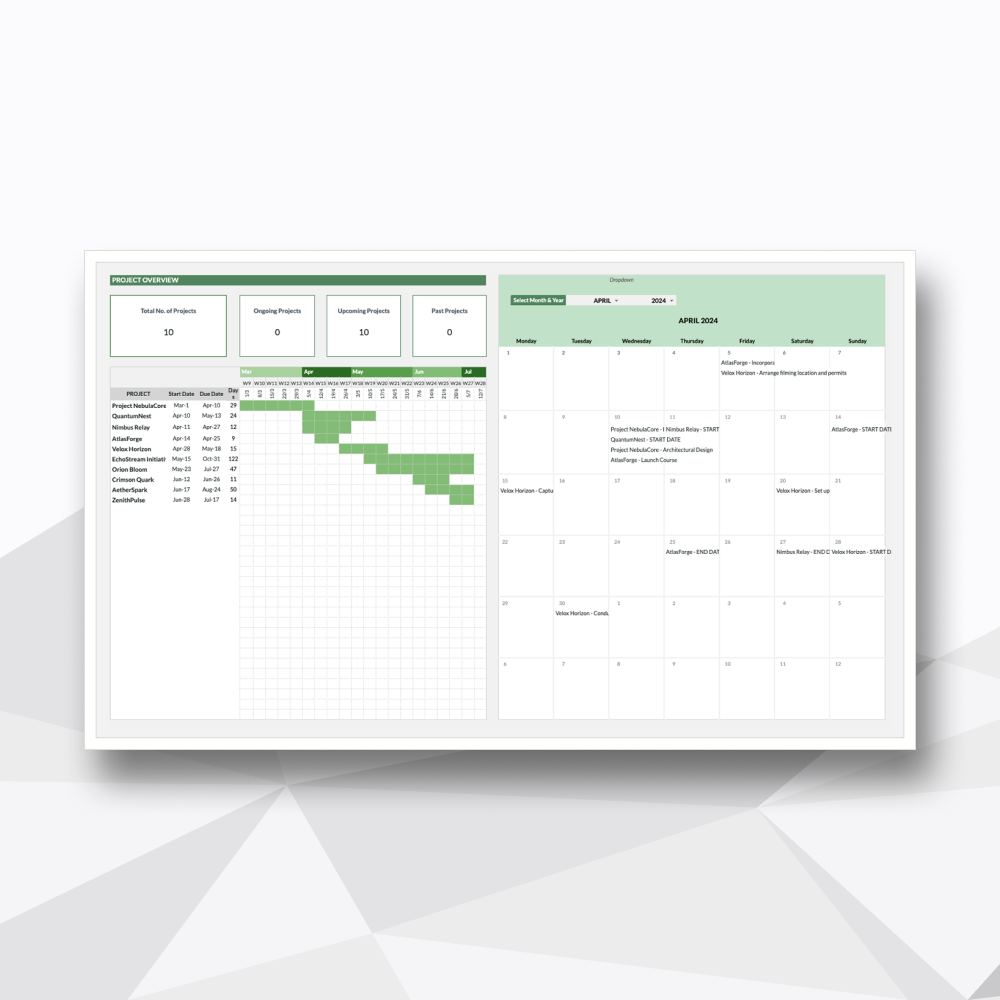
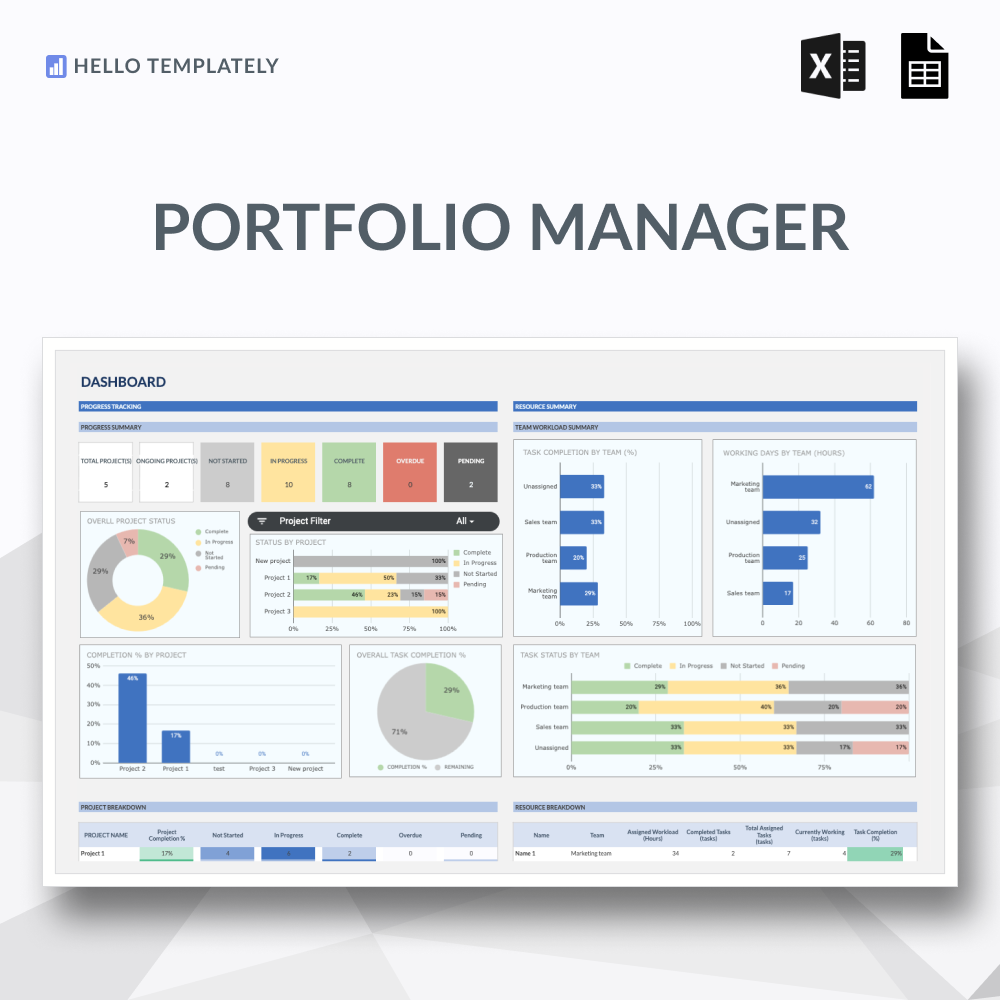
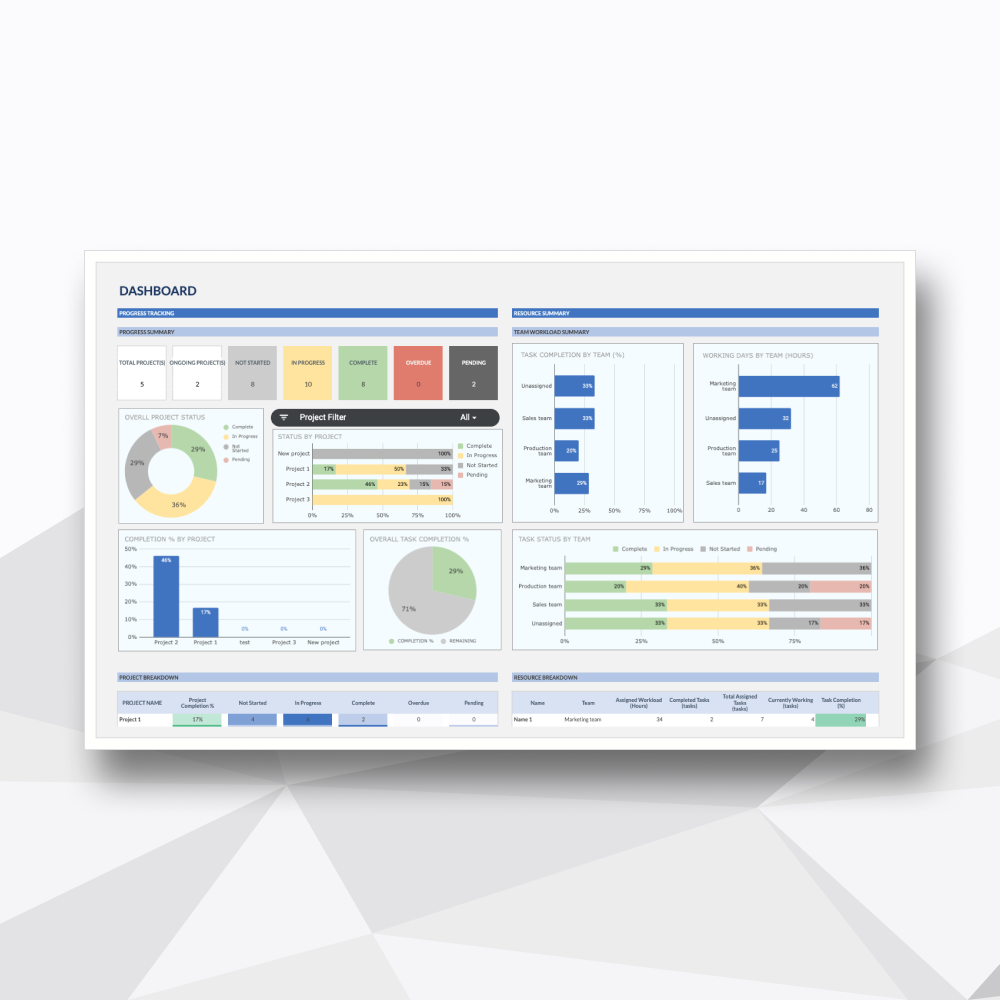
A streamlined master overview designed to centralize core dates, overall status, and high-level health metrics for up to 50 active projects.
-
![]()
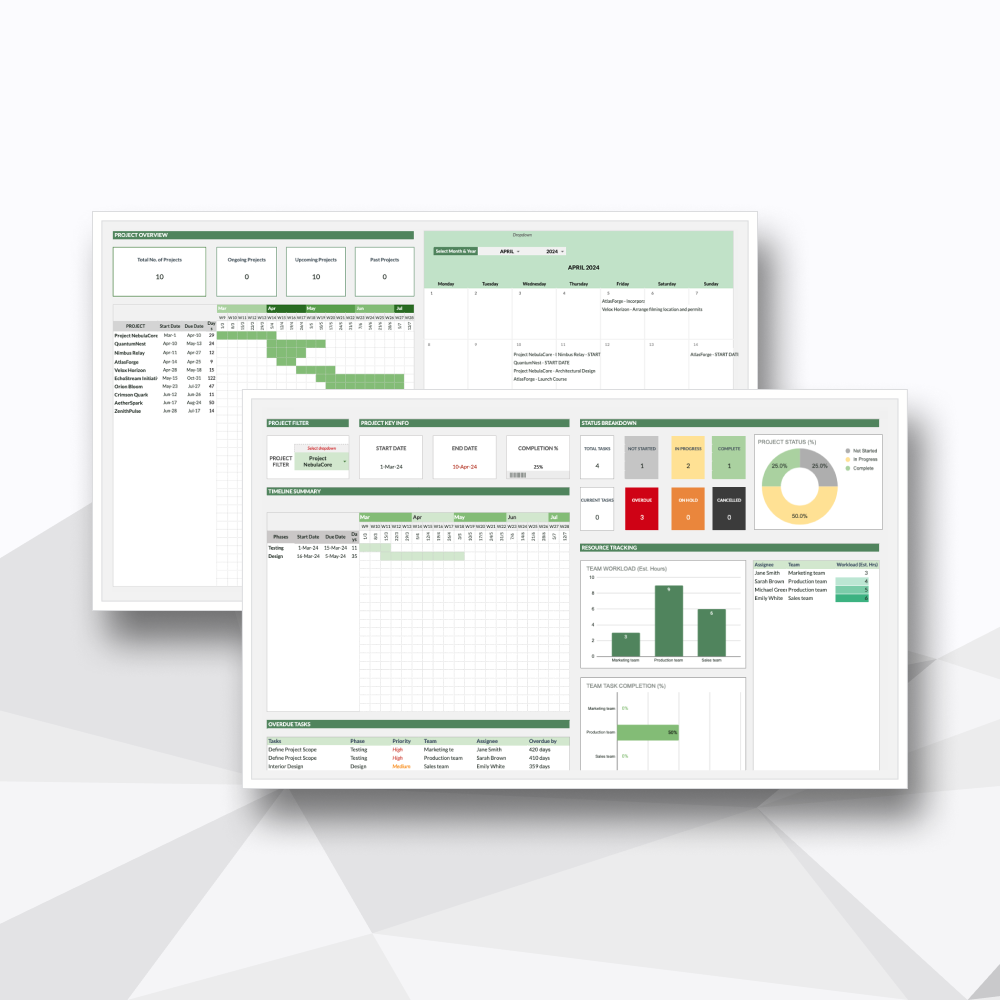
Granular Project Deep Dive
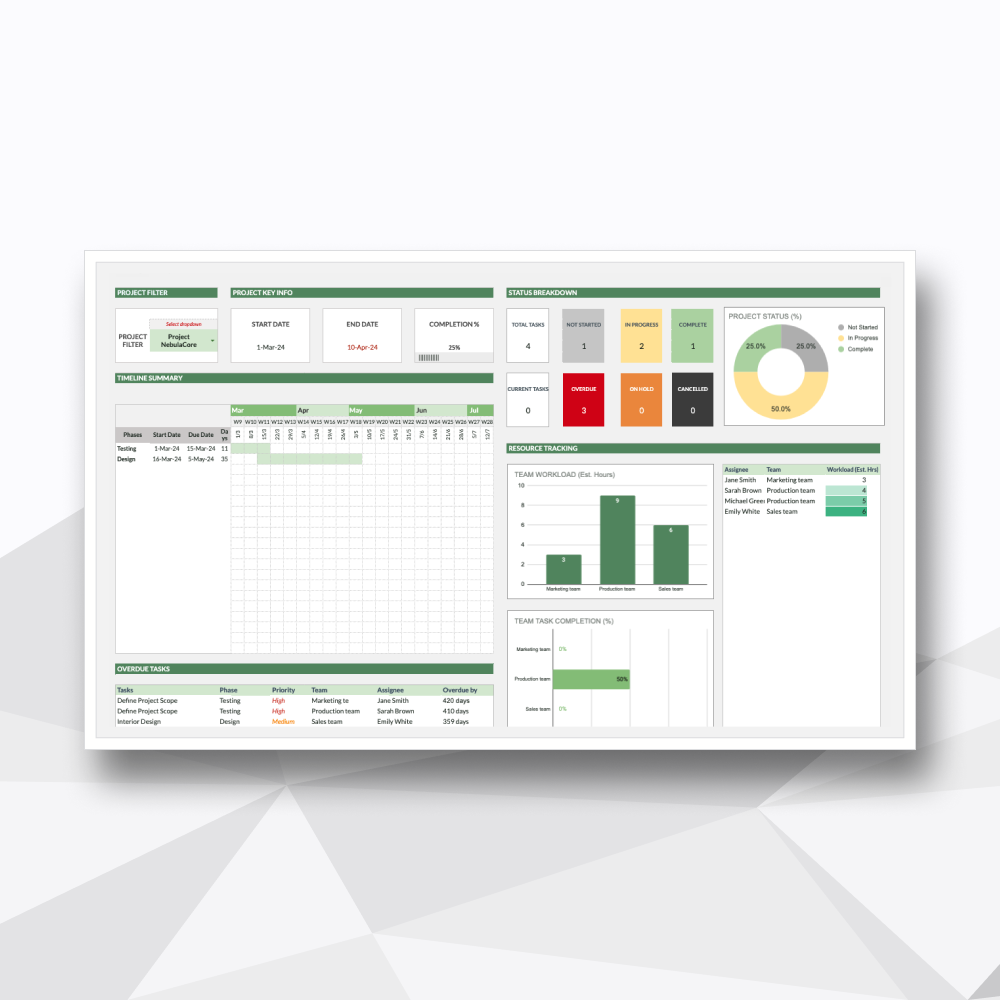
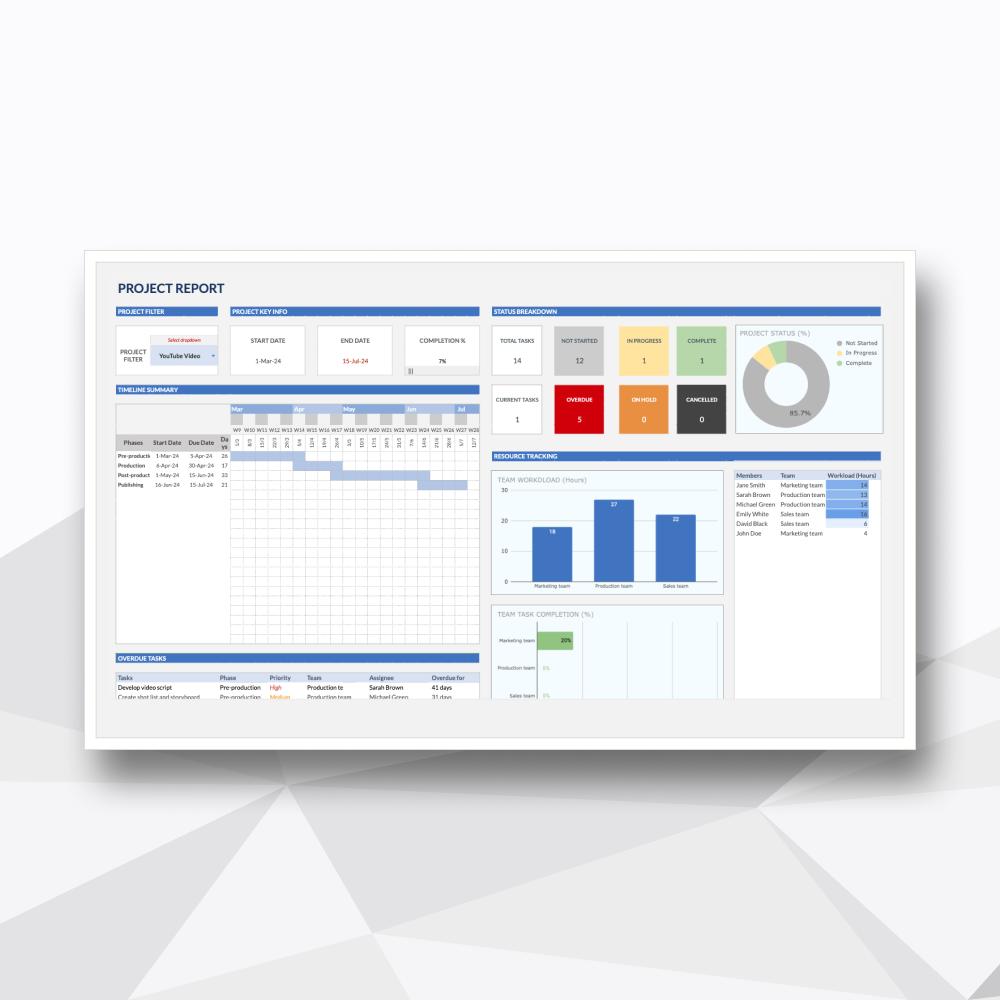
A dedicated interactive dashboard engineered to isolate a single project for a comprehensive look at its performance, timelines, and specific blockages.
-
![]()
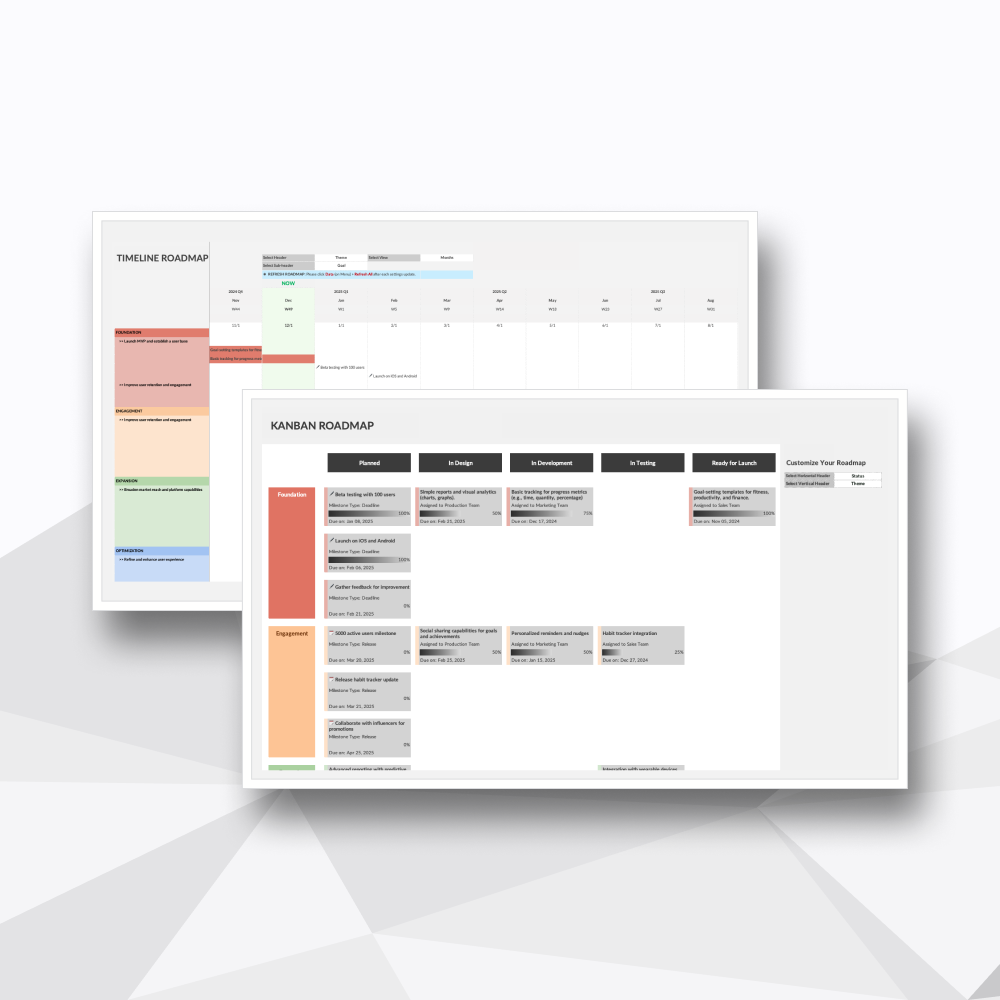
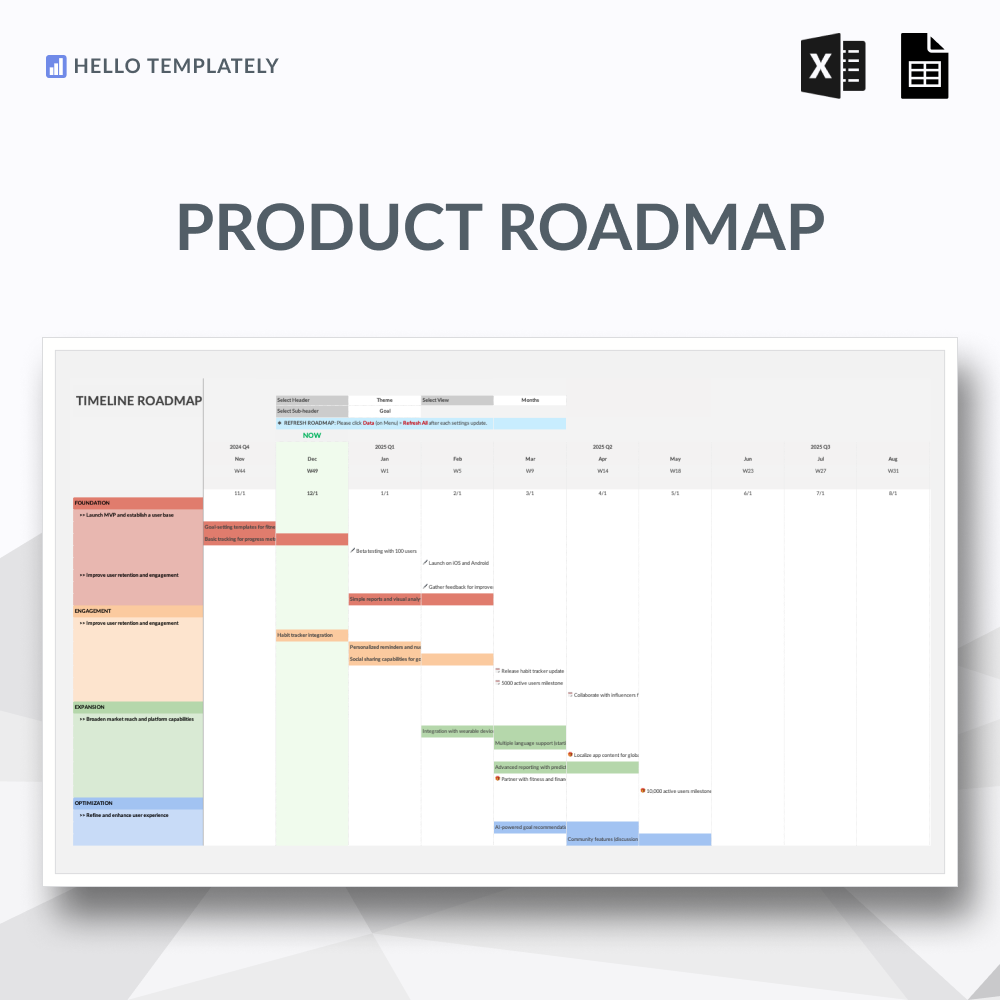
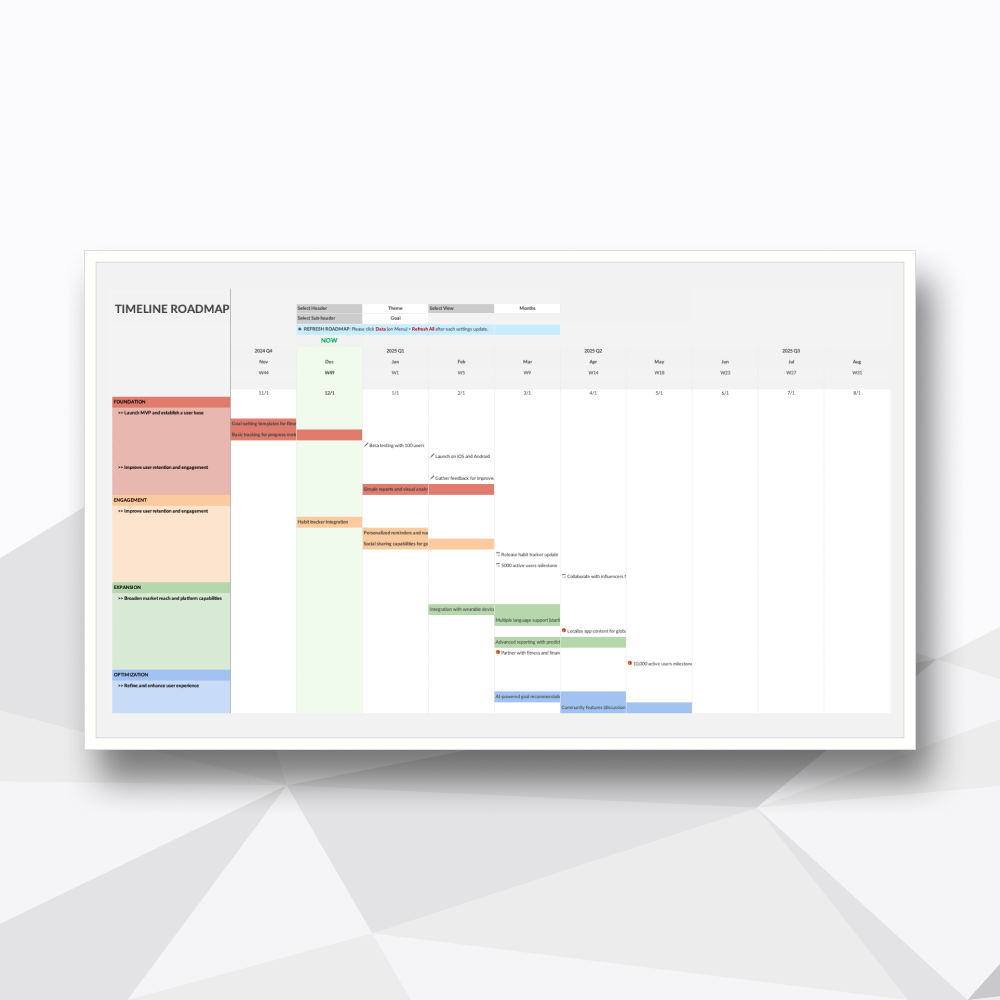
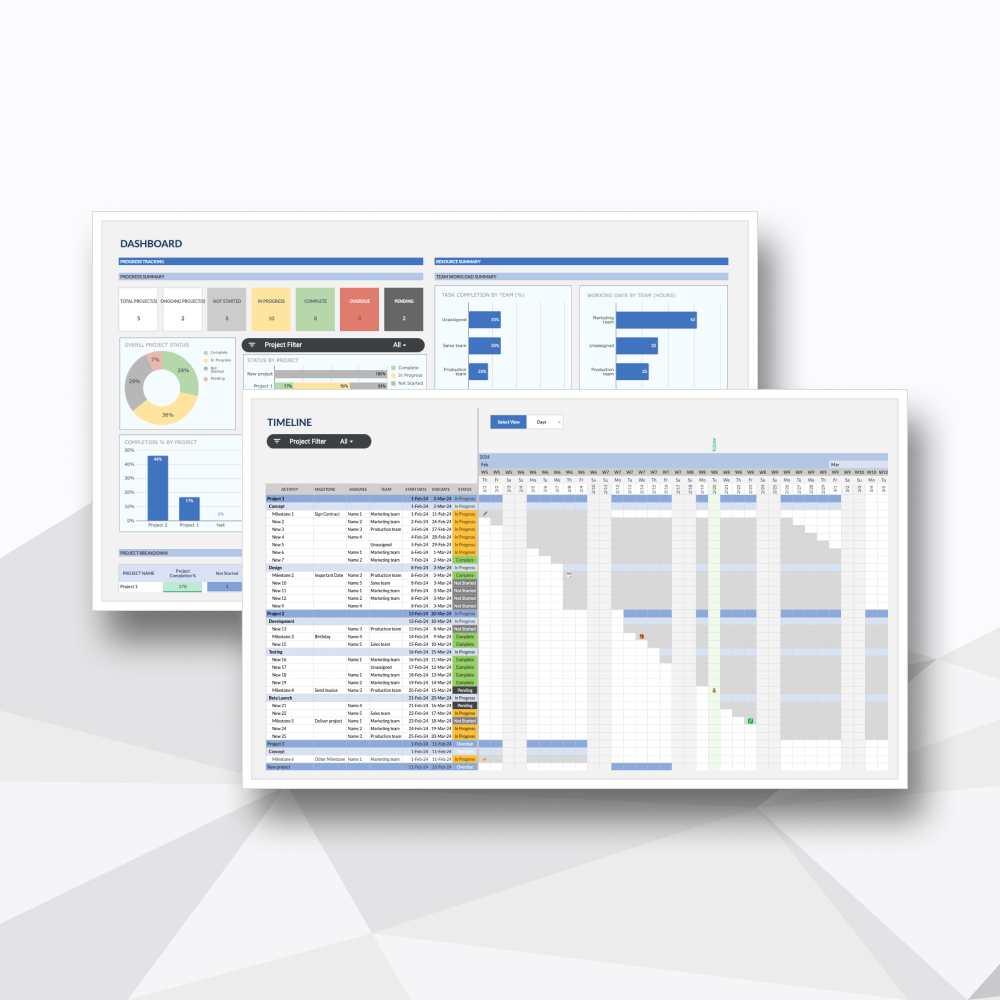
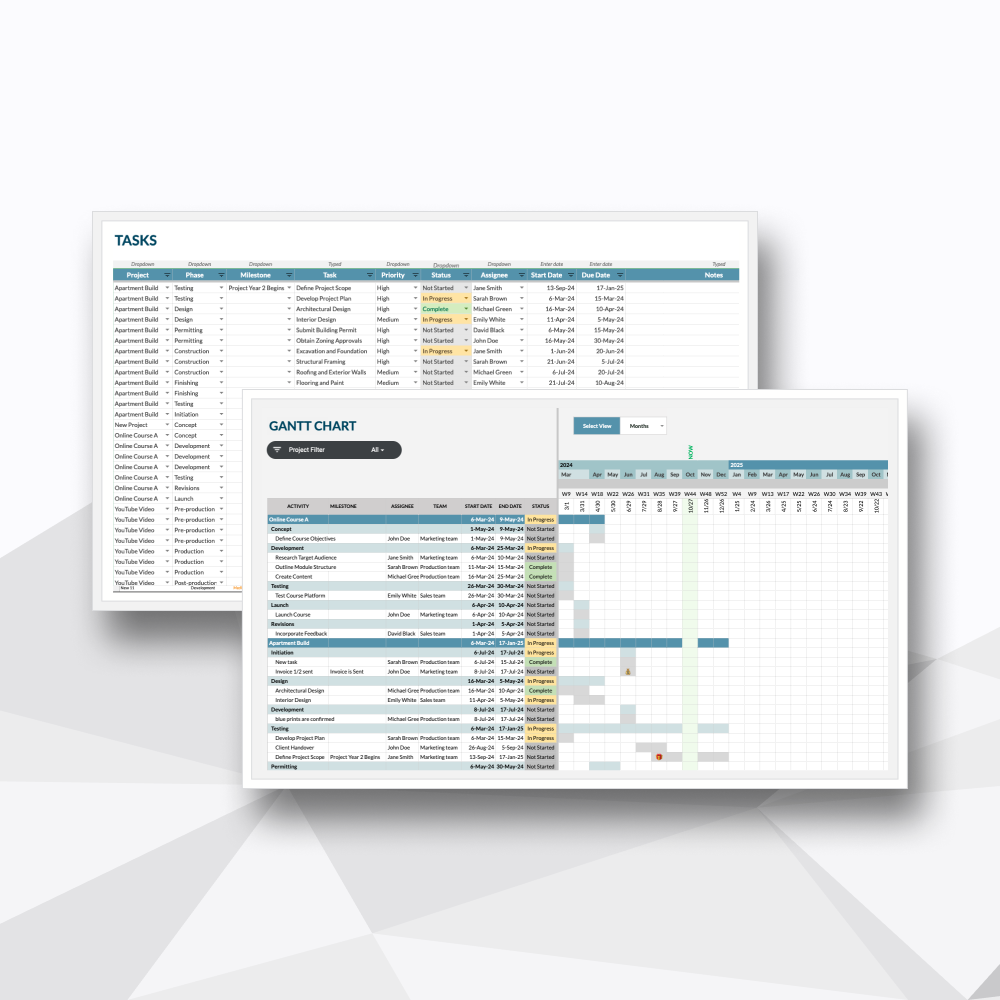
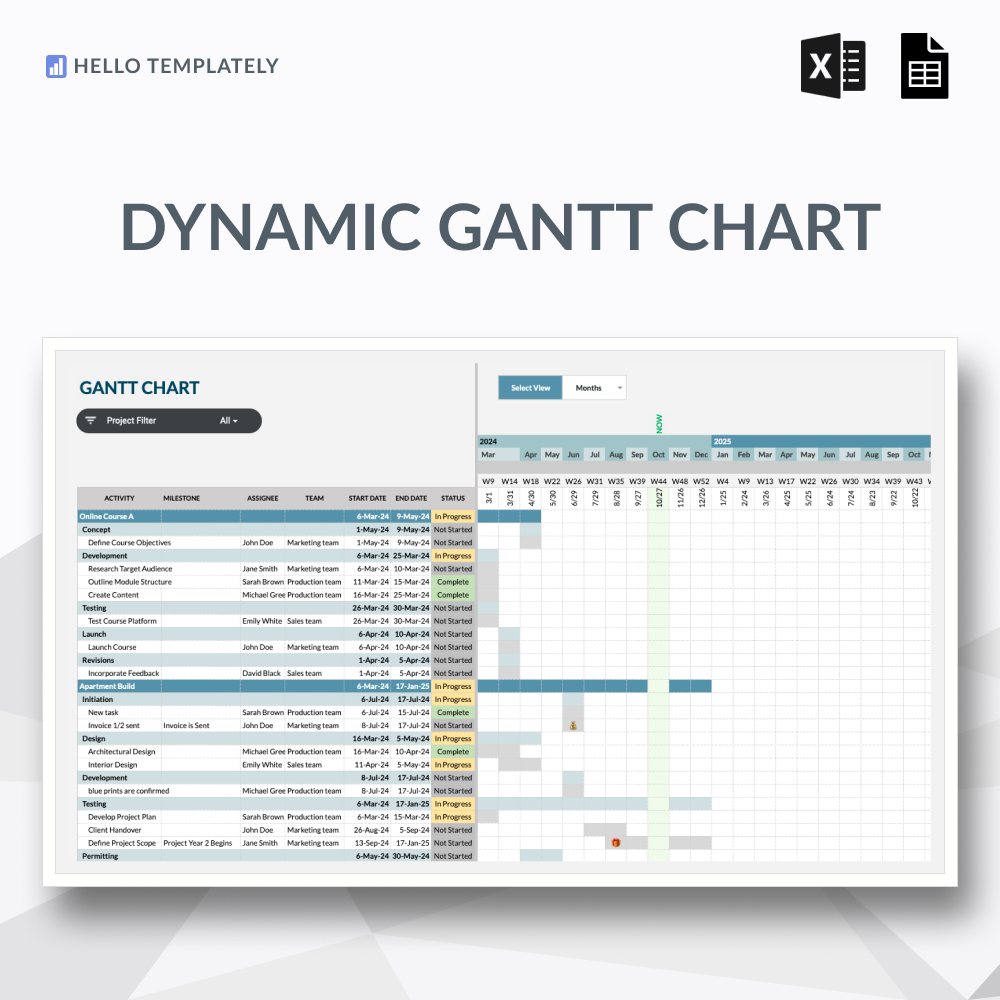
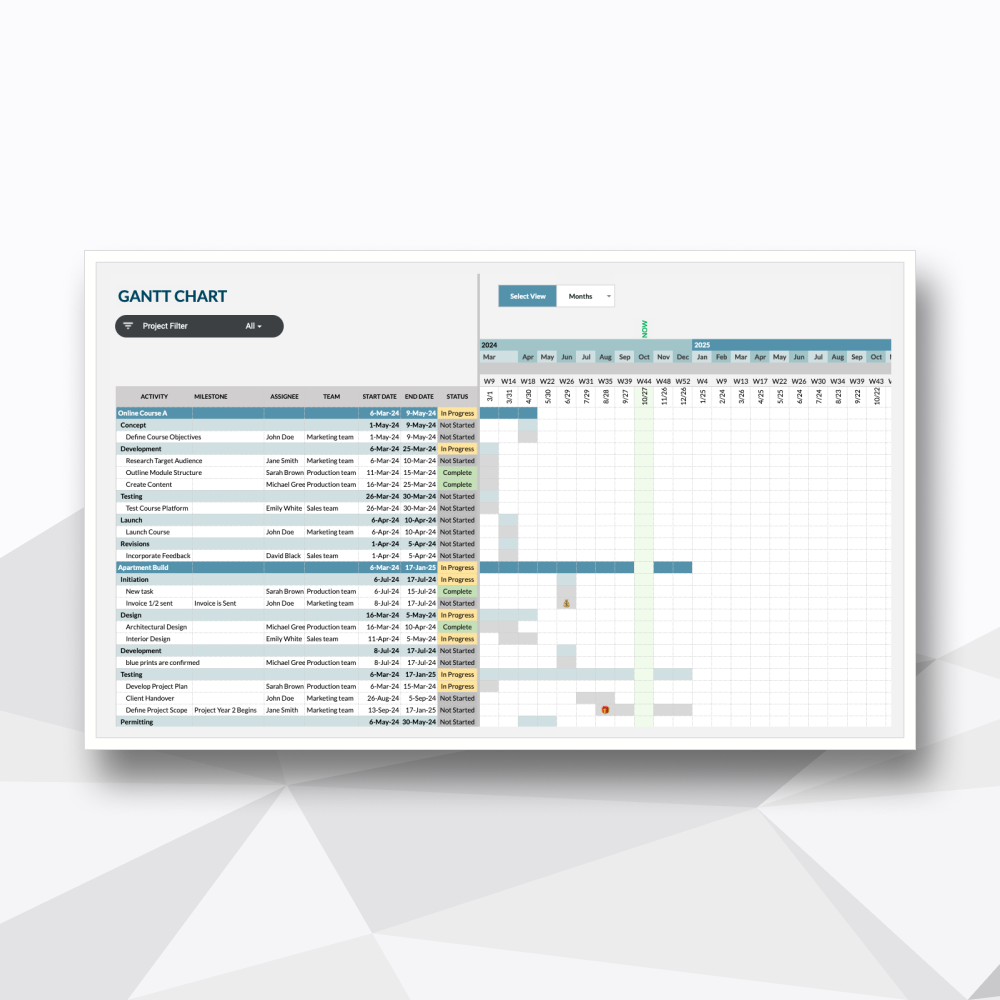
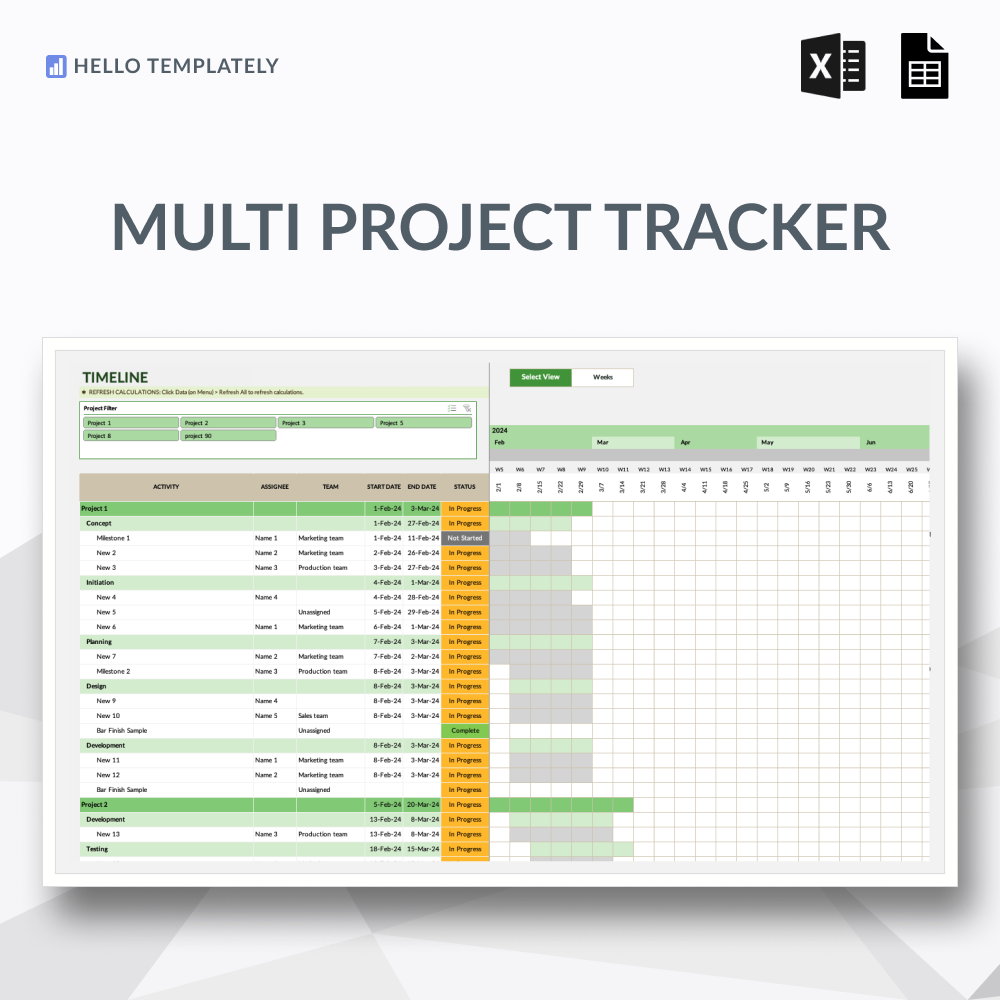
Automated Gantt Timeline
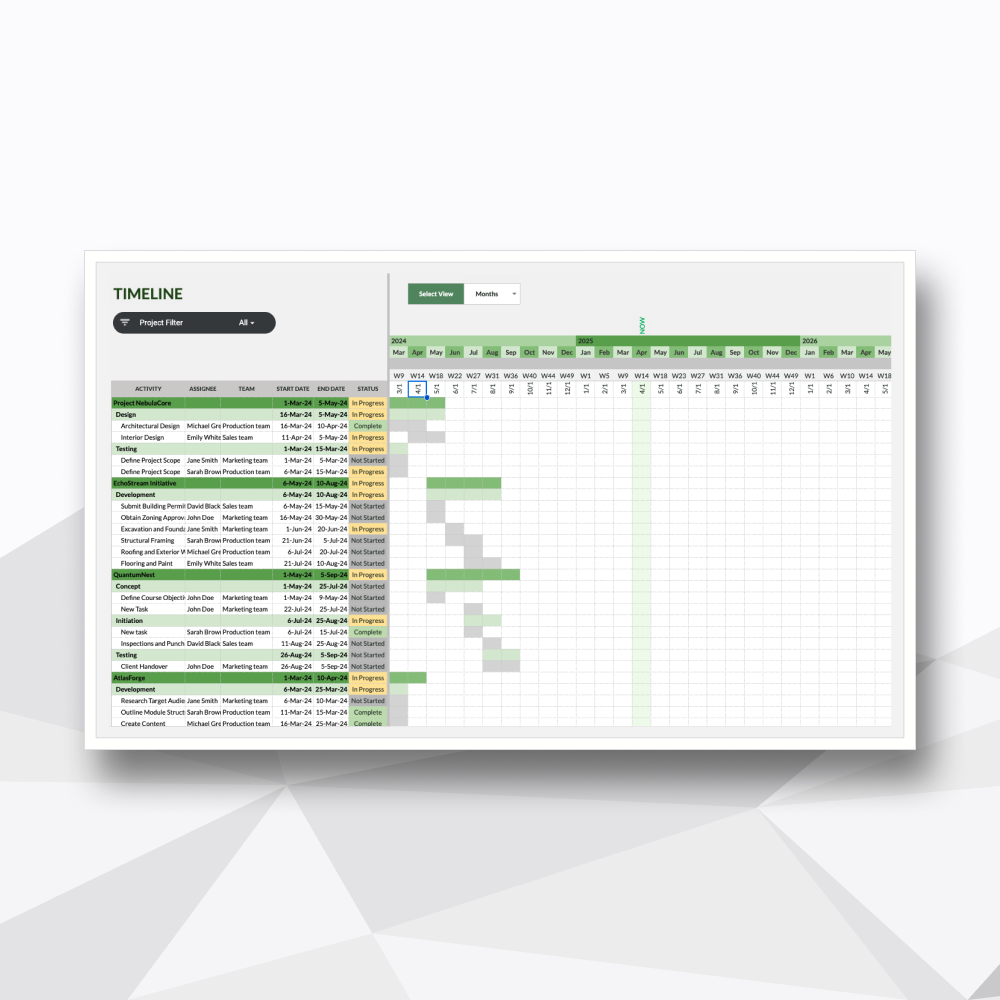
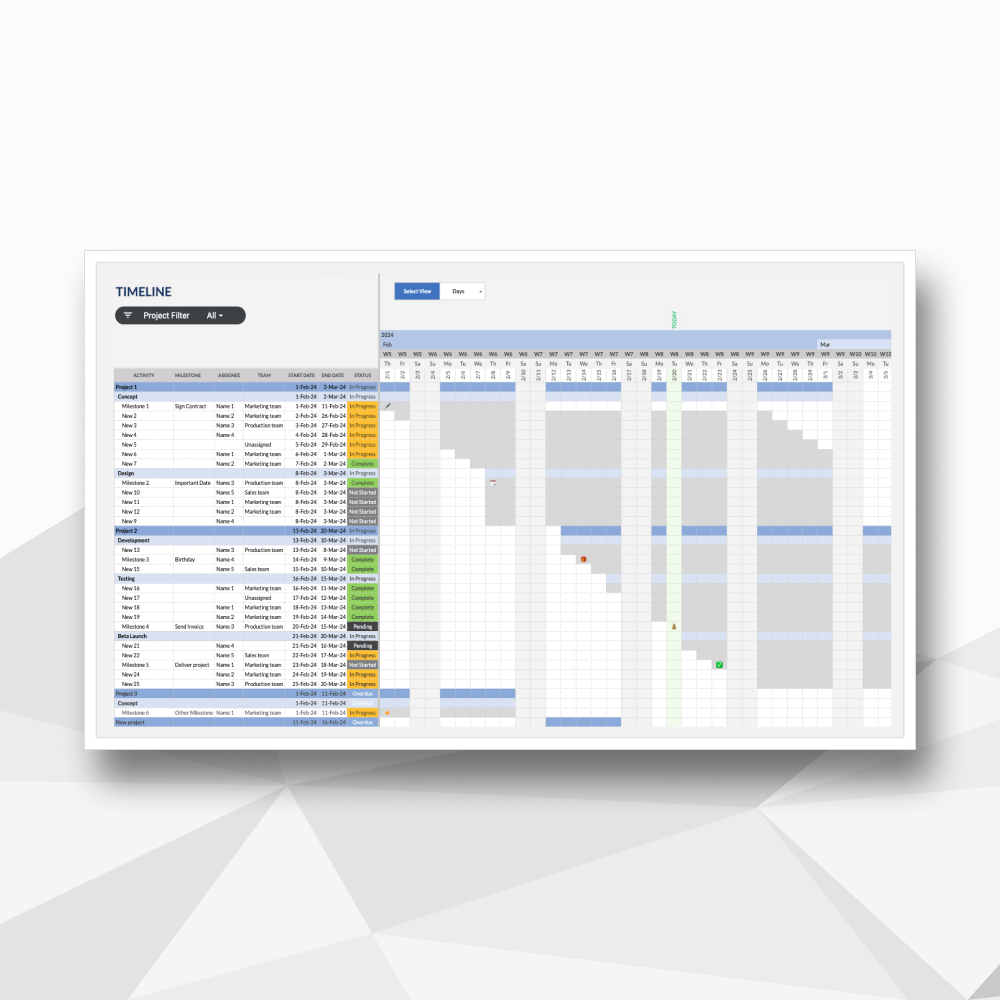
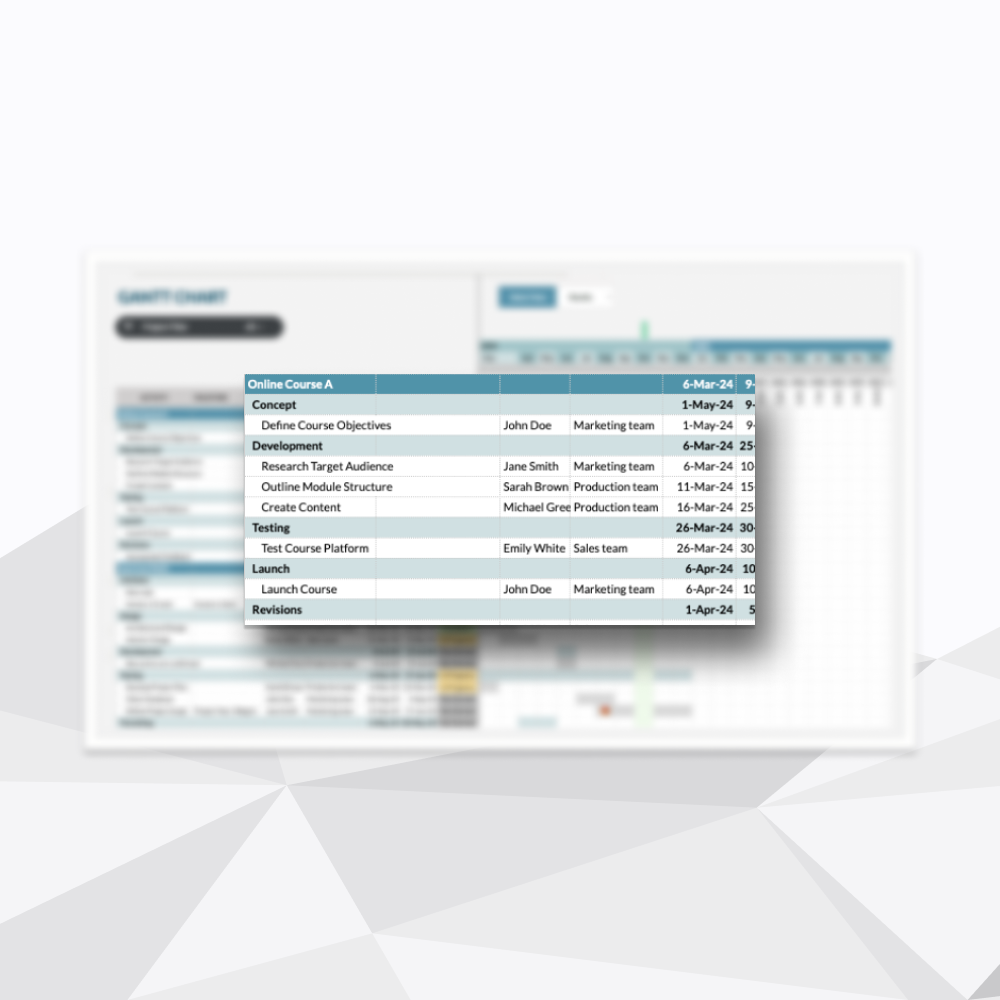
A visual chronological roadmap that automatically renders your project phases and task durations directly from your backlog.
-
![]()
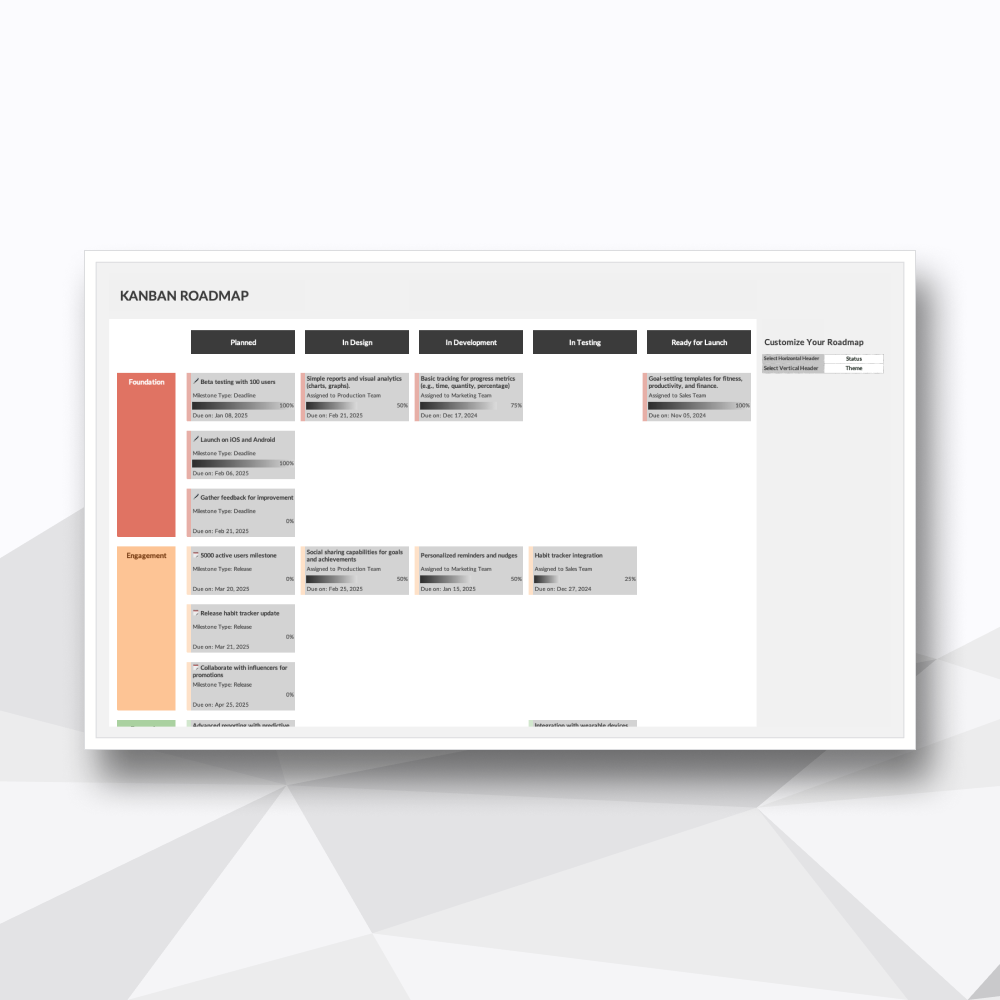
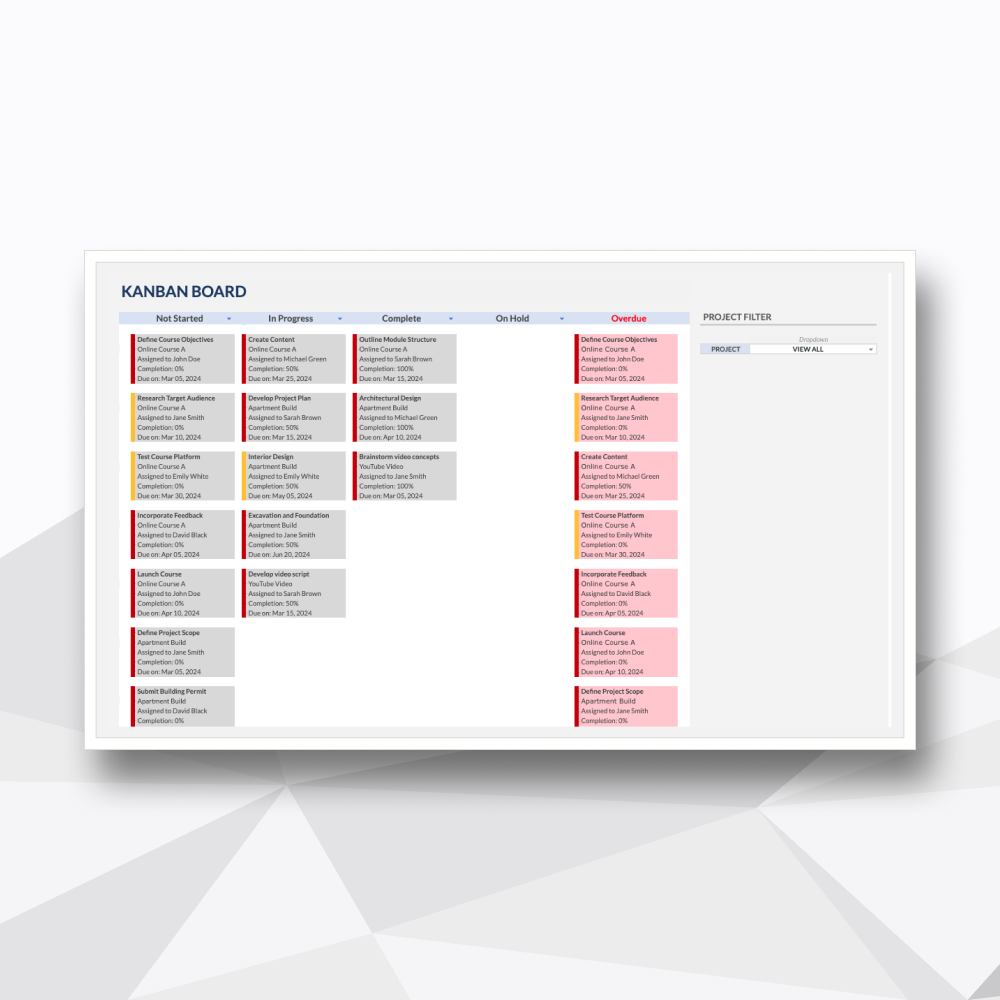
Visual Kanban Execution Board
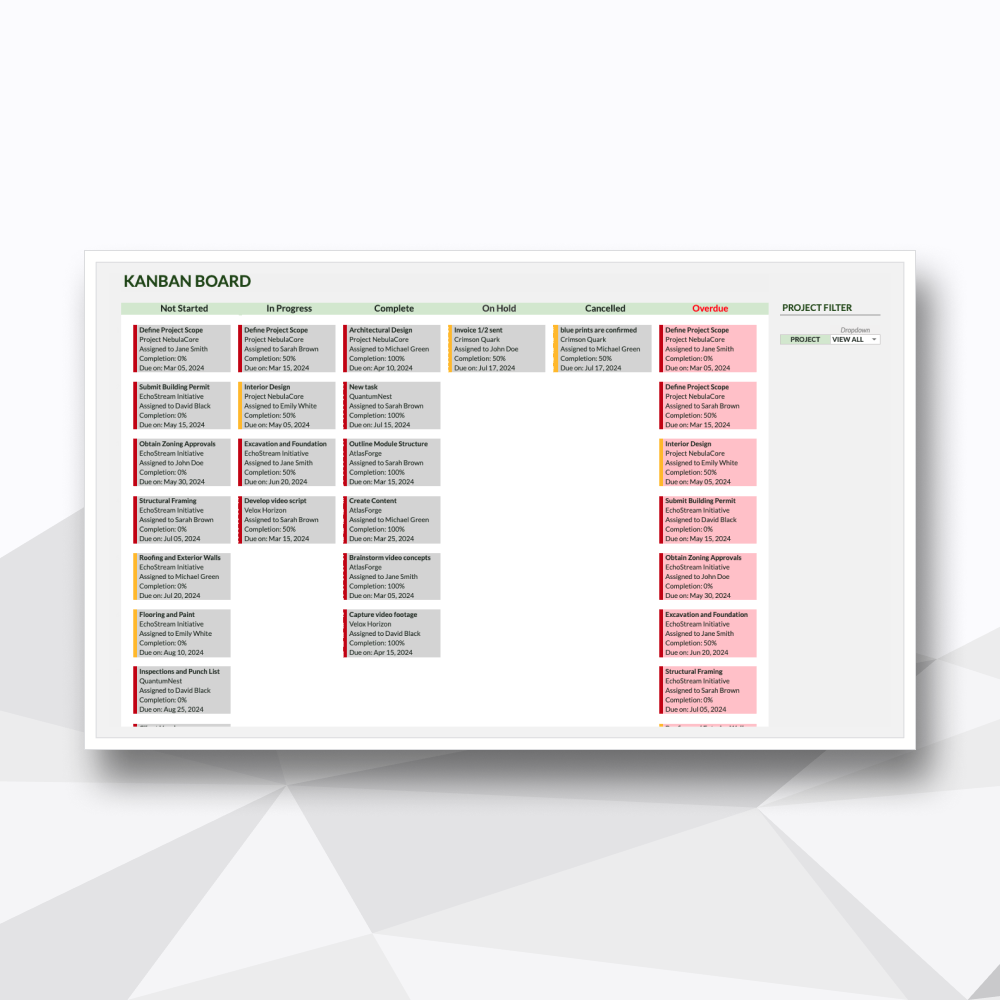
A dynamic interface for prioritizing daily tasks, managing field resources, and moving work smoothly from backlog to completion.
-
![]()
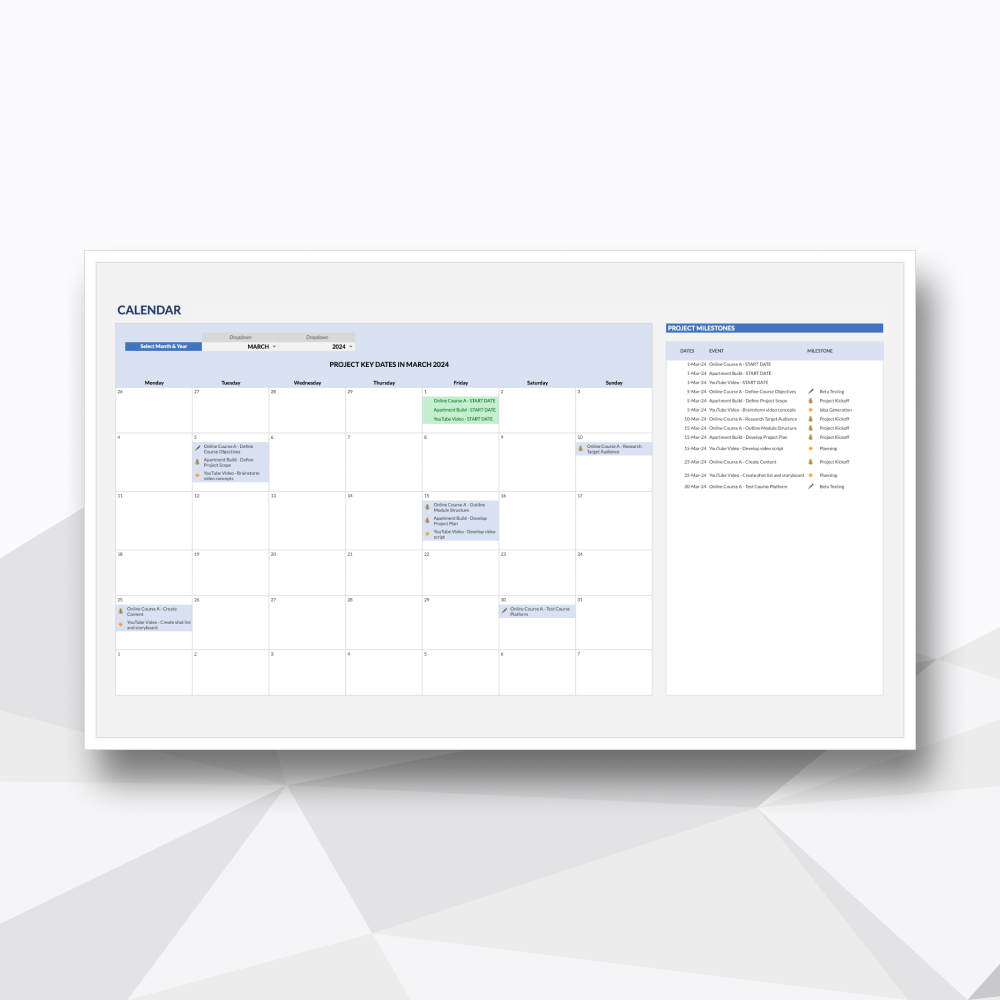
Dynamic Monthly Calendar View
A clean calendar layout that visually tracks multi-project deadlines and upcoming project key dates to prevent schedule conflicts.
-
![]()
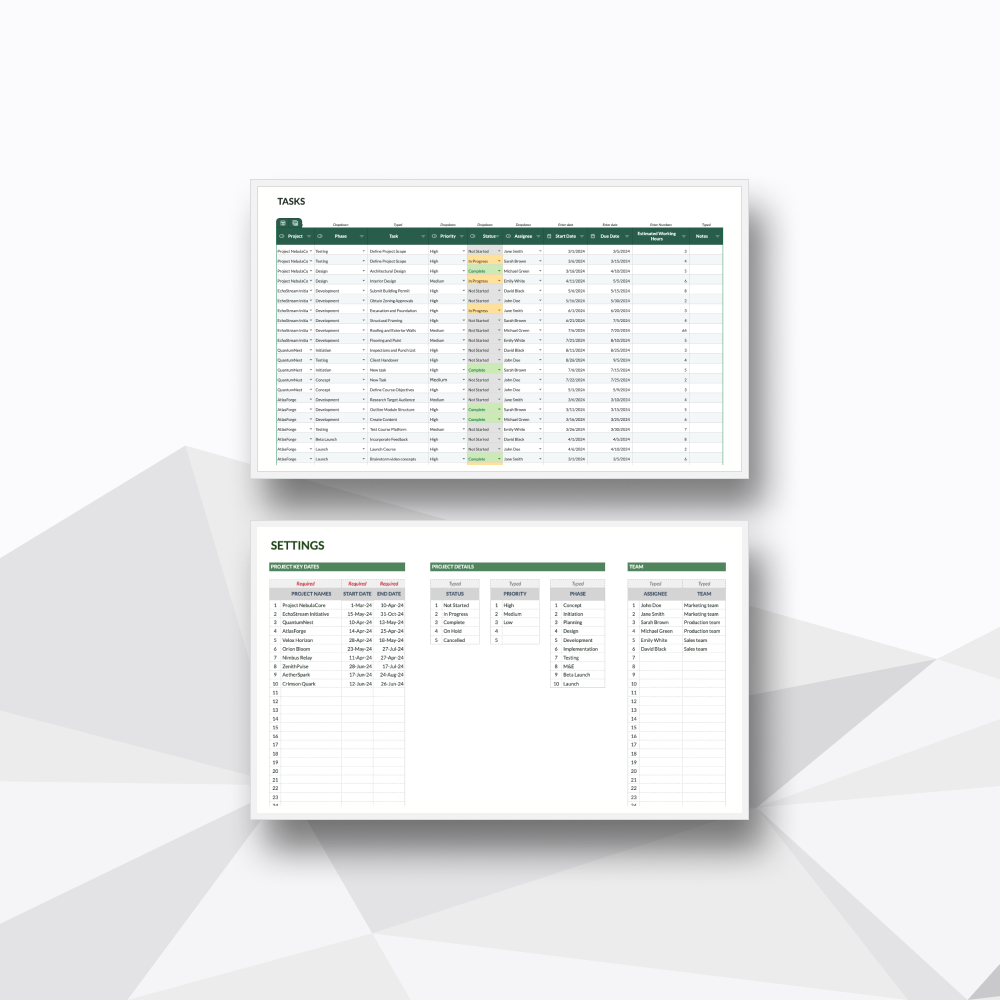
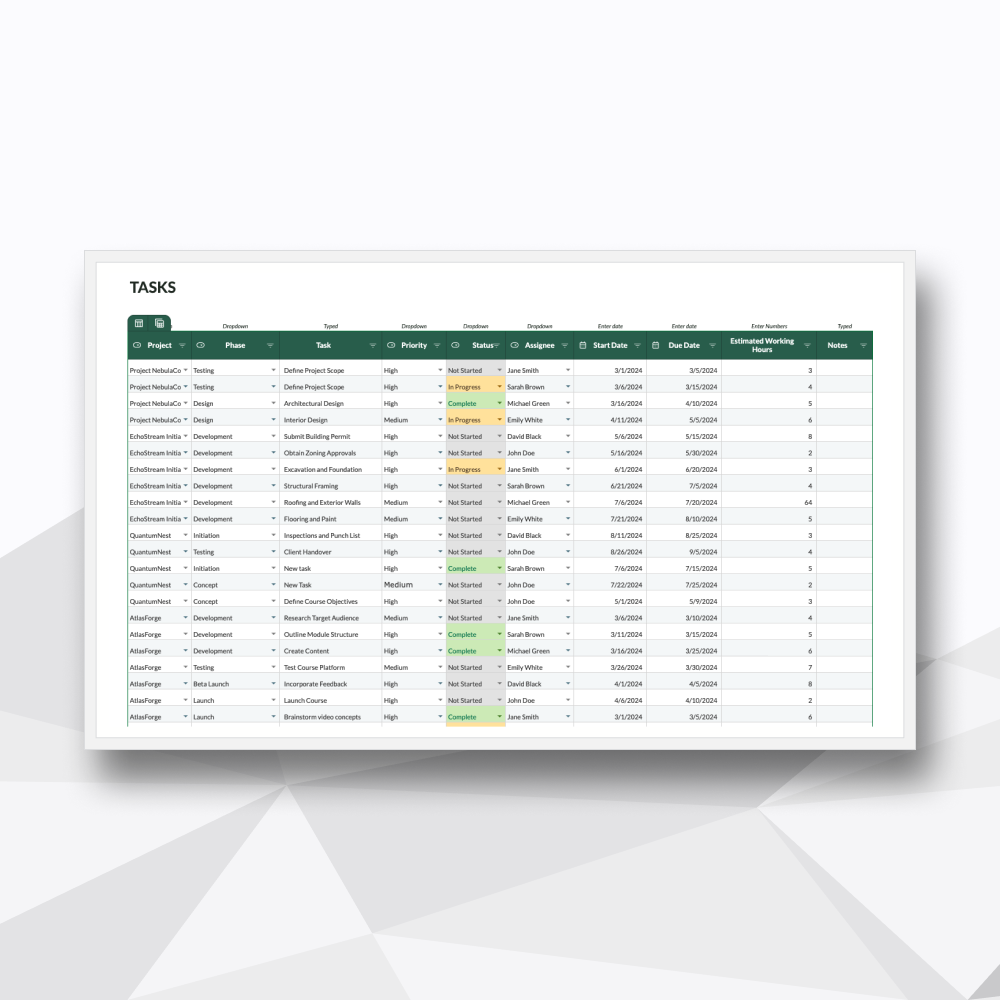
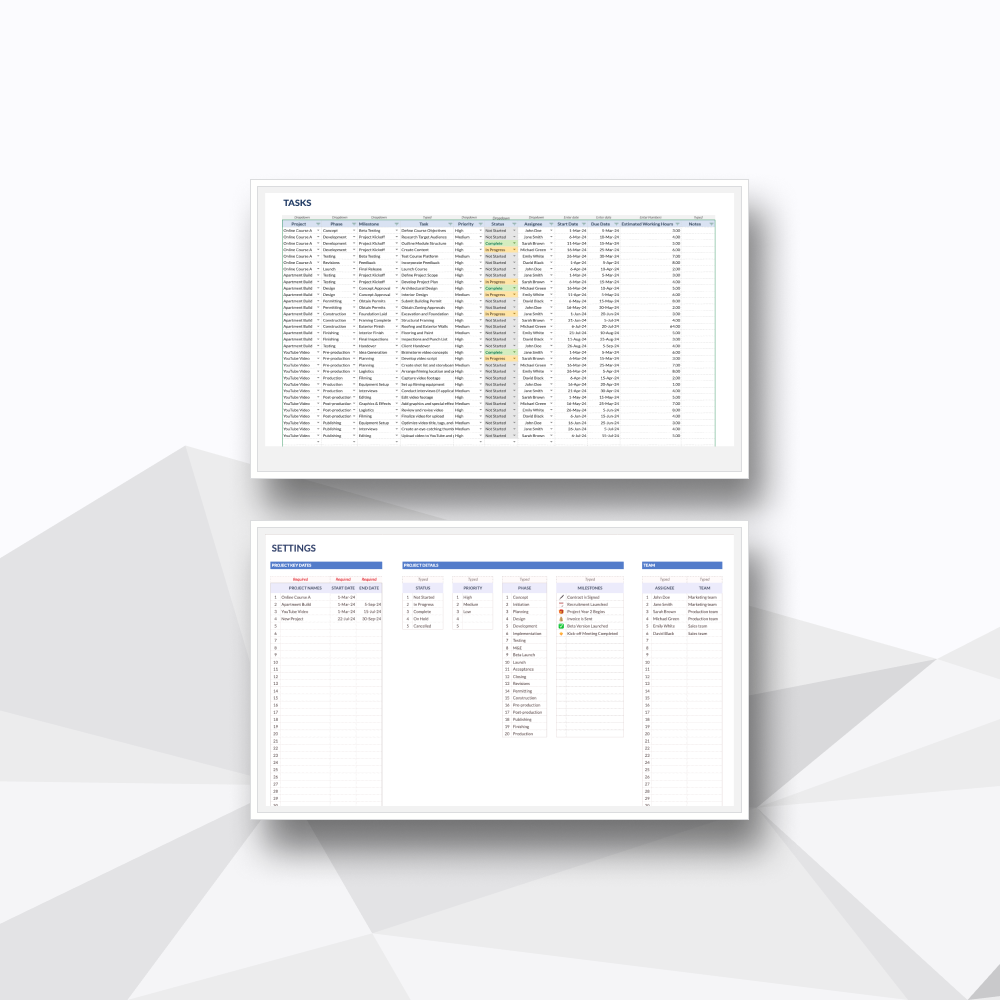
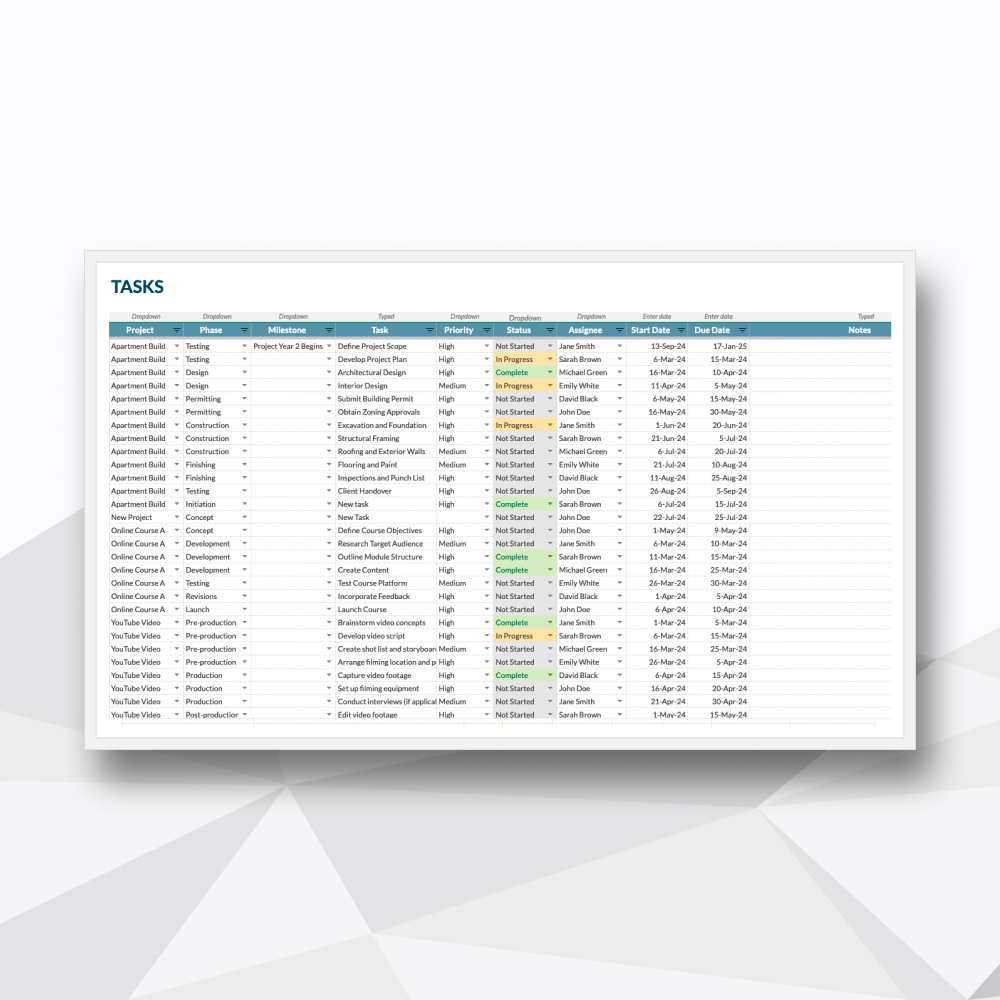
Centralized Task Tracker
A single database for organizing granular task descriptions, assignees, priorities, and deadlines in one place.
Template Description
Consolidate your oversight. High-capacity tracking for every moving part.
-
Built for project leaders, operations managers, and agency owners who need to oversee a vast portfolio without losing the ability to inspect the fine details. This Special Edition framework supports up to 50 projects, 10 project phases, and 50 team members. It balances executive oversight with tactical execution: you get a clean, high-level summary of your entire portfolio on one screen, and an interactive, deep-dive dashboard to analyze the exact mechanics of any individual project with a single click.
-
Upon purchase, you will receive a digital ZIP folder containing:
The Excel File: A .xlsx file to be used in Excel (designed for Microsoft 365 and Excel 2021).
The Google Sheets Access PDF: A setup guide containing a secure link to generate your own private, editable copy in Google Sheets.
-
Multi-Project Managers & Team Leads: Who need a central master index for up to 50 projects but spend their day-to-day managing individual project lifecycles.
Growing Agencies & Freelance Collectives: Tracking complex client workloads, specific team allocations, and granular project deadlines in a unified space.
Small Business Owners: Seeking enterprise-grade project tracking and individual diagnostic dashboards without recurring per-seat software costs.
-
Unified Portfolio Indexing: Eliminate spreadsheet clutter. Automatically synthesize baseline dates, progress percentages, and high-level statuses across 50 active projects.
Targeted Project Diagnostic: Instantly isolate a specific project on the dashboard tab. View deep-dive visuals, not started vs. completed tasks, and localized resource constraints for that project alone.
Automated Roadmap Generation: Input your timeline variables into the backlog and watch your chronological Gantt views and phase roadmaps render instantly without manual drawing.
Cross-Functional Workflow Views: Transition seamlessly between a dedicated monthly calendar view for deadline tracking and operational Kanban boards for daily team stand-ups.
-
This spreadsheet features 07 high-performance tabs:
Tab 1: Project Overview: Your master index. A clean, simplified analytical view summarizing the health, key dates, and progress metrics of up to 50 active projects simultaneously.
Tab 2: Project Dashboard: The diagnostic hub. Select any individual project from a dropdown to generate a deep-dive visual analysis of its task metrics, trends, and localized team performance.
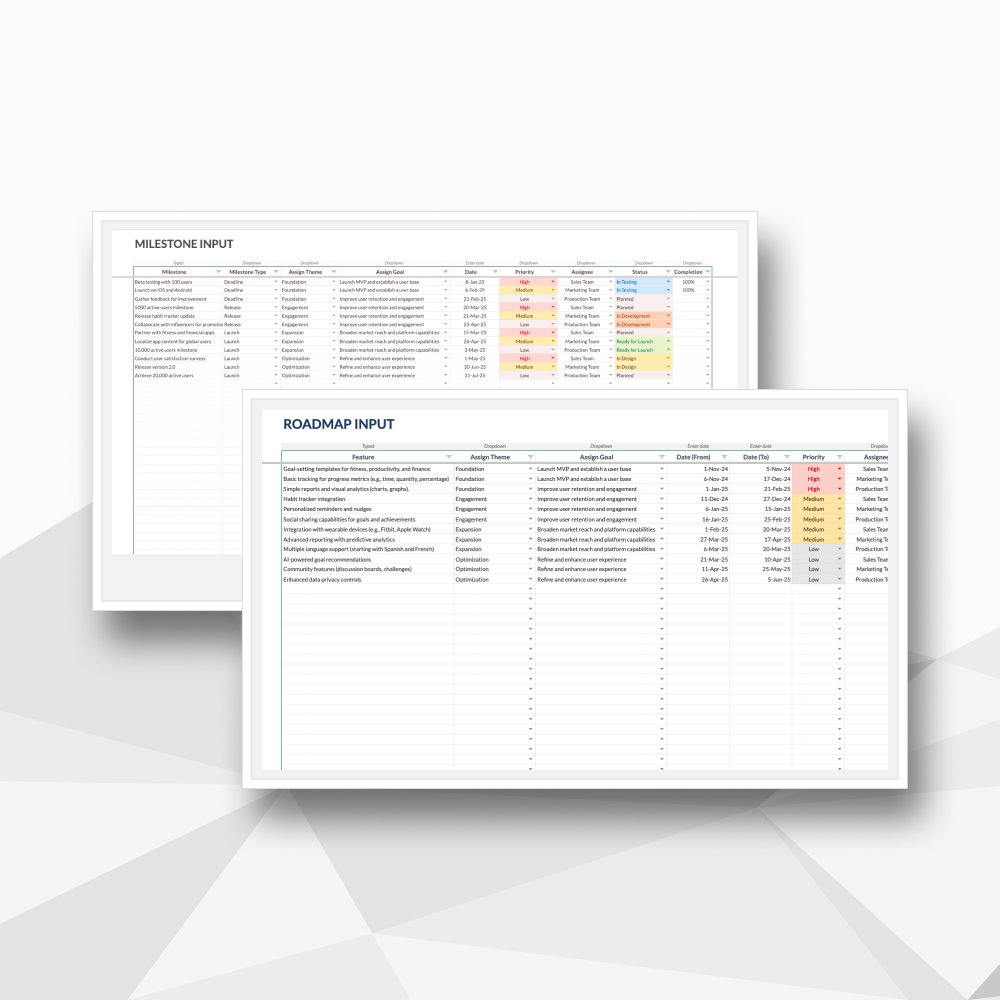
Tab 3: Task Backlog: The structural engine. A high-capacity, centralized database for logging all tasks, assigning owners, defining phases, and setting critical project paths.
Tab 4: Calendar View: The deadline tracker. A clean, monthly calendar layout that maps out your project milestones and target delivery dates visually.
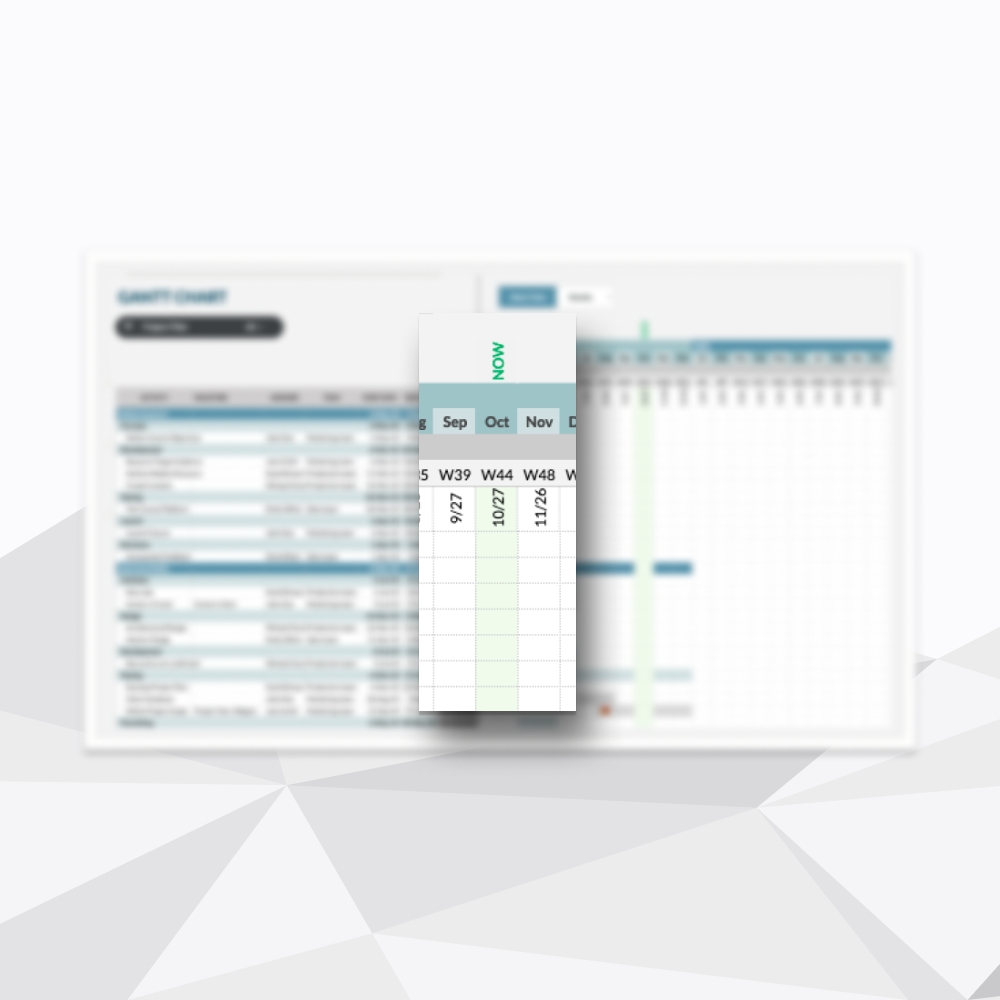
Tab 5: Timeline View (Gantt): The chronological roadmap. Automatically visualizes individual project durations and multi-phase dependencies alongside an active "Now" indicator.
Tab 6: Kanban View: The daily execution board. A drag-and-drop style interface to manage ongoing tasks, filter by project, and move items visually through your pipeline.
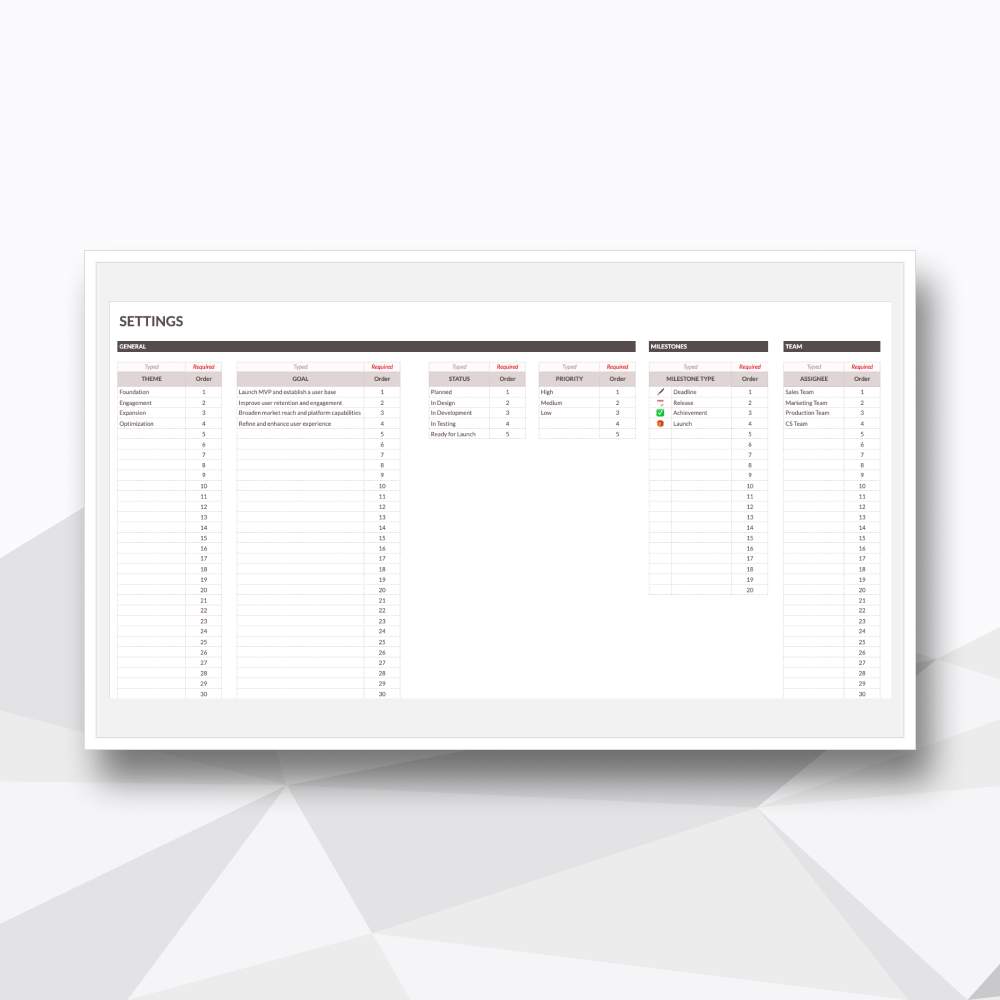
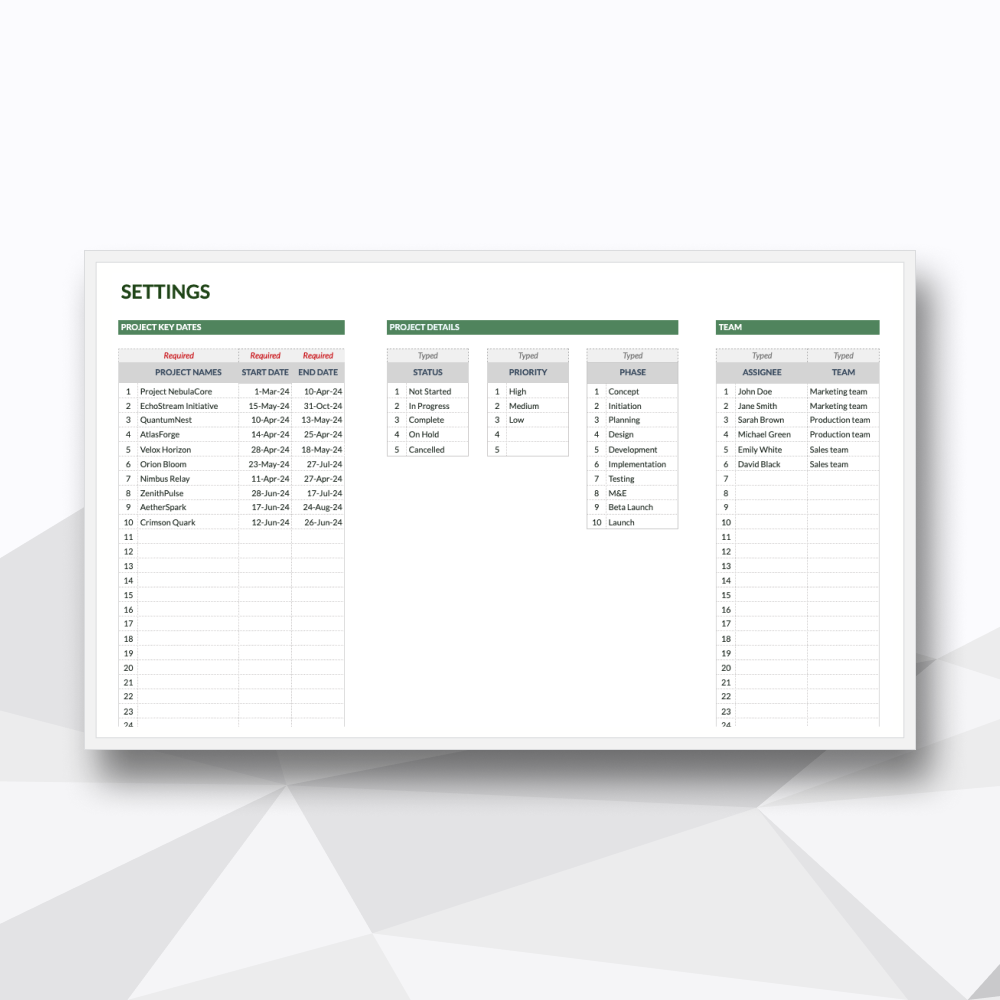
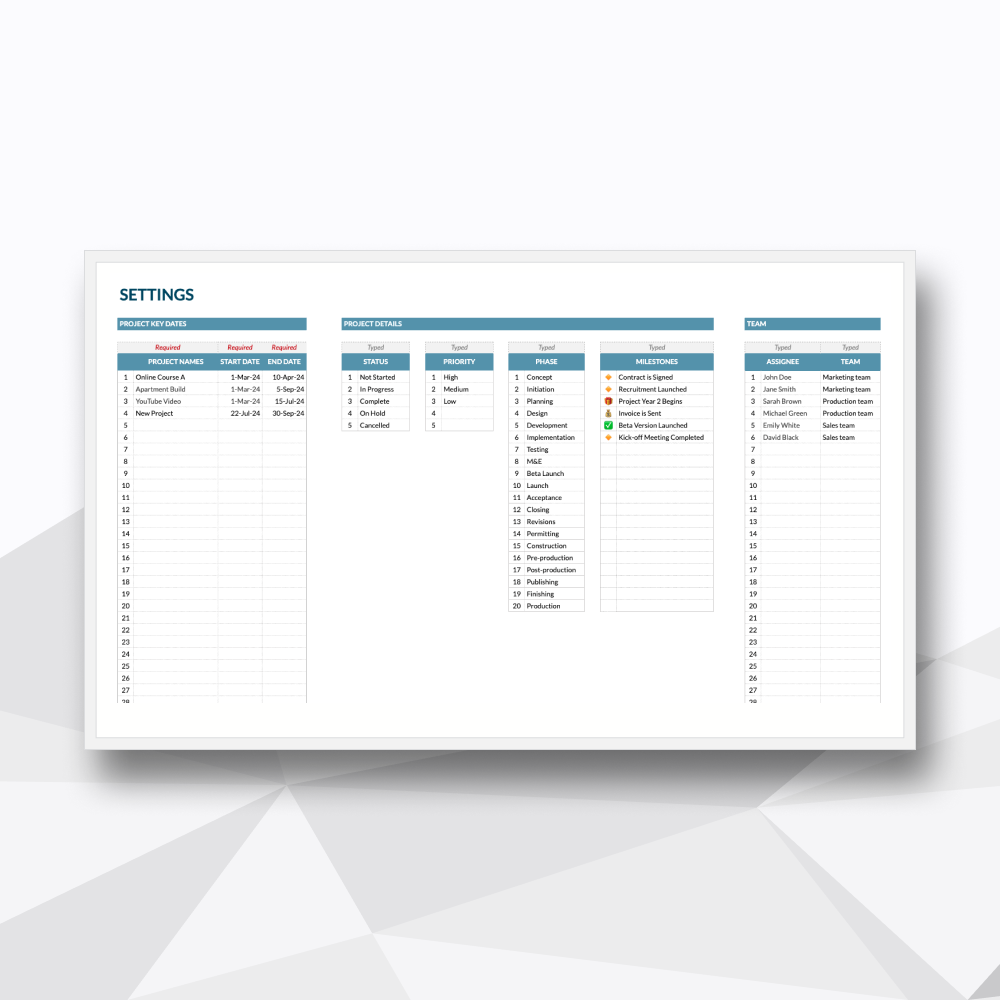
Tab 7: Project Settings: The master customization suite. Easily configure your 50 team members, 10 project phases, priority levels, and custom status indicators.
-
Microsoft Excel: Fully compatible with Microsoft 365 or Excel 2021 (Desktop version recommended).
Google Sheets: You will need a Google Account (Personal or Workspace) to access and save your private copy.
-
Protected Logic: We’ve secured the complex formulas and background calculations so you can manage your portfolio with confidence, without the risk of breaking the system.
No Recurring Overhead: A one-time investment for professional-grade project management. No per-user fees or monthly subscriptions.
Privacy & Ownership: Your data is yours. Since the file lives on your machine or private Google Drive, your project details and personnel data remain 100% private.
-
Instant Delivery: Access your files immediately after checkout via your account and email.
Customization Support: Need a specific tweak? Our team at Hello Templately is available for bespoke customization to ensure the tool fits your business perfectly.